
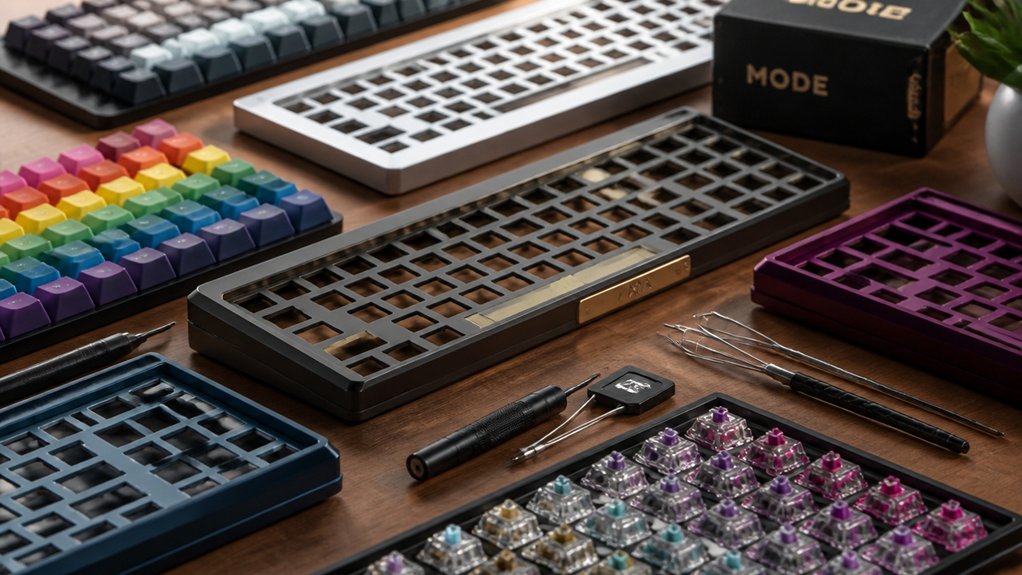
If you want full control over your keyboard’s feel and look, DIY mechanical kits in 2024 are perfect. Choose from popular layouts like 60%, 65%, or TKL with hot-swappable PCBs for easy switch swaps. Beginners can try the Neo80 or Monsgeek M1 V5, while enthusiasts might prefer the KBD8X MKIII or Mode Envoy. Pair these with quality switches and keycaps to customize your typing experience. Keep exploring to find the best fit and features for your needs.
Why Build a DIY Mechanical Keyboard Kit in 2024?
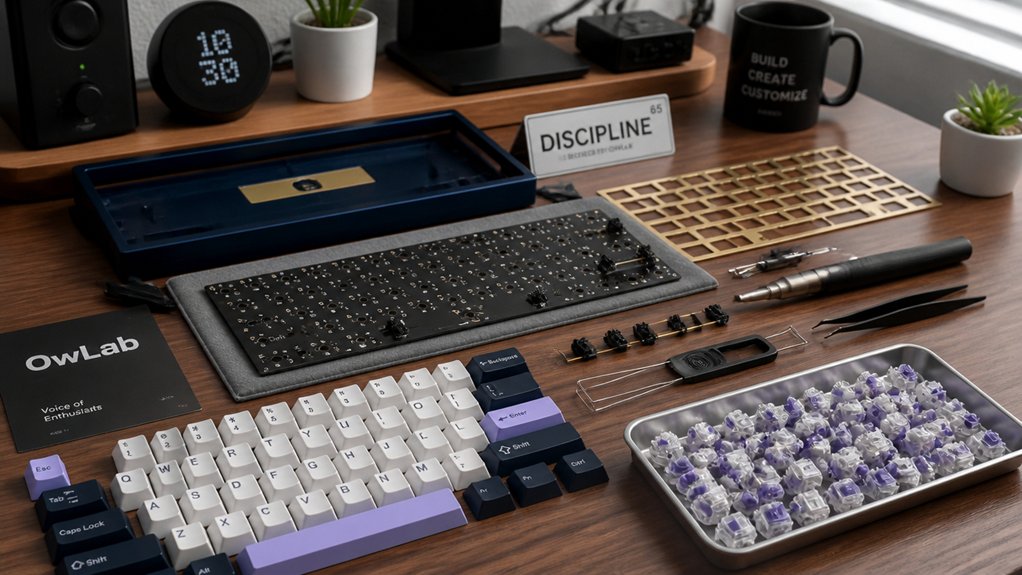
Why settle for a standard keyboard when you can build your own DIY mechanical keyboard kit in 2024? By choosing Custom Mechanical Keyboard Kits, you gain full control over switches and keycaps, tailoring your typing experience to exactly what you want.
Many kits now feature hot-swappable PCBs, so you can easily switch out keys without soldering, making upgrades hassle-free. You’ll also find options with sturdy aluminum cases, which add durability and a premium feel.
Building your own DIY Mechanical Keyboard allows you to explore various mounting styles and layouts, boosting comfort and sound quality beyond what prebuilt boards offer. Plus, assembling your keyboard teaches valuable skills and lets you create a device that truly reflects your style and needs.
How to Choose the Right Layout and Features for Your DIY Mechanical Keyboard Kit
When selecting the right layout and features for your DIY mechanical keyboard kit, start by considering how you use your keyboard daily and the space you have on your desk. Compact layouts like 60% or 65% save space, while 75% or TKL offer a great balance of size and function keys.
Look for a hot-swappable PCB to easily test and swap switches without soldering, perfect for customizing your typing feel. Make sure your custom kits support programmable firmware such as QMK or VIA, so you can remap keys, set macros, and tweak lighting to your liking.
Finally, pick materials and mounting styles that match your preferred typing sound and feel. These choices will help you build a DIY custom mechanical keyboard tailored precisely to your needs.
Best DIY Keyboard Kits for Beginners and Budget Buyers
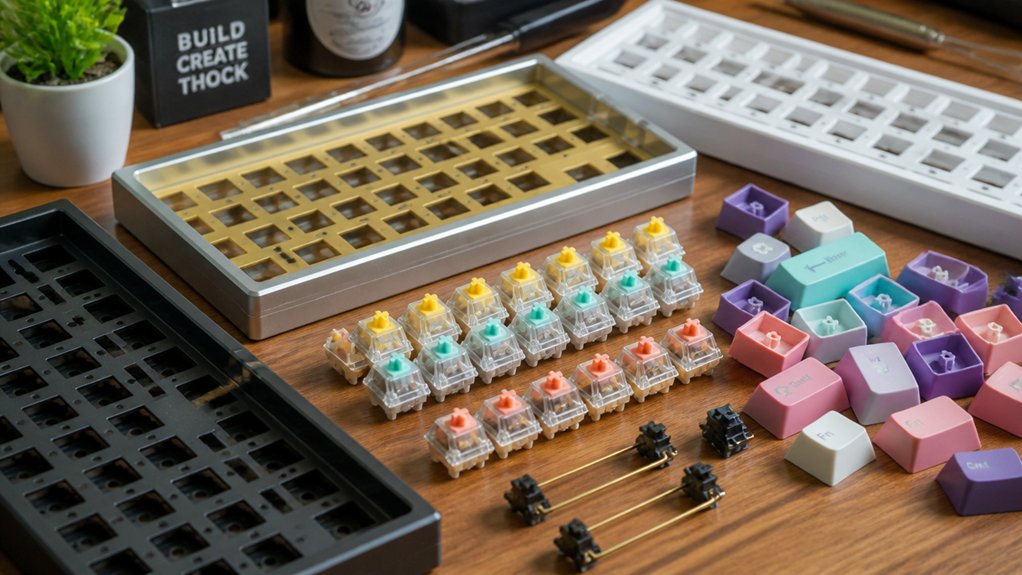
If you’re just starting out or working with a tight budget, several DIY mechanical keyboard kits combine ease of assembly with great value. The Neo80 stands out with its catch ball enclosure and customizable mounting styles, starting around $110. Monsgeek M1 V5 simplifies assembly and customization through its rapid disassemble design and VIA support, perfect for beginners.
For budget-conscious gamers, the Bauer Lite offers a lightweight, gasket-mounted plastic shell priced near $120. If you want minimal hassle, Keychron’s Q-series pre-assembled models provide a smooth entry into mechanical keyboards without extensive DIY work.
Finally, group buy favorites like the NK87 Aluminum Edition and Rainy75 offer affordable, quality layouts typically under $100, making these custom keyboards solid choices if you want to build your own mechanical keyboard without overspending.
DIY Keyboard Kits for Enthusiasts and Advanced Builders
Although DIY keyboard kits for beginners serve well to learn the ropes, enthusiasts and advanced builders will appreciate the enhanced customization, premium materials, and innovative mounting options offered by kits like the KBD8X MKIII, Mode Envoy, and Neo Ergo. These DIY custom mechanical keyboards let you tailor switches, cases, and internal components to your preferences, elevating typing feel and sound. Whether you want heavyweight aluminum, lattice block mounts, or ergonomic tented designs, these kits deliver quality and versatility.
| Kit Name | Price Range (USD) | Features |
|---|---|---|
| KBD8X MKIII | From $199 | Aluminum case, two mount styles |
| Mode Envoy | From $199 | Lattice block mount, online config |
| Neo Ergo | $130–$188 | Tented ergonomic build |
| Neo80 | $110–$190 | Multiple mounts, latch enclosure |
Switch and Keycap Customization Tips for DIY Kits
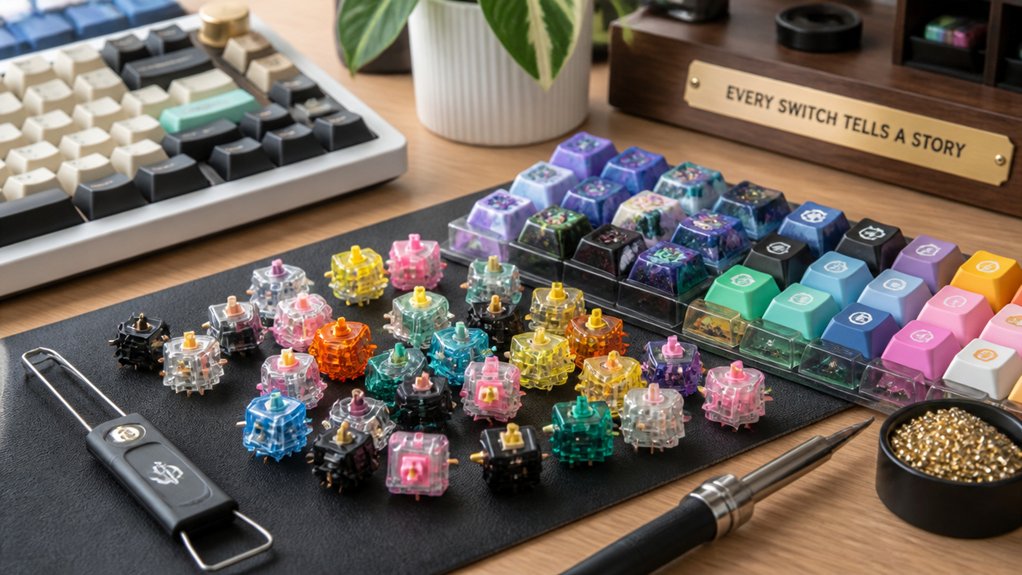
How can you optimize your DIY keyboard’s feel and sound? Start by selecting the right components to match your preferences. Here’s how to get the most from your DIY custom mechanical build:
- Choose Gateron Yellow Pro 3.0 linear switches for balanced performance at a great price—perfect if you want smooth keystrokes.
- Pick high-quality keycaps like CannonCaps or NicePBT from group buys, ensuring durability and compatibility with your Circuit Board layout, especially for TKL or 75% configurations.
- Take advantage of hot-swappable PCBs to test different linear switches and find your ideal tactile profile without soldering headaches.
- Customize RGB lighting carefully to complement your keycaps without overwhelming the aesthetic, enhancing both look and function.
These tips turn your DIY mechanical kit into a personalized masterpiece.
Frequently Asked Questions
How Do I Properly Lube Mechanical Keyboard Switches?
You’ll first open each switch, separate the stem from the housing, then apply a thin layer of lube on the spring, sliders, and stem to reduce friction. Just don’t over-lube to avoid sluggishness!
What Tools Do I Need to Assemble a DIY Keyboard Kit?
You’ll need a screwdriver, switch puller, keycap puller, soldering iron (if it’s a solder kit), tweezers, and a stabilizer clipper. Having lubricants and a small brush helps for smoother switches.
Can I Program Custom Macros on These DIY Keyboard Kits?
Yes, you can program custom macros on most DIY keyboard kits. They usually support firmware like QMK or VIA, letting you easily customize key functions and macros to boost your productivity and gaming experience.
How Do I Troubleshoot Key Chatter or Unresponsive Keys?
You should start by cleaning the switches and stabilizers, then reseat the keycaps. If the issue persists, check your soldering for cold joints or shorts. Update your firmware and test with different key mapping software.
Are These Kits Compatible With Both Windows and Mac OS?
Yes, most DIY mechanical keyboard kits work seamlessly with both Windows and Mac OS. You’ll just need to customize key mappings or use firmware that supports Mac-specific shortcuts to get the best experience on either system.
In Summary
Building your own DIY mechanical keyboard kit in 2024 is a rewarding way to tailor your typing experience. By choosing the right layout and features, you can create a setup that fits your needs perfectly. Whether you’re a beginner or an advanced builder, there’s a kit for you. Don’t forget to customize your switches and keycaps to make your keyboard truly yours. Jump in, experiment, and enjoy the satisfying result of a personalized, high-quality keyboard.



