
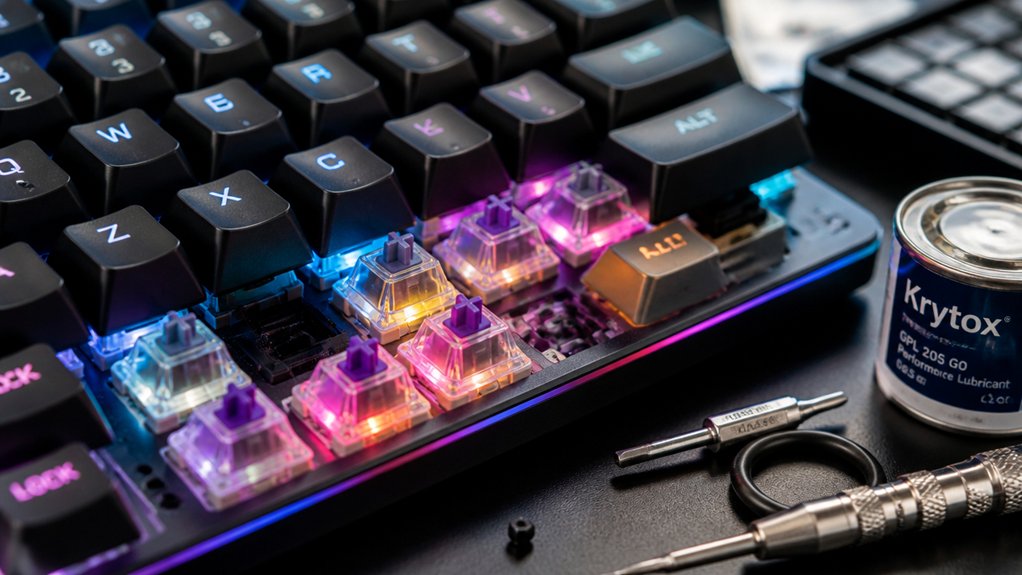
To upgrade your mechanical keyboard effectively, start by experimenting with hot-swap switches for easy customization and sound dampening. Lubricate switches and stabilizers to improve feel and reduce noise. Use a switch puller to safely replace and test switches, and keep sockets clean to prevent issues. Clip stabilizers and add damping materials for better stability. If you continue exploring, you’ll discover more tips to enhance your keyboard’s performance and longevity.
Are Hot-Swap Mechanical Keyboards Right for You?
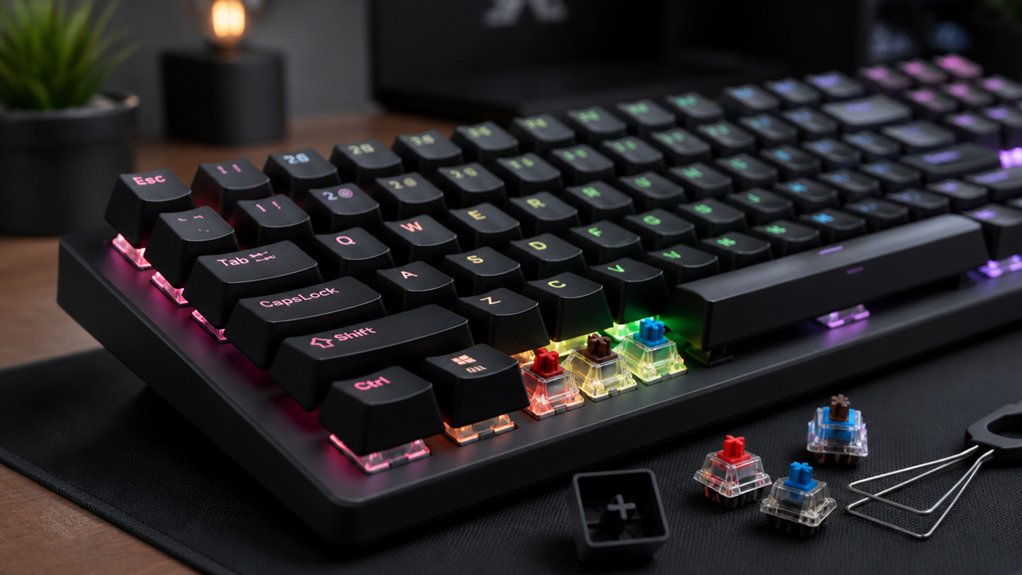
Are hot-swap mechanical keyboards the right choice for you? If you want a flexible, user-friendly option for switch upgrades, they definitely are. Hot-swap mechanical keyboards, like the Keychron Q5 Max, let you change switches without soldering, making keyboard modding much easier.
A hot-swappable compatibility feature allows for quick and easy switch replacements, giving you the freedom to customize your typing experience.
You can experiment with different mechanical switches to improve your typing feel, sound, and actuation force without technical hassle. This flexibility also allows for sound dampening or lubing to enhance comfort and acoustics.
Plus, hot-swap boards support easy maintenance and upgrades, saving you time and costs compared to soldered keyboards. If you value personalization, quick switch changes, and straightforward upkeep, hot-swap mechanical keyboards are an excellent choice for your setup.
What Are Hot-Swap Mechanical Keyboards and How Do They Work?
Hot-swap mechanical keyboards are designed with sockets that let you easily remove and replace individual switches without soldering. This feature makes switch replacement simple, enabling customization and keyboard modding without technical skills. You can swap switches to change the feel, sound, or actuation force, tailoring your mechanical keyboard to your preferences. These sockets are durable, supporting multiple switch swaps for ongoing experimentation. With hot-swap keyboards like the Keychron Q5 Max, you can also fully disassemble the keyboard for further upgrades, such as lubing switches or adding sound dampening. Additionally, compatibility considerations ensure selecting the correct sockets for your switch type for optimal performance.
How Do You Upgrade Switches on a Hot-Swap Keyboard?
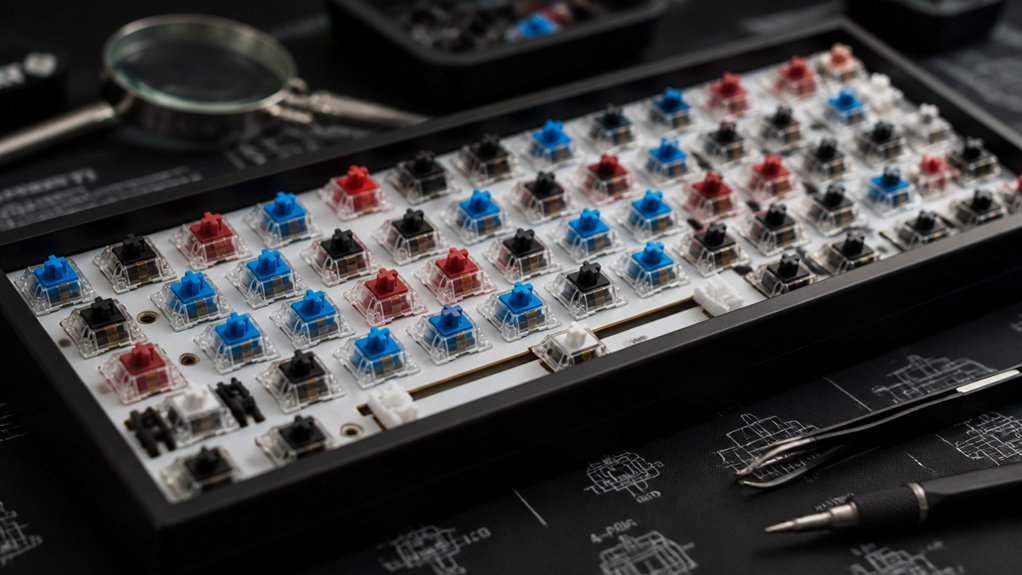
Upgrading switches on a hot-swap keyboard like the Keychron Q5 Max is straightforward and tool-friendly. Start by removing the existing switches with the included switch puller, making mechanical keyboard tuning simple. A durable switch puller ensures safe and efficient removal without risking damage to your switches or PCB. Confirm that your new switches are compatible—most hot-swap keyboards support MX-style switches. Gently align the pins of your new switches with the sockets on the PCB and press them in carefully to avoid damaging the pins. Lubricating the switches before installation can improve smoothness and reduce noise, elevating your typing experience. Once all switches are installed, test each one using the keyboard’s onboard diagnostics or software to verify proper connectivity and function. This process makes upgrading switches quick and fuss-free, perfect for customizing your hot-swap keyboard’s performance and feel.
What Are the Benefits of Hot-Swap Compared to Soldered Builds?
Hot-swap keyboards make it easy to customize your setup and try different switches without soldering. They also simplify maintenance, reducing the risk of damaging the PCB when replacing switches. Additionally, pre-tinned plated holes in many hot-swap PCBs help ensure reliable solder joints if you decide to switch to soldered builds later.
Ease of Customization
Compared to soldered builds, hot-swap keyboards make customization much easier and quicker. With hot-swap mechanical keyboards, you can upgrade or replace switches without soldering, simplifying the modding process. This flexibility allows you to experiment with different switch types to find your preferred feel and sound.
The ease of customization saves time and reduces the risk of damage during upgrades, making it accessible even if you’re new to modding a keyboard. Keychron Q5 Max and similar models often include full disassembly tools, streamlining switch swapping.
Here are some key benefits:
- Swap switches without soldering or special skills
- Test various switch types easily
- Minimize damage risk during upgrades
- Customize frequently for different preferences
- Support for hot-swappable PCBs ensures compatibility across a range of switches and layouts
Simplified Maintenance Processes
Switching out keyboard switches becomes much simpler with hot-swap designs, eliminating the need for soldering or specialized tools. Hot-swap mechanical keyboards let you easily perform switch replacements, drastically reducing maintenance complexity.
Instead of desoldering, you simply pull out the old switch and install a new one—perfect for quick modding or repairs. Hot-swap sockets enable you to mod a regular keyboard without permanent modifications, making experimentation safer and less intimidating.
This feature also speeds up upgrades, minimizing downtime when switches fail or you want a different feel. With hot-swap compatibility, both beginners and seasoned enthusiasts find maintenance more accessible, avoiding messy soldering or tools. Additionally, hot-swappable PCBs often support a wide variety of switches, giving users even greater customization options.
Troubleshooting Common Hot-Swap Switch Issues
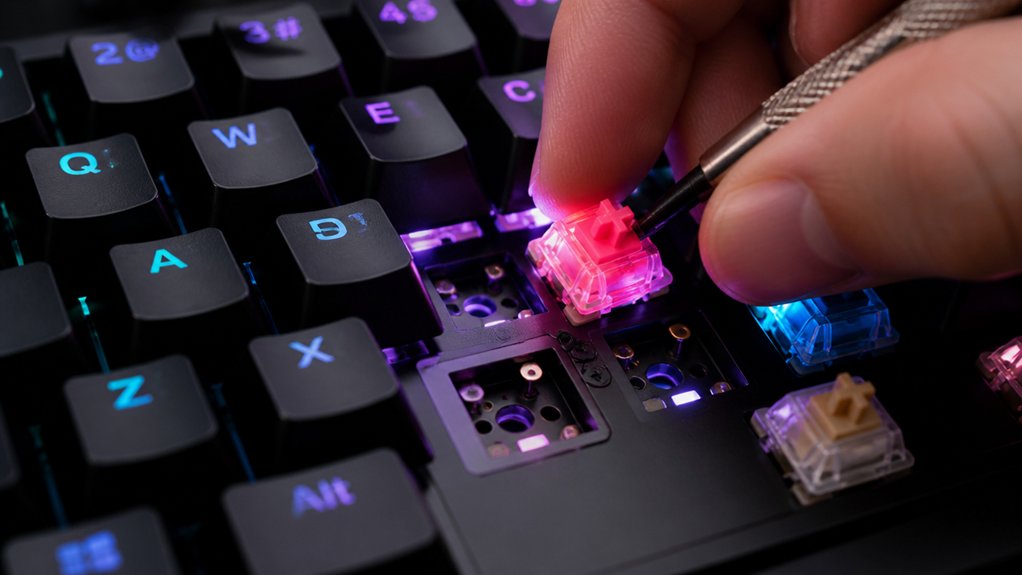
When your keyboard isn’t recognizing switches, start by checking that they’re fully inserted into the sockets and are clean from debris.
If you notice rattling sounds from stabilizers, re-lubing them often resolves the issue.
For persistent problems, inspect the sockets for damage or consider replacing them to guarantee smooth performance.
Switch Not Recognized
If your hot-swappable switch isn’t being recognized, the first step is to confirm it’s fully and properly seated into the socket. Incomplete insertion often causes the switch not recognized issue.
Next, check that the switch pins are straight and undamaged, as bent or broken pins can disrupt contact with socket contacts. Additionally, clean the switch pins and socket contacts to remove dust or debris that might hinder electrical connection.
A magnetic dust protection feature in some openers can help prevent debris ingress, which might also impact switch recognition.
Finally, test the switch in a known working hot-swap socket to rule out faulty switches or damaged sockets. Always refer to your keyboard manual for firmware updates or specific instructions related to switch compatibility.
- Confirm proper seating of the switch
- Verify switch pins are undamaged
- Clean the pins and contacts
- Test with a known working socket
Excessive Stabilizer Rattle
Excessive stabilizer rattle is a common issue that can detract from the overall feel and sound of your mechanical keyboard. To fix it, start by re-lubricating the stabilizers with a good lubricator, ensuring smoothness and reducing noise. Clipping the legs of stabilizers diminishes movement and wobble, especially on larger keys like the spacebar. Using damping materials like Band-Aid mod pads between stabilizers and the PCB cushions impact noise, giving a cleaner “thock” sound. Properly seating stabilizers into hot-swap sockets and tightening clips prevent loose parts from rattling during key presses. Here’s a quick overview:
| Fixing Stabilizer Rattle | Method | Result |
|---|---|---|
| Lubricating | Lubricator application | Quieter, smoother keys |
| Clipping Legs | Clip stabilizer legs | Less wobble, reduced rattle |
| Dampening Materials | Add Band-Aid mod pads | Noise reduction |
Adding material quality to stabilizers and ensuring they are properly seated can further minimize rattling and improve overall stability.
How to Maintain and Extend the Life of Hot-Swap Switches
Maintaining and extending the life of hot-swap switches requires regular attention to their components. To keep your switches performing at their best, focus on these key steps:
- Clean hot-swap sockets and switch pins frequently to prevent dust and debris buildup, which can interfere with electrical contact and increase input latency.
- When removing switches, pull straight up gently to avoid bending switch pins or damaging hot-swap sockets, preserving both socket and switch integrity.
- Lubricate switch components carefully before installing to reduce friction, guarantee smooth movement, and minimize noise, ultimately extending switch performance. Using appropriate lube can significantly improve the feel and sound of your switches.
- Periodically inspect hot-swap sockets for looseness or damage; replace worn or damaged sockets promptly to prevent intermittent key registration or failure.
Should You Solder Your Keyboard or Stick With Hot-Swap?
Deciding whether to solder your switches or stick with hot-swap sockets hinges on your priorities for customization, durability, and ease of maintenance.
Choosing between soldering and hot-swap sockets depends on your priorities for customization, durability, and ease of maintenance.
Hot-swap keyboards, like the Keychron Q5 Max, let you customize switches without soldering, making keyboard modification simple and accessible, especially for beginners. Soldering switches creates a more permanent connection, which can boost durability and electrical stability, appealing if you value long-term reliability.
However, soldering requires technical skills and specific tools, potentially intimidating if you’re new to DIY mods. While soldered keyboards may support more complex customizations and slightly faster signal transmission, the performance difference for most users is minor.
Your choice depends on your willingness to learn soldering, budget, and how often you plan to change switches or upgrade your mechanical keyboards.
Furthermore, understanding PCB assembly can help you evaluate the potential for future upgrades and repairs, making informed decisions about your keyboard customization journey.
Frequently Asked Questions
How Do You Choose the Right Switches for Your Typing Style?
You should test different switch types to find what feels comfortable and suits your typing pace. Consider actuation force, noise level, and tactile feedback, then choose switches that enhance your accuracy and comfort during long typing sessions.
What Tools Are Needed to Upgrade Switches on a Hot-Swap Keyboard?
To upgrade switches on a hot-swap keyboard, you need a keycap puller, switch puller, and possibly a small Phillips screwdriver. These tools make removing and replacing switches easy, ensuring a smooth upgrade process without damaging your keyboard.
How Can Sound Dampening Improve My Keyboard’s Acoustics?
Sound dampening reduces noise and vibrations, making your keyboard quieter and more pleasant to use. By adding dampening materials, you can improve acoustics, create a more comfortable typing experience, and minimize disturbances for yourself and others.
What Are the Best Keycap Materials for Durability?
You should choose keycaps made from PBT or ABS plastics for durability, as PBT offers better wear resistance and less shine over time. These materials also resist oil and sweat, ensuring your keys stay intact longer.
How Do Ergonomic Layouts Enhance Productivity?
Ergonomic layouts boost productivity by reducing finger movement and strain, allowing you to type more comfortably and efficiently. This minimizes fatigue, enhances focus, and speeds up your workflow, helping you work longer and more comfortably throughout the day.
In Summary
Upgrading your mechanical keyboard can boost your typing experience and save you money. Whether you choose hot-swap or soldering, understanding the options helps you make informed decisions. Hot-swap keyboards offer convenience and flexibility, making upgrades easier. Just remember to troubleshoot common issues and maintain your switches properly to extend their lifespan. Ultimately, pick the method that fits your skills and needs, and enjoy a customized, comfortable keyboard designed just for you.



