
Category: Custom Keymaps Macros
-
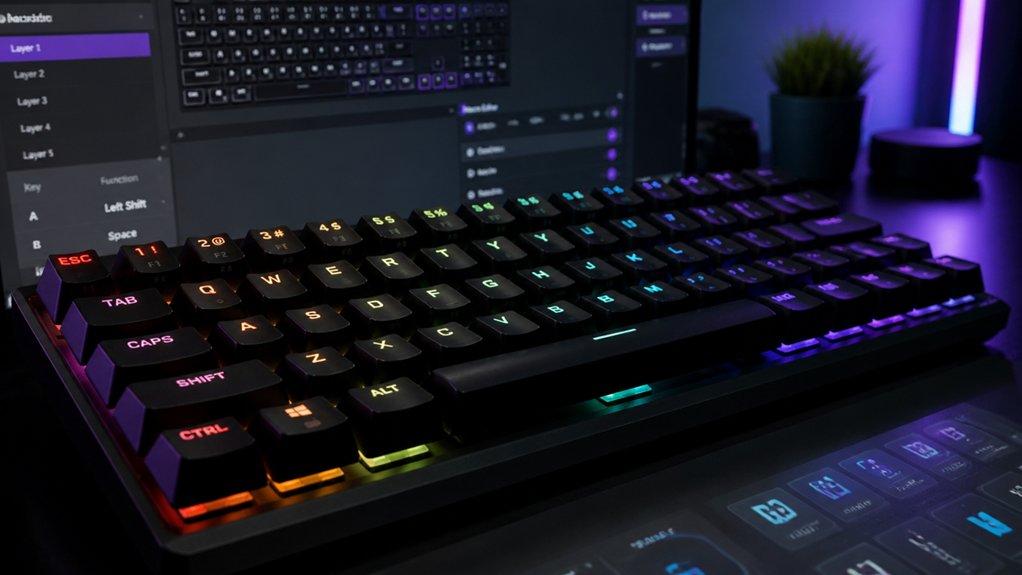
5 Best Fixes for Mechanical Keyboard Remapping
Why persistent remapping issues occur and how to fix them remains crucial for perfecting your mechanical keyboard setup.
-
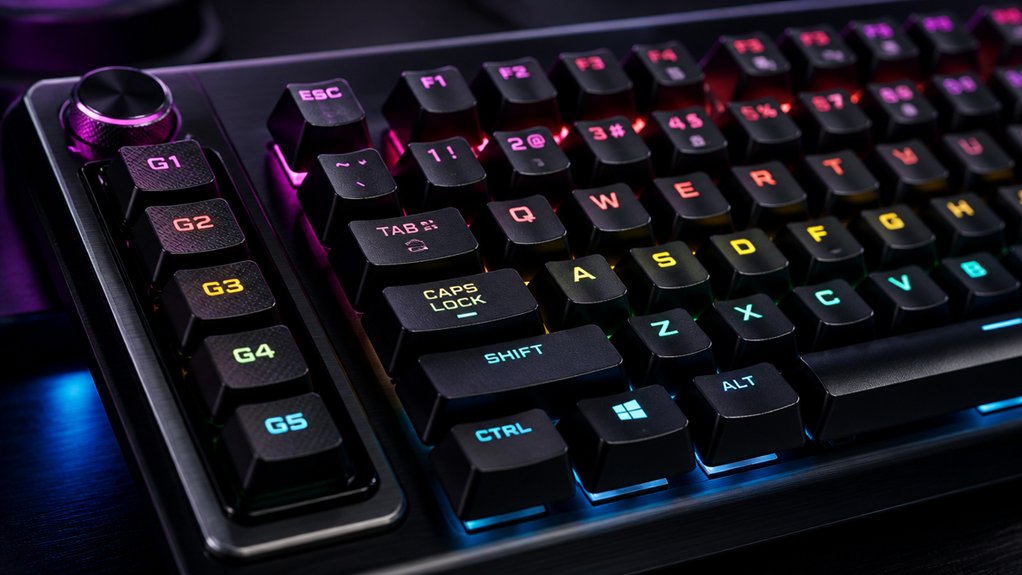
7 Custom Macro Tips to Boost Mechanical Keyboard Productivity
Capture more efficiency with these 7 custom macro tips that could transform your mechanical keyboard workflow—keep reading to unlock your full potential.
-
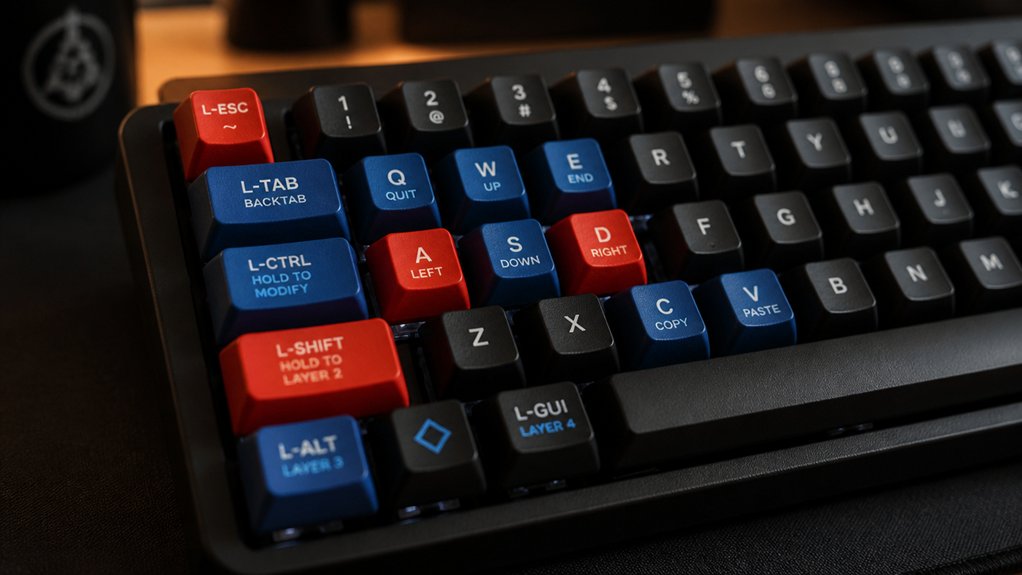
Custom Mechanical Keyboard Remapping Guide for Lefties
Find out how to customize your mechanical keyboard for left-handed comfort and efficiency; your perfect setup awaits with these expert tips.
-
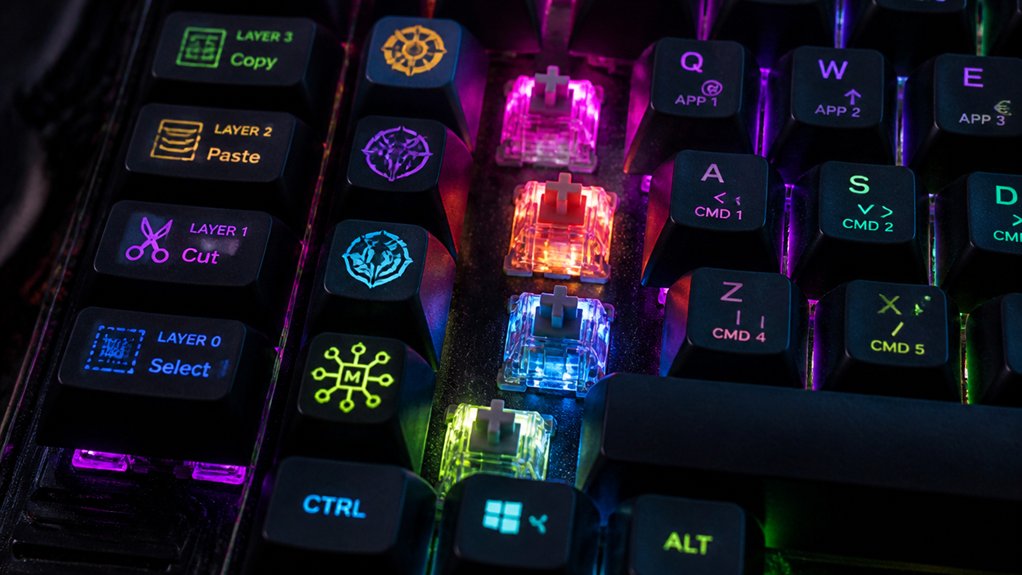
7 Tips to Create Complex Macros on Mechanical Keyboards
Harness expert tips to master complex macros on mechanical keyboards and unlock your full customization potential.
-
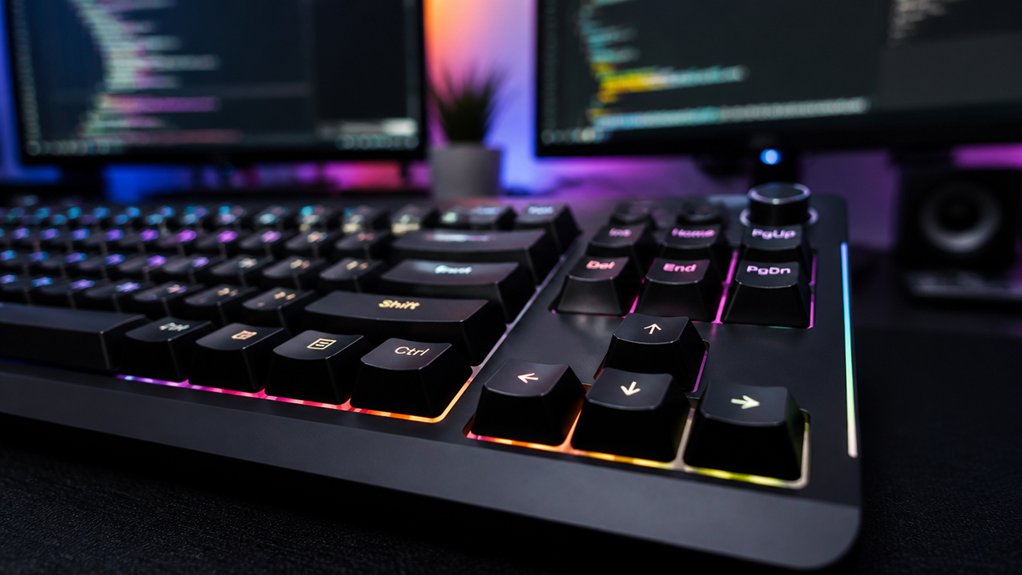
3 Essential Mechanical Keyboard Remap Tips for Programmers
The 3 essential tips for remapping your mechanical keyboard can dramatically improve programming efficiency—discover the secrets to a more comfortable and productive setup.
-
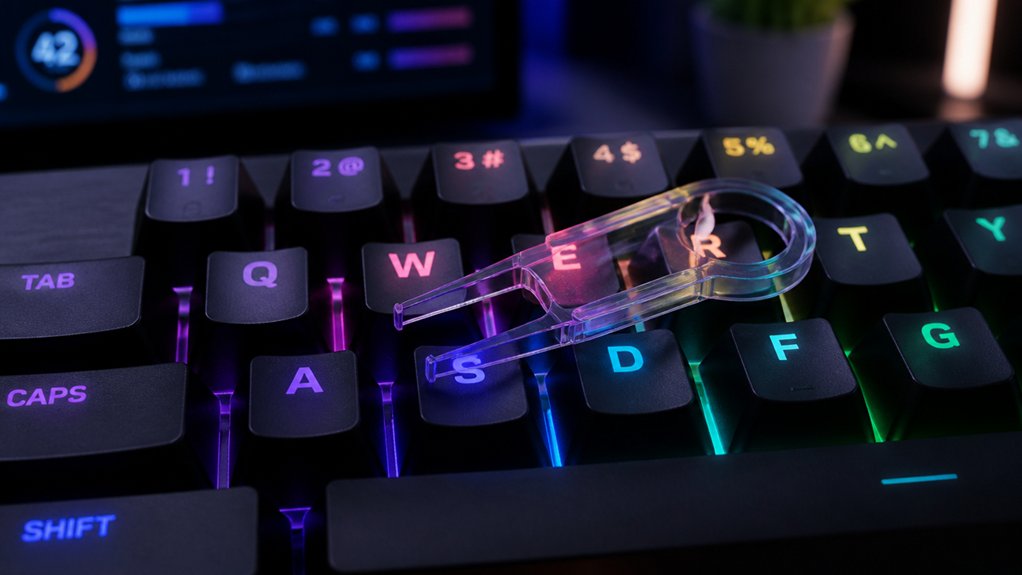
How to Reset Key Remapping on Mechanical Keyboards
Understanding how to reset key remapping on your mechanical keyboard is essential; discover the detailed steps to restore factory settings and troubleshoot effectively.
-
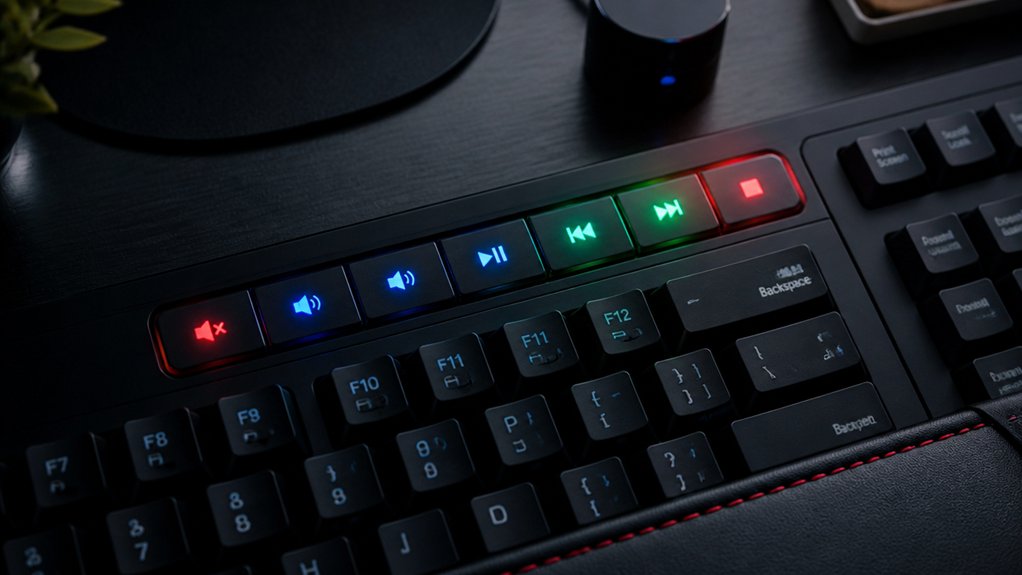
7 Easy Ways to Assign Multimedia Keys
The 7 easy ways to assign multimedia keys unlock your device’s full potential, with practical tips and troubleshooting to enhance your user experience.
-
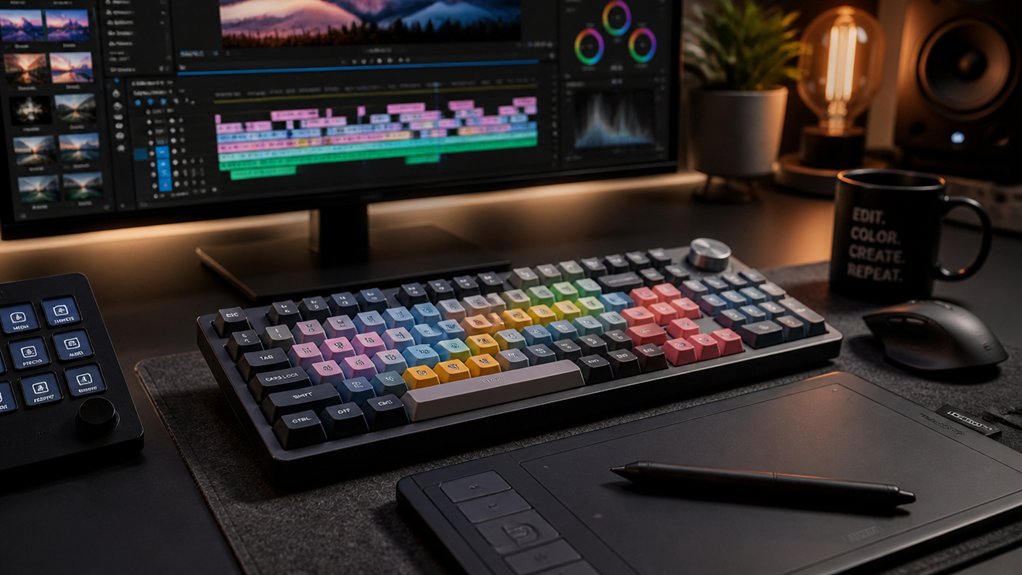
Top 5 Key Remapping Tips for Video Editing
Just optimize your key mappings now to unlock faster editing and discover the game-changing tips waiting inside.
-

Creating Macros on Mechanical Keyboards Without Software
Learn how to create macros on mechanical keyboards without software and unlock your keyboard’s full potential—discover the essential steps to get started.
-
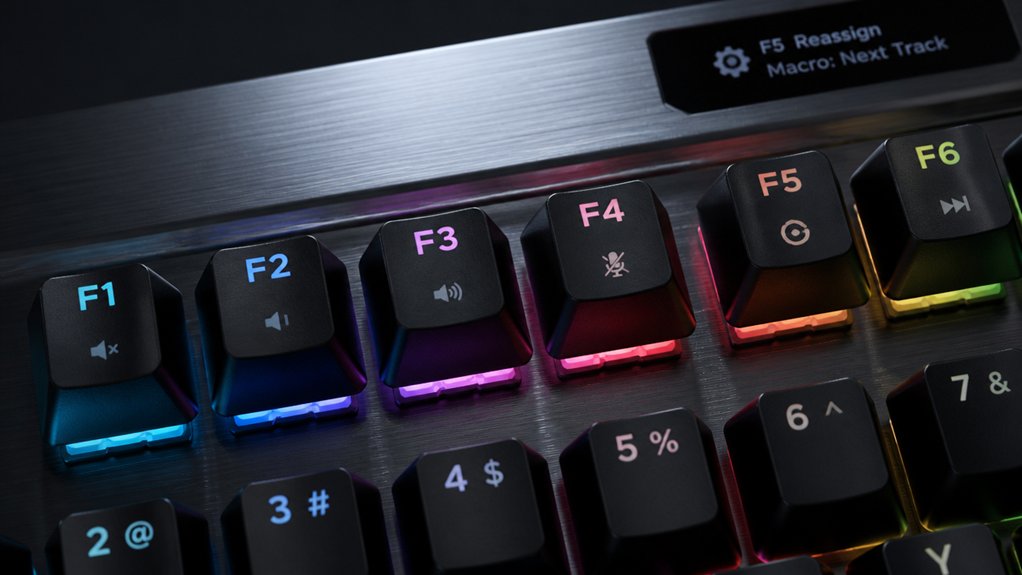
How to Remap Function Row Keys on Mechanical Keyboards
Just follow these steps to remap your function row keys on a mechanical keyboard and unlock customized shortcuts tailored to your workflow.