
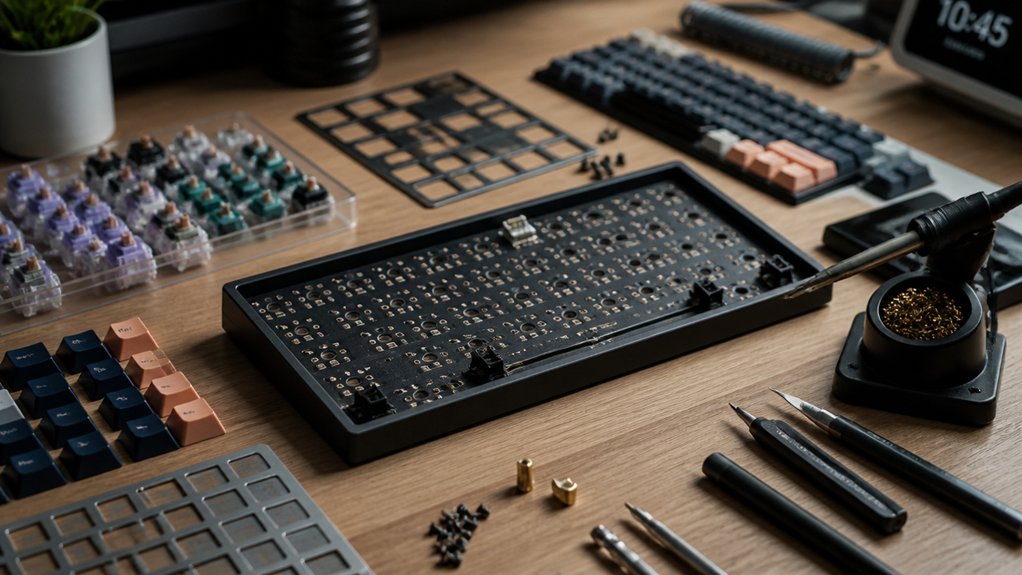
If you want a compact, efficient keyboard, go for Tenkeyless or 75% layouts that keep function keys and arrow keys handy. Kits like Neo98, Magger60 HE, and Athena 1800 balance space and functionality well. Choose hot-swappable PCBs so you can easily swap switches without soldering—ideal for experimenting and upgrades. Pair them with quality stabilizers and PBT keycaps to boost comfort and reduce noise. Keep exploring, and you’ll find options that perfectly fit your programming needs.
Best Keyboard Layouts and Sizes for Programmers
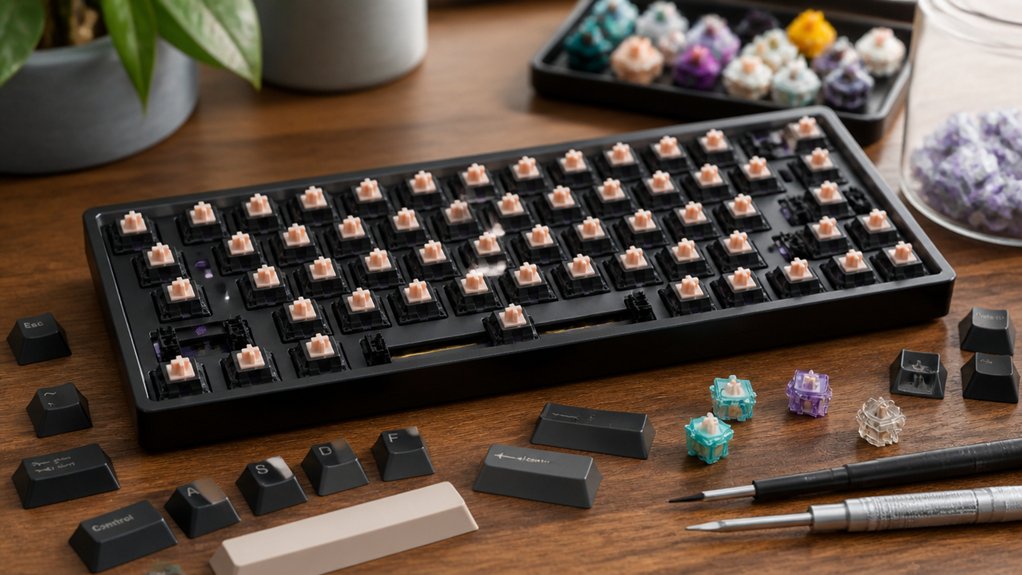
Wondering which keyboard layout suits programming best? You’ll find that Tenkeyless (TKL) and 75% layouts are top choices. They keep function keys handy while saving desk space compared to full-size keyboards.
Both layouts strike an excellent balance between compactness and functionality, giving you easy access to essential keys without extra bulk. Many programmers prefer these layouts to improve their typing experience and maintain productivity during long coding sessions.
A hot-swappable PCB in these layouts lets you customize the feel by quickly trying different switches without soldering. Choosing a layout with arrow keys and function rows, such as on the 75% layout, makes handling multi-key commands or macros straightforward.
Why Hot-Swap PCBs Make Custom Builds Easy
How much easier can building a custom keyboard get? Hot-swap PCBs eliminate the need for a soldering iron, letting you install or swap mechanical switches quickly and effortlessly. This feature makes assembling a custom keyboard accessible, even if you’re new to DIY projects.
Hot-swap sockets protect PCB pins during switch changes, so your keyboard kit remains durable and ready for ongoing modifications. Mechanical keyboards like the Keychron Q Max use hot-swap PCBs, enabling you to experiment with different switches to find the perfect typing feel.
Many beginner-friendly kits—such as those from Neo, QK, and Luminkey—feature these PCBs, helping you avoid soldering errors and speeding up assembly. With hot-swap PCBs, customizing and repairing your keyboard becomes easier than ever.
How Quality Stabilizers and Keycaps Improve Typing Comfort
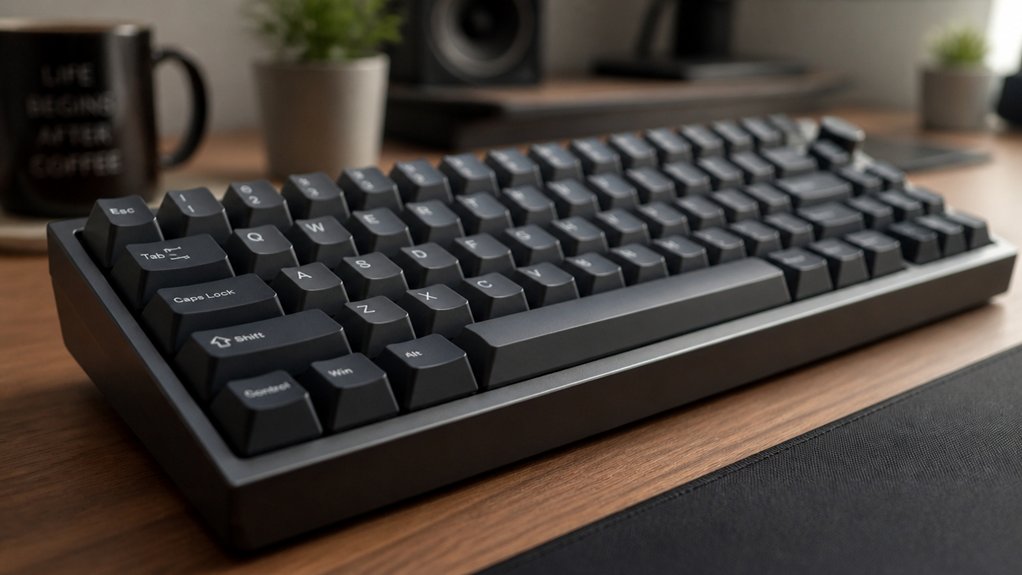
When you settle into long programming sessions, the feel and sound of your keyboard can make a big difference in comfort and focus. Quality stabilizers and keycaps are essential for a satisfying typing feel.
The keyboard’s feel and sound play a crucial role in comfort and maintaining focus during long coding sessions.
Properly lubricated stabilizers, like Durock with syringe-applied lube, reduce rattle and wobble on larger keys, ensuring smooth, quiet presses that reduce finger fatigue.
Custom Mechanical keyboards benefit from premium PBT keycaps, which offer durability and a deeper sound compared to ABS sets. Choosing the right keycap sets and profiles—such as Cherry or OEM—supports better finger positioning and reduces strain during extended coding hours.
Combining well-tuned stabilizers and high-quality PBT keycaps from trusted vendors like CannonKeys or NicePBT creates a quieter, more comfortable keyboard that keeps you focused and typing longer without discomfort.
Switch Types That Boost Typing Speed and Feel
Although your keyboard’s appearance matters, the switch type plays a crucial role in boosting typing speed and feel during programming. Mechanical switches like Linear switches offer smooth, uninterrupted keystrokes, perfect for faster typing. Tactile switches give you a bump that improves accuracy without noise, enhancing the typing experience. Hot-swappable switch kits make it easy to customize your keyboard by testing different switch types until you find the perfect fit.
| Switch Type | Benefit |
|---|---|
| Linear switches | Smooth keystrokes for speed |
| Tactile switches | Tactile bump improves accuracy |
| Clicky switches | Audible feedback for rhythm |
| Lubricated switches | Reduced friction, smoother feel |
Choosing the right mechanical switch can greatly impact your coding comfort and efficiency.
Where to Buy the Best DIY Keyboard Kits for Programmers
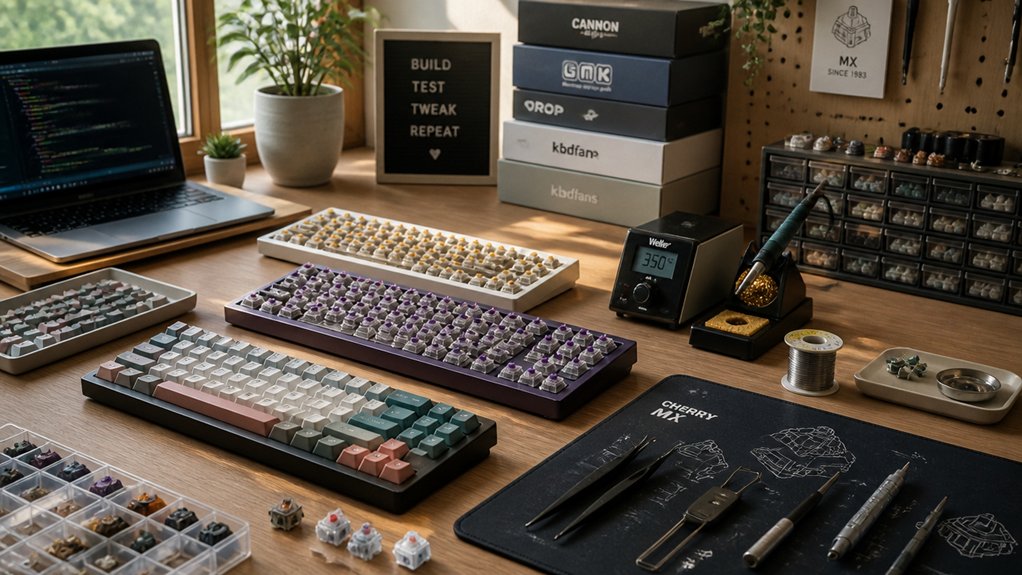
Wondering where to find the best DIY keyboard kits for programming? Start with specialized vendors like Qwertykeys, Luminkey, and KBDfans. Their popular DIY keyboard kits include the Neo98, Magger60 HE, and Athena 1800, tailored for programmers who value customization.
If you want quicker setups, check prebuilt kits such as Qwertykeys Neo75 or Luminkey Lumino75. For hot-swappable options without full soldering, Keychron’s Q-series, including the Q1 Max and Q5 Max, are great picks.
Avoid group buys and pre-orders initially—they often delay delivery. Instead, rely on retailers with good reputations and clear cancellation policies like CannonKeys and Monsgeek.
Prices vary, from beginner-friendly $73 made-to-order kits to premium $230-plus models. This approach guarantees you get reliable, versatile keyboards suited for programming.
Frequently Asked Questions
How Do I Program Custom Macros on DIY Keyboards?
You program custom macros on DIY keyboards by using firmware like QMK or VIA. You’ll write or customize keycodes in code, then flash the firmware to your keyboard, enabling personalized functions and shortcuts easily.
Can I Use Wireless Connectivity With DIY Keyboard Kits?
Yes, you can use wireless connectivity with many DIY keyboard kits. Just choose kits with Bluetooth or wireless modules, and you’ll be able to program and customize your keyboard without worrying about cables getting in your way.
What Tools Are Needed to Build a DIY Keyboard?
You’ll need a soldering iron, solder, wire cutters, tweezers, and a screwdriver. A keycap puller and stabilizer lubricant help too. Don’t forget a multimeter to test connections and a computer for firmware programming.
How Do I Troubleshoot Common Keyboard Build Issues?
You’ll want to check all solder joints for cold connections, confirm switches are firmly seated, and verify firmware is correctly flashed. Use a multimeter for continuity tests and consult online forums if you hit stubborn problems.
Are There Ergonomic DIY Keyboard Kits Available?
Yes, you’ll find ergonomic DIY keyboard kits like the Ergodox EZ and Tofu Split that support custom layouts and tenting. They help reduce strain, letting you build a comfortable setup tailored to your programming needs.
In Summary
Choosing the best DIY keyboard kit for programming depends on your preferences, but focusing on a comfortable layout, hot-swap PCBs, and quality stabilizers will make your build smoother and typing more enjoyable. Don’t forget to pick switch types that match your typing style to boost speed and feel. With the right parts and where you buy them, you’ll create a custom keyboard that truly enhances your coding experience. Happy building!



