
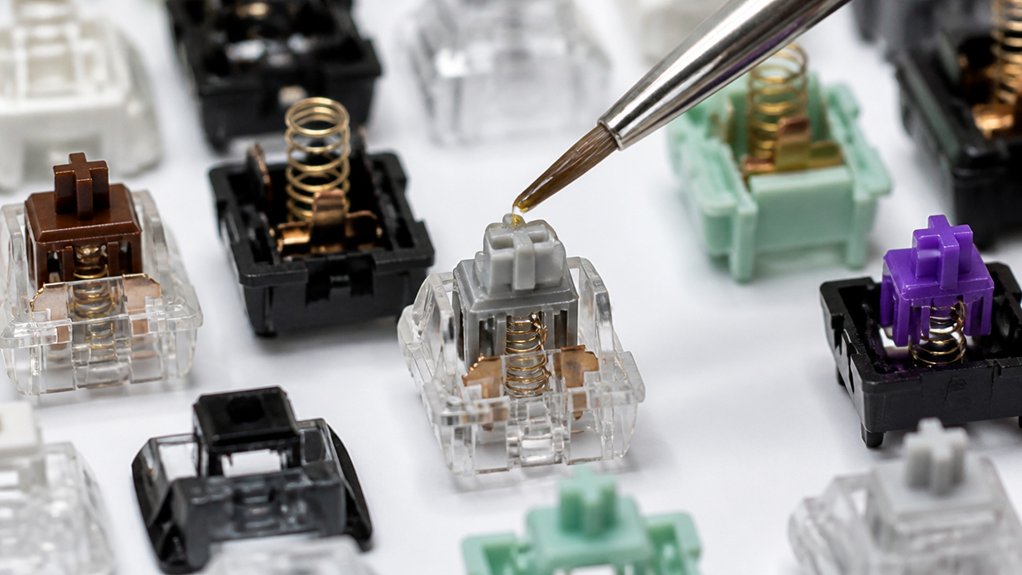
Set up a clean workspace and gather tools like a switch opener and fine lube brushes. Identify your switch type: use Krytox 205g0 for linears, Tribosys for tactile, and minimal Krytox 105 for clicky switches. Carefully disassemble each switch, clean the parts, and apply lubricant only to stem rails and springs—avoiding metal contacts and tactile bumps. Reassemble and test to guarantee smoothness without losing feedback. Keep going to uncover tricks for perfect lubrication and preventing common issues.
Prepare Your Workspace and Tools
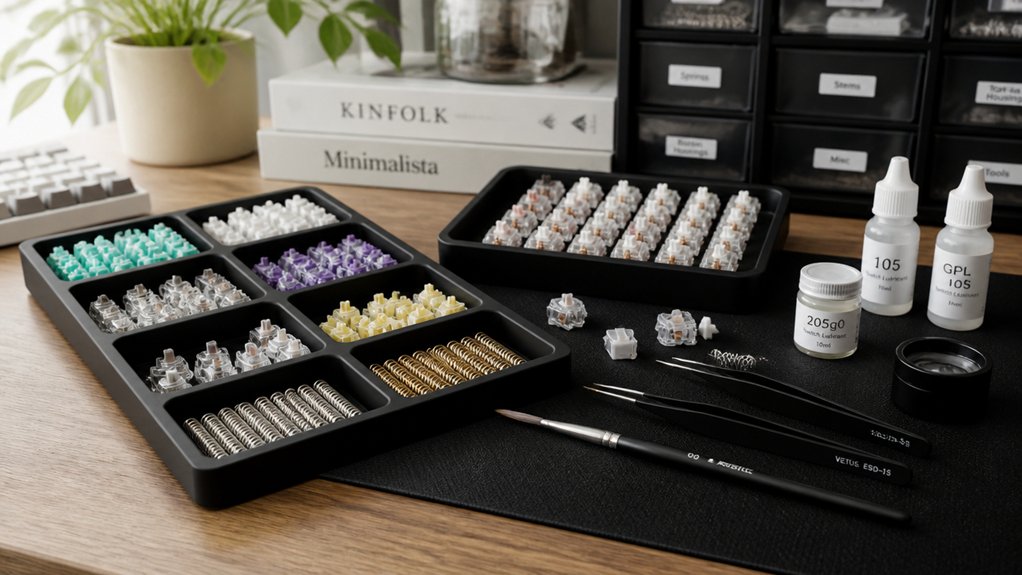
Before you begin lubricating your mechanical keyboard switches, make sure you set up a clean, well-lit workspace with enough room to organize your keycaps, switch parts, and tools.
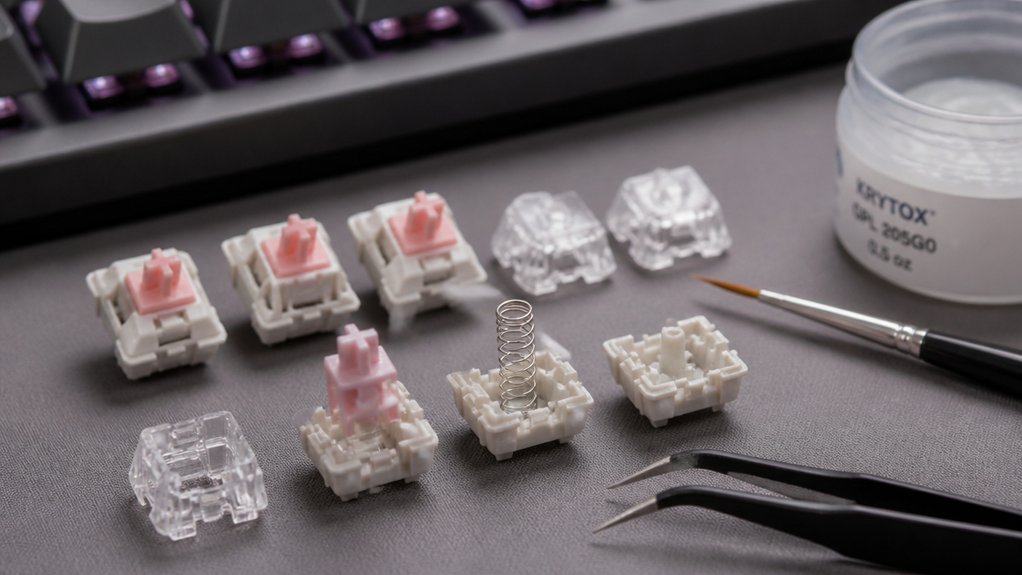
Gather essential tools like a switch opener, switch puller, and keycap puller to easily disassemble your keyboard. You’ll also want fine lube brushes (sizes 0 or 00) for precise lubricant application and containers to separate switch components. Use magnifying glasses or a lamp with magnification to reduce eye strain.
Choose your lubricant carefully—Krytox 205g0 is ideal for linear switches, while Tribosys works well for tactile types. Organize your parts systematically, perhaps by rows or switch type, to avoid mix-ups.
With your workspace prepped and tools ready, you’re all set for efficient, neat switch lubing.
Know Your Switch Types and How to Lube Them
With your workspace set and tools at hand, you’ll want to identify your switch types to apply the right lubricant and technique.
For linear switches, use a medium to high viscosity switch lube like Krytox 205g0 on stem rails and the bottom switch housing to guarantee smooth keystrokes without interfering with responsiveness.
Tactile switches need lighter lubing; apply low viscosity lubes such as Tribosys sparingly to stem sides while avoiding tactile legs to keep the bump intact.
Clicky switches usually require minimal lubrication—if any, very light coats of thin grease like Krytox 105 preserve the click sound.
Don’t forget to lightly lubricate springs’ coils with oil-based lube to reduce pinging across all switch types.
Proper lubing targets include stem rails, bottom housing, and springs, but avoid crosspoint contact leaves to maintain switch performance.
Pick the Best Lubricants (Or Know When to Skip)
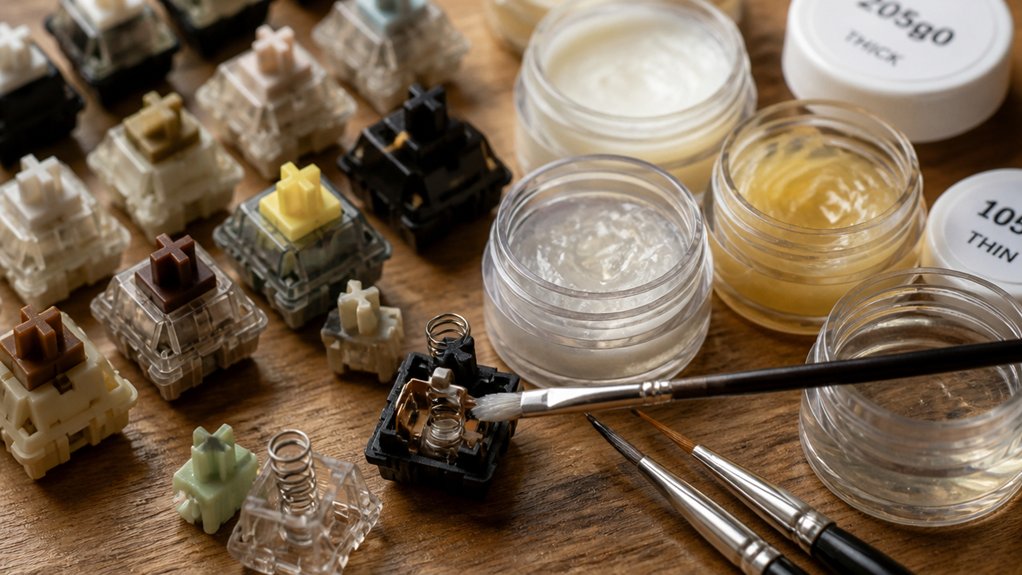
How do you choose the best lubricant for your mechanical keyboard switches?
For linear switches, Krytox 205g0 is ideal, offering a smooth glide and durable lubrication without sacrificing responsiveness.
Krytox 205g0 enhances linear switches with smooth, durable lubrication while maintaining their responsive feel.
If you have tactile switches, opt for low-viscosity lubricants like Tribosys 3203, which reduce scratchiness and noise while preserving tactility.
With clicky switches, lubrication is often unnecessary; if you must lube, apply a thin coat of Krytox 105 sparingly to keep the tactile feedback and distinct clicks intact.
Always avoid lubricating the metal crosspoint contacts, as this can cause missed keystrokes or reduce switch responsiveness.
Finally, if your switches feel good as they are, especially clicky ones, skip lubrication altogether to maintain their original sound and feel.
Disassemble and Clean Your Switches
Once you’ve gathered your tools, start by carefully opening each switch using a switch opener tool with the top face up. This guarantees you disassemble the components safely without damage.
Separate the top housing, bottom housing, stem, and spring, placing them into containers to keep organized.
Next, clean each part thoroughly to remove dust, debris, and any factory residues. Pay special attention to the delicate crosspoint contact, as bending this metal leaf can cause switch malfunction. Use a magnifying glass if needed when inspecting the contact area to confirm no dirt remains.
Proper cleaning guarantees better lubricant adherence and switch performance, so handle all parts gently while cleaning and keep everything ready for the next stage after disassembly.
Apply Lubricant to Switch Components
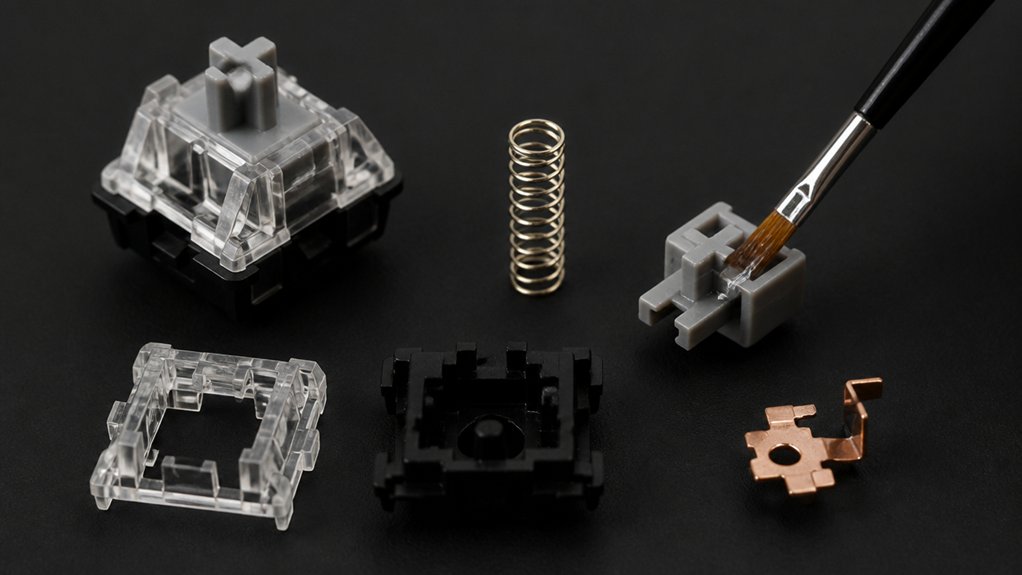
After carefully cleaning your switch components, you’re ready to apply lubricant to improve smoothness and reduce noise.
Start by applying a thin, even coat of lube to the stem’s four sides and the cylindrical bottom of the switch, avoiding the tactile bump on tactile switches to keep its feel intact.
Apply a thin, even layer of lube to the stem’s sides and base, avoiding tactile bumps for preserved feel.
Next, lightly brush lubricant on the east and west rails of the bottom housing where the stem contacts to reduce friction.
Optionally, add a small amount of lube to the spring’s top and bottom coils to reduce pinging without causing sluggishness.
Use Krytox 205g0 for linear switches or Tribosys for tactile ones.
Apply sparingly to the upper housing legs and plates for smoother keystrokes, but avoid metal contact points to prevent missed keypresses during switch lubing.
Reassemble Switches Safely
Although reassembling switches may seem straightforward, you’ll want to handle each component carefully to guarantee everything fits perfectly without damaging delicate parts like the crosspoint contacts.
Start by placing the bottom housing, then insert the spring, and carefully position the stem—making sure the lube the legs face the stem contacts to avoid misalignment. As you switch back together, press the top housing until it clicks securely. If you need to re-open the switch, do so gently to prevent bending these critical contacts.
After assembly, lift the switch and check stem movement to confirm a smooth feel without sticking. Following this careful lubing process helps maintain your key switch’s responsiveness and longevity, assuring every keystroke registers cleanly without interference.
Test and Troubleshoot Lubed Switches
Reassembling your switches carefully sets the stage for testing their performance. Start by using key tester software to verify each keypress registers correctly and consistently. Pay attention to any sluggish or mushy feedback, which usually signals excess lube or uneven application.
Check the stem legs and crosspoint contacts if some keys feel inconsistent or unresponsive, as lube contamination there can interfere with actuation. Listen for changes in sound and feel—the lubed switches should deliver a smoother, quieter “thock” without compromising tactile feedback.
If you detect problems, carefully remove the switches and clean off excess lubricant with swabs. Then, reapply thin coats of lube on critical friction points to restore performance. This process guarantees your switches function smoothly and responsively after lubrication.
Frequently Asked Questions
What Is the Best Lubricant for Mechanical Keyboard Switches?
The best lubricant for mechanical keyboard switches varies by switch type. You’ll want Krytox 205g0 for smooth linears, Tribosys 3203 or Carbon GS1 for tactile feedback, and use Krytox 105 oil sparingly on clicky switches to preserve their feel.
Can I Use WD-40 to Lube Keyboard Switches?
You shouldn’t use WD-40 to lube keyboard switches. It can damage plastics, leave residue, and cause malfunctions. Instead, use specialized lubricants like Krytox or Tribosys for smooth, reliable, and long-lasting switch performance.
How to Lube Mechanical Keyboard Keys?
You’ll carefully remove keycaps and switches, disassemble each switch, then apply a thin layer of proper lubricant on the stem and spring with a fine brush. After reassembling, reinstall everything and test for smoothness.
Can I Use WD-40 on Switches?
No, you shouldn’t use WD-40 on your switches. It can make them sticky or damage parts. Instead, use dedicated lubricants like Krytox or Tribosys that are safe, stable, and designed specifically for mechanical switches.
In Summary
Now that you know how to lubricate your mechanical keyboard switches, you’re ready to enhance your typing experience with smoother, quieter keystrokes. Remember to prep your workspace well, choose the right lubricant for your switch type, and take your time during cleaning and reassembly. Don’t rush the process—patience guarantees better results. Once you’ve tested your lubed switches, you’ll enjoy a noticeably improved feel every time you type. Happy lubing!



