
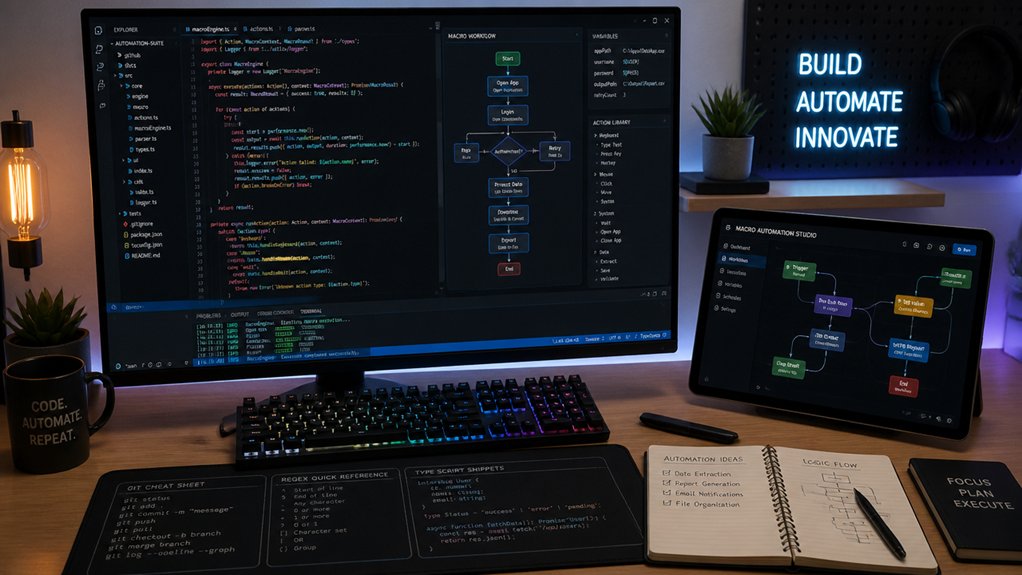
To optimize layer programming and macros, start by managing layers carefully—use LockLayer functions and toggle off previous layers before switching to avoid conflicts. Create modular macros with short, focused sub-macros and pass variables dynamically to keep setup flexible and maintainable. Organize shortcuts on accessible layers, especially on the left side, for faster typing, and place temporary switches like MO or OSL for quick access. Keep exploring for more tips to perfect your workflow.
How to Manage Layers and Prevent Conflicts in Your Macros

Have you ever experienced unexpected layer conflicts when running macros? If so, it’s likely due to issues with the default layer or improper layer management.
To prevent conflicts, use the LockLayer function carefully, as it toggles layers like a stack. Always explicitly toggle off previously locked layers to avoid stacking errors.
Creating modular macros that execute short, focused sub-macros helps keep layer switching clean and prevents deep nested toggles. Pass layer states through variables and parameters to control which layers activate dynamically, reducing hardcoded conflicts.
Avoid mixing temporary layer switches, like MO or OSL, with permanent toggles such as TG or TO, as this causes unpredictable stacking.
Finally, reset or release layers at the start and end of macros with dedicated sub-macros, ensuring the default layer remains unaffected and conflicts are minimized.
Using proper layer management practices supports efficient keyboard customization and reduces troubleshooting during firmware programming.
Creating Modular and Reusable Macros for Flexible Workflows
Creating modular and reusable macros is essential for building flexible workflows that can adapt to various tasks and environments. Design your macros as short, focused sub-macros—about 100 lines or one screen long—that perform specific tasks. Invoke them with “Execute Macro” actions to promote modularity and easy reuse.
Use variables and parameter passing to adapt sub-macro behavior dynamically, reducing redundant code and increasing versatility across different scenarios. Apply clear, consistent naming conventions—noun-first, verb-later—and meaningful group labels for better readability and maintainability.
Incorporate comments explaining each action and document sub-macro inputs and outputs. Structure your workflows hierarchically, using tree or hub-and-spoke models instead of long linear chains, enabling easy substitution, testing, and reorganization of macro units. Additionally, consider connectivity options like wired or wireless setups to optimize your macro pad’s integration with your devices.
Strategically Placing Shortcuts for Faster and More Comfortable Typing
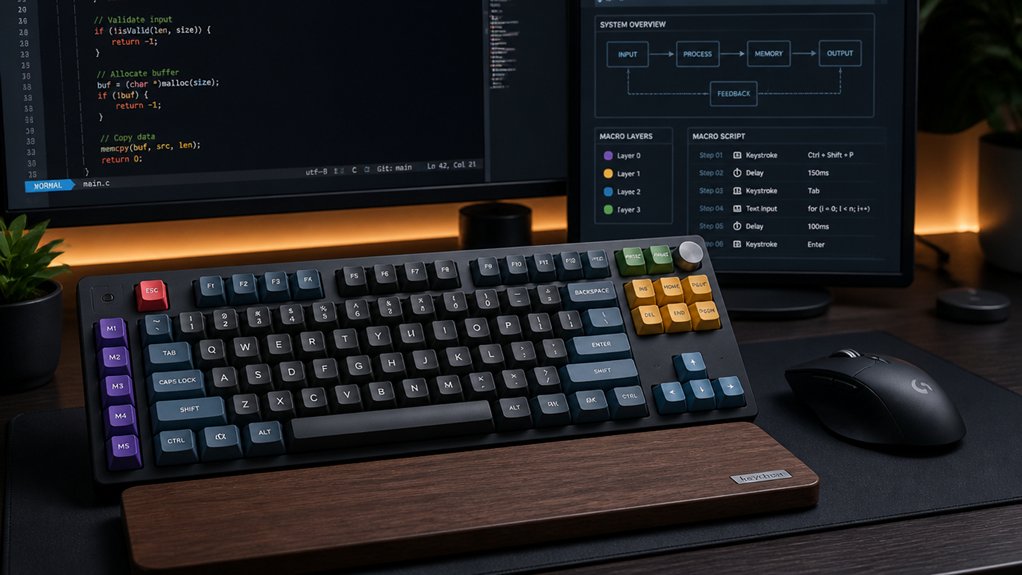
Strategically placing shortcuts on your keyboard can greatly enhance typing speed and comfort by reducing hand movement and optimizing accessibility. To do this effectively:
- Place frequently used shortcuts on layers beyond Layer 0, especially on the left side, so your left hand accesses commands while your right hand controls the mouse.
- Use temporary layer switches (e.g., MO(n), OSL(n)) for quick, one-shot access without interrupting your typing flow.
- Assign toggle layers (TG(n)) for modes needing persistent shortcut sets, allowing seamless switching without accidental shifts.
- Combining modifiers with shortcuts via MT(mod, kc) or nested combos further reduces key travel and keeps your hands comfortably within reach.
- Consider designing your layer layout with the support for various switch types in mind to ensure smooth transition and reliable operation during fast typing.
Organize shortcuts contextually for specific tasks, minimizing movement and maximizing comfort.
Frequently Asked Questions
How to Use Macros Effectively?
You use macros effectively by creating modular, focused sub-macros, organizing them visually with comments and collapsible groups, passing variables for flexibility, and using regex patterns to streamline actions while treating sub-macros as reusable functions.
What Is the Basics of Macro Programming?
You start macro programming by recording or scripting sequences of actions, organizing code with functions for reusability, using variables for flexibility, and ensuring clear naming and comments for easy maintenance and layer management.
What Is the Best Macro to Use?
The best macro uses modular sub-macros with “Execute Macro” actions for clarity, employs lock layer macros with keypresses for toggling, and passes variables to control layers dynamically, ensuring flexibility, reusability, and easier troubleshooting in your layer programming.
How to Macro for Beginners?
To macro for beginners, start small by creating simple, focused macros for routine tasks. Use clear naming, add comments, and test each macro thoroughly. Gradually incorporate basic programming concepts to build your confidence and skills.
In Summary
Mastering layer programming and macros can transform how you work, making tasks faster and more efficient. By managing layers carefully, creating reusable macros, and placing shortcuts strategically, you’ll streamline your workflow and minimize conflicts. Keep experimenting and refining your setup to find what works best for you. With these tips, you’ll become more confident and productive, tackling complex projects with ease. Happy programming!



