
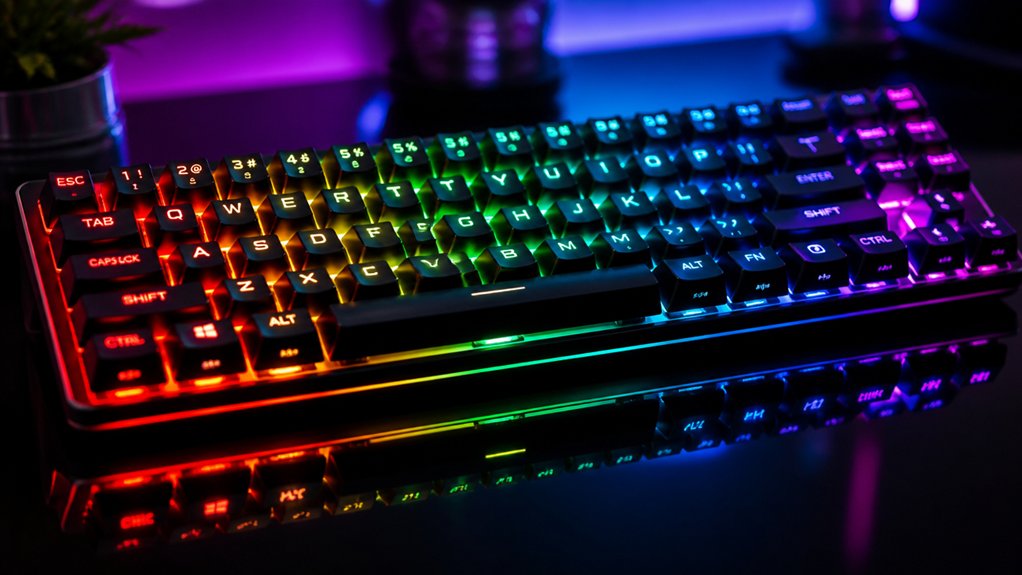
Customizing advanced RGB lighting for your keyboard lets you personalize its look and boost performance. You can match your mood, style, or activity with vibrant colors and effects, making your setup uniquely yours. It improves usability with key-specific lighting and visual cues, helping you focus or react faster during gaming or work. Plus, syncing lighting across devices creates a cohesive experience. Keep exploring to see how you can maximize these features and transform your keyboard.
What Are the Benefits of Advanced RGB Customization for Keyboards?
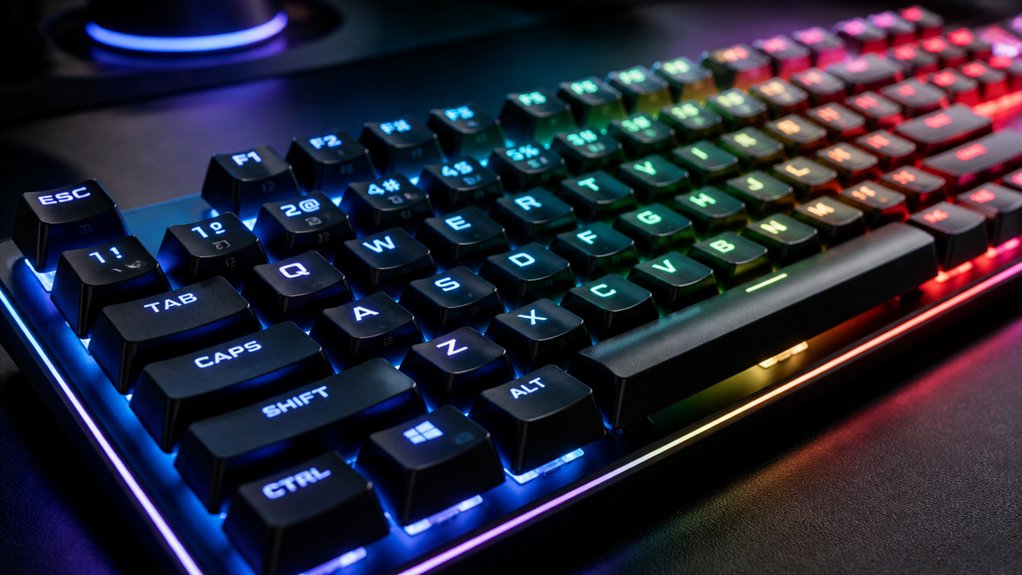
Have you ever wondered how advanced RGB customization can elevate your keyboard experience? With RGB keyboard lighting, you can personalize your setup by customizing your RGB to match your mood or style. This not only boosts aesthetic appeal but also improves gaming performance by enabling key-specific lighting, helping you react faster during intense play. A variety of lighting effects variety options, such as static colors, pulsing effects, and music sync modes, allow for highly tailored visual experiences.
Adjustable brightness and color settings help reduce eye strain and fatigue, especially during long sessions. Additionally, dynamic lighting profiles support productivity by highlighting essential keys or shortcuts for work tasks.
Beyond functionality, advanced customization creates engaging and relaxing atmospheres, contributing to your mental well-being. Overall, it transforms your keyboard into a versatile, intuitive tool that enhances both your gaming and wellness experience.
How Does RGB Lighting Enhance Aesthetics and Personal Style?
Ever wonder how RGB lighting can turn a plain keyboard into a striking expression of your personal style? With customizable RGB lighting effects, you can select from millions of colors and dynamic lighting patterns, making your keyboard truly unique. Additionally, many hot-swap keyboard kits support programmable lighting, allowing for even more tailored and intricate visual designs. Per-key RGB customization lets you highlight specific keys or craft artistic layouts that showcase your creativity. These options enhance the visual appeal of your setup, transforming a functional device into a personalized masterpiece.
How to Enable Per-Key RGB Effects for Better Usability
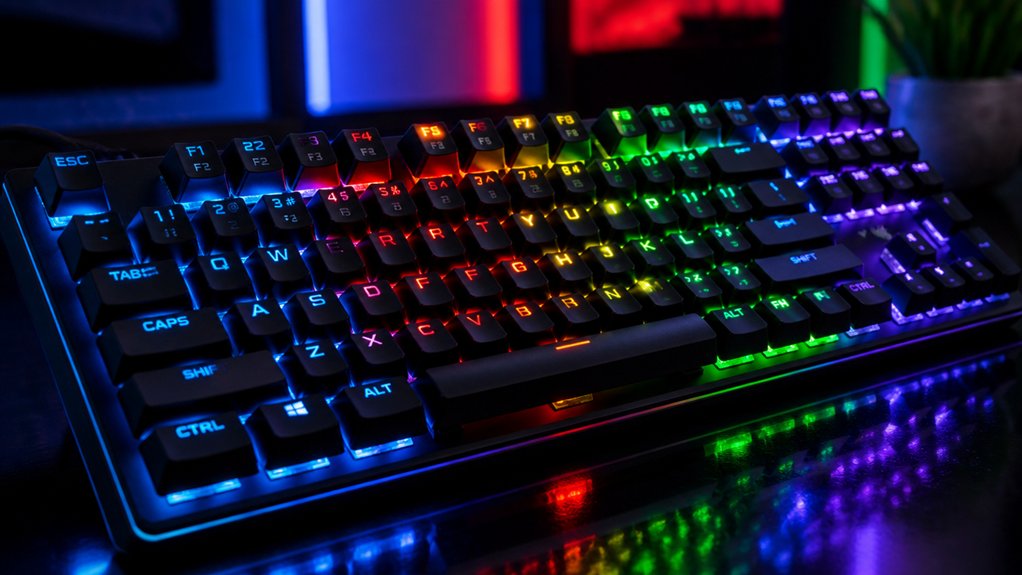
To enable per-key RGB effects and improve usability, start by opening your keyboard’s lighting software, such as RK Launcher or Aura Creator. Activate the “Self-Define” or per-key customization mode. This allows you to customize each individual key’s color or lighting effects. You can select keys from the on-screen keyboard or use batch selections to group keys for uniform effects, making your workflow or gaming focus easier. The software supports various RGB lighting modes, including static colors, dynamic shifts, and animations. Changes are saved automatically, so you can experiment freely. Reset to default lighting with a single click if needed. Use this flexibility to tailor your keyboard’s visual feedback precisely to your needs. Additionally, ensuring compatibility with different control options like software, app, or microcontroller support can further enhance customization.
How Custom Lighting Boosts Gaming Performance and Focus
Custom lighting on your keyboard can greatly enhance your gaming performance by helping you quickly identify key functions without hesitation. RGB lighting effect creates distinct visual cues that improve reaction times, especially when you assign different colors to movement, weapons, and abilities. Additionally, per-key RGB customization allows for highly personalized setups that align with your gameplay style. Custom lighting profiles focus your attention by highlighting only essential keys, reducing visual clutter in your gaming setups. When integrated with mechanical switches, RGB effects provide both tactile and visual feedback, streamlining command execution.
Scientific research shows certain colors like blue light boost alertness and cognitive function, sharpening your focus and decision-making under pressure. By tailoring color-coded lighting layouts to specific game mechanics, you substantially improve response times and overall in-game performance, giving you a competitive edge during intense gaming sessions.
How to Synchronize RGB Lighting Across Your Devices
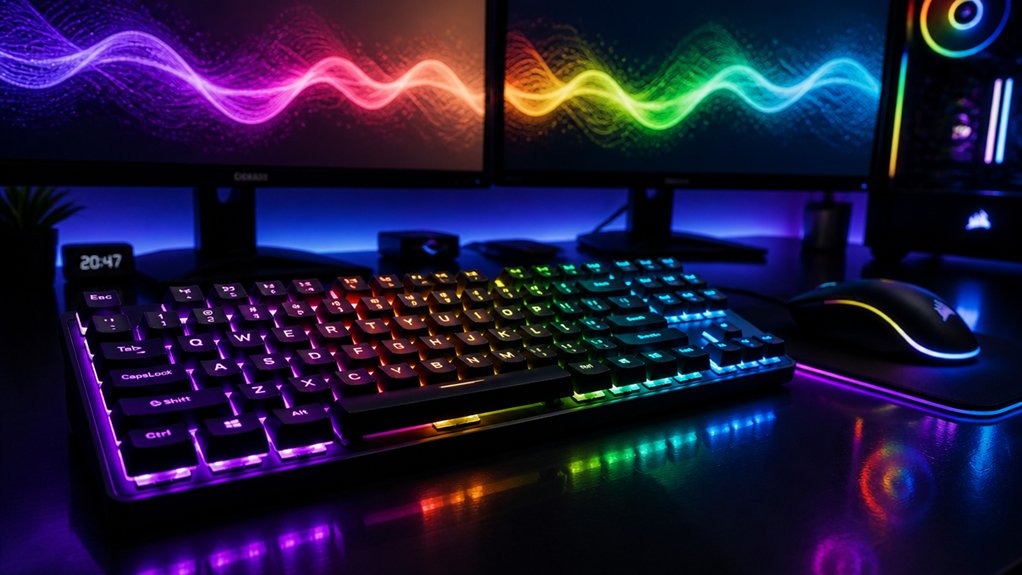
Achieving a synchronized RGB lighting setup across your devices enhances both the aesthetic appeal and overall immersion of your gaming or work environment. To do this, you need to use control software like Aura Sync or SignalRGB, which allow you to sync lighting effects across compatible hardware. Installing and updating device-specific drivers through platforms like Armoury Crate guarantees seamless communication and RGB control. Many platforms offer preset lighting options such as Static, Breathing, or Color Wave that automatically synchronize animations across devices. You can also create custom lighting profiles with tools like Aura Creator or RK Launcher, tailoring colors and patterns for a unified look. Centralized control software simplifies managing all your hardware’s lighting effects, making it easier to achieve a cohesive visual experience. According to the lighting customization features section, software support enables key remapping, macro creation, and lighting profiles to further personalize your setup.
How Dynamic Lighting Patterns Can Improve Your Productivity
Syncing dynamic lighting patterns across your devices not only creates a cohesive visual experience but can also boost your productivity. These patterns help your lighting adapt to your workflow, reducing eye fatigue during long hours.
With customizable lighting schemes, you can select calming colors or gentle breathing effects to foster focus and lower stress. Programmable RGB profiles allow quick identification of task-specific keys, streamlining your work process.
Additionally, lighting can adapt to different modes—bright for concentration or soft for relaxation—supporting mood regulation. Incorporating visual cues through RGB patterns with productivity software enhances task tracking and minimizes distractions. Customizable lighting allows for precise control over color schemes, helping tailor your environment to suit specific tasks and preferences.
How to Adjust Brightness and Colors to Reduce Eye Strain
Since excessive brightness and harsh colors can cause eye strain during long typing sessions, adjusting your keyboard’s RGB lighting is essential for comfort. Set the brightness to a moderate level rather than maximum to prevent glare and reduce eye fatigue. Opt for softer, cooler colors like blues and greens, which are proven to cause less visual fatigue compared to warmer, intense hues such as reds or oranges. Use software like RK Launcher to fine-tune your lighting setup, adjusting brightness, color saturation, and speed for a personalized, comfortable experience. Additionally, enable dimming or sleep timer features to automatically lower brightness or turn off lighting during periods of inactivity, further protecting your eyes during extended use. Ensuring your keyboard switches are compatible with hot-swappable boards can also make it easier to customize your setup without hassle.
How to Create Mood-Specific Lighting Schemes for Work and Play
Creating mood-specific lighting schemes for work and play allows you to tailor your keyboard’s RGB effects to suit your activities and environment. Using software like RK Launcher or Aura Creator, you can select lighting modes, colors, and brightness levels that match your mood.
For work, opt for calming color schemes, like blues with breathing or pulsing effects, to reduce eye strain and promote focus. During gaming, choose vibrant reds or reactive patterns that energize your gameplay. You can also set dimmable, time-based sleep lighting for smooth shifts into relaxation.
Save multiple presets to switch quickly between productivity and entertainment modes. This customization maximizes comfort and immersion, making sure your RGB effects complement your mood and activity seamlessly. Incorporating backlighting support such as RGB-compatible backlit keycaps can enhance your lighting effects for a more vivid setup.
Tips for Programming and Saving Your Custom RGB Profiles
To effectively program and save your custom RGB profiles, start by using specialized keyboard software like RK Launcher or Aura Creator, which allows you to customize per-key lighting and effects. These tools enable you to tailor your lighting experience by adjusting brightness, speed, and color changes.
If your keyboard supports “Self-Define” modes, you can assign individual colors to each key and craft unique lighting patterns. Once you’ve created your ideal setup, save profiles directly on your keyboard’s onboard memory for quick access, or export them for backup and sharing.
Use the step-by-step guide within the software to organize multiple profiles labeled for gaming, work, or ambient settings, ensuring seamless switching between customized lighting experiences whenever you need them. Pay attention to RGB support features like south-facing LEDs and customizable modes, which enhance your personalization options.
Troubleshooting Common RGB Customization Issues
When RGB customization doesn’t work as expected, the first step is to verify your keyboard is correctly connected using the recommended wired mode with the official cable. Make sure the software, like RK Launcher or Aura Sync, recognizes your device.
If RGB lights aren’t displaying or settings don’t apply, try increasing brightness or switching lighting modes. Performing a “One Click Restore Default” reset can fix common configuration glitches.
Confirm your keyboard model is compatible with the software, as unsupported models may need additional drivers. Also, check for software conflicts or outdated firmware; update through official platforms like Armoury Crate or RK Web Driver.
For per-key issues, guarantee “Self-Define” mode is enabled and test individual key color assignments to resolve unresponsive keys or unsaved changes. Additionally, understanding the legend printing techniques, such as double-shot molded legends, can help ensure longevity and clarity in your custom lighting effects.
What Are Future Trends in RGB Lighting for Mechanical Keyboards?
Have you ever wondered how RGB lighting for mechanical keyboards is evolving? Future trends in RGB keyboards focus on deeper integration with key switches, creating synchronized tactile and visual feedback to enhance your experience.
Future RGB keyboards will deliver synchronized tactile and visual feedback for a more immersive experience.
Advanced software will enable multi-preset lighting profiles with timed switching and dynamic effects that match your mood or activity. AI-driven lighting patterns will adapt in real-time, responding to game states or your environment for a truly immersive experience.
Energy-efficient RGB solutions aim to reduce power consumption without sacrificing brightness, ideal for wireless keyboards. Additionally, cross-device synchronization will coordinate lighting effects across your keyboard, mouse, monitor, and PC components, creating a seamless ecosystem.
These developments will make customization more intuitive, immersive, and connected.
Frequently Asked Questions
What’s the Point of RGB Keyboards?
RGB keyboards let you express your style, enhance your gaming or work experience, and improve functionality. With customizable lighting, you can highlight important keys, match your setup’s mood, reduce eye strain, and create a visually appealing environment.
Does Keyboard RGB Affect Performance?
Keyboard RGB can influence your performance by improving key visibility and quick function recognition, especially with strategic color choices like blue for alertness. However, overly bright or flashy effects might distract you, so customization depends on your preferences and focus.
Is Keyboard RGB Lighting Distracting?
Yes, keyboard RGB lighting can be distracting if it’s flashy or constantly changing, especially during intense gaming moments. You might find it diverts your attention or causes eye strain, impacting your focus and overall gaming performance.
Why Are Gamers so Obsessed With RGB?
You’re obsessed with RGB because it boosts your immersion, helps you quickly identify keys, and enhances your gaming experience through personalized effects. It’s not just stylish—it improves reaction times and makes your setup uniquely yours.
In Summary
By customizing your advanced RGB lighting, you can elevate your keyboard’s style, improve usability, and enhance your gaming and work experiences. With personalized effects, synchronized lighting across devices, and mood-specific schemes, you make your setup uniquely yours. Just remember to explore programming tips and troubleshoot issues as needed. Embracing these features helps you stay immersed and focused, while staying ahead with future RGB trends. Ultimately, your keyboard becomes a reflection of your personality and needs.



