
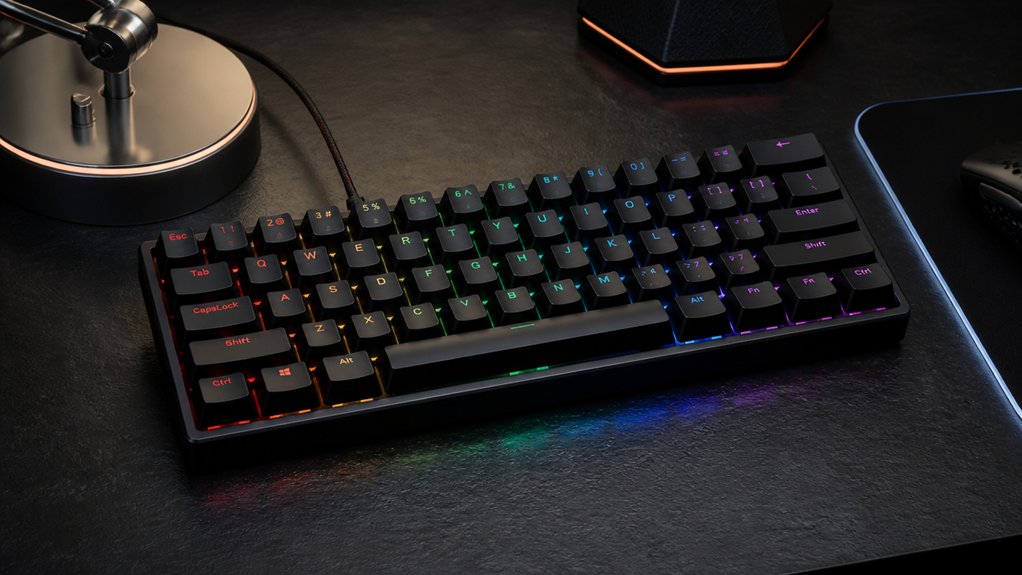
Building a budget mechanical gaming keyboard lets you customize a high-quality setup without breaking the bank. Focus on affordable kits around $100 that include RGB lighting, hot-swappable PCBs, and durable materials. Choose switches based on sound and feel, like Gateron Milky Yellow or Akko V3 Pro, and consider compact layouts to save space. You can improve sound and feel with simple mods like lubing stabs or adding foam. Keep exploring to discover how to upgrade your build for the best gaming experience.
Why Build a Budget Mechanical Gaming Keyboard?
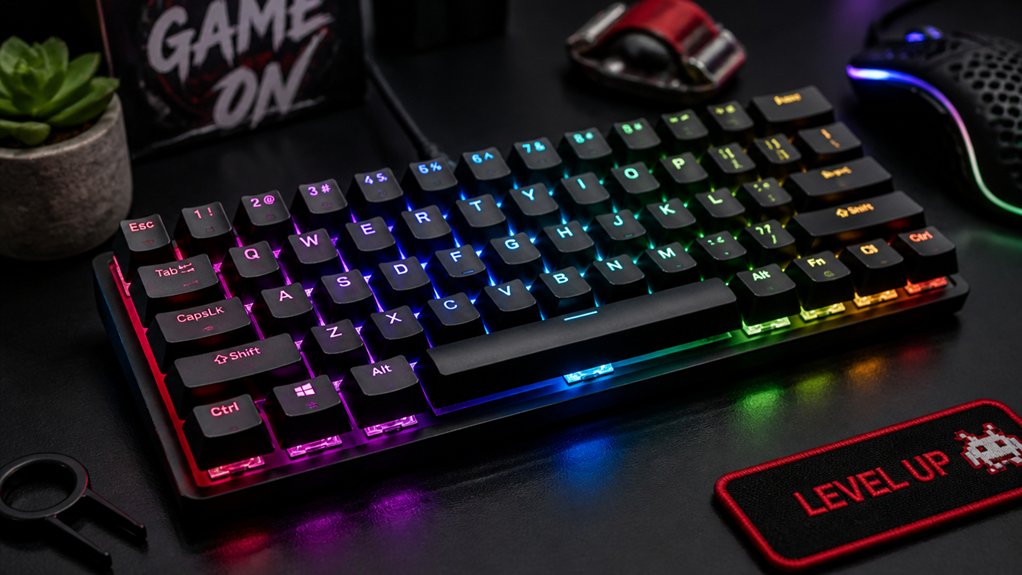
Have you ever wondered why building a budget mechanical gaming keyboard can be a smart choice? Creating your own custom keyboard offers a tailored gaming experience without breaking the bank.
Budget keyboards often feature hot-swappable PCBs, making switch customization easy—whether you prefer smooth Gateron Milky Yellow or Akko V3 Pro switches for better feel and response. You can also add mods like lubing switches or stabilizers, enhancing your keyboard’s sound and tactility at a low cost.
Many affordable kits, like the TM-680, include full RGB lighting, dedicated media controls, and durable materials such as aluminum frames and polycarbonate plates. Building within a $100 budget allows access to macro programmability and customizable lighting, combining performance and personalization for an ideal gaming setup.
What Should You Look for When Building a Budget Gaming Keyboard?
When building a budget gaming keyboard, you should focus on switch type and sound, choosing options like Gateron Milky Yellows for a smooth, quiet feel. Pay attention to layout and size, opting for compact designs like 65% or 68-key setups that save space and boost gaming efficiency. Additionally, consider switches with dust-proof and waterproof features to ensure durability in various environments. Finally, prioritize build quality and durability, selecting sturdy cases and reliable stabilizers to guarantee your keyboard lasts and performs well over time.
Switch Type and Sound
Choosing the right switch type is essential for building a budget gaming keyboard that feels satisfying and reduces distractions. Linear switches like Gateron Milky Yellow or Akko V3 Pro are popular because they provide smooth, quiet keystrokes ideal for gaming. Their switch sound profile is generally quieter than tactile or clicky switches, helping you stay focused. Lubing switches and stabilizers with quality lubricants, like Krytox 205g0, boosts smoothness and minimizes noise without high costs. Hot-swap PCBs make switching and experimenting easy, letting you customize feel and sound over time. The high durability of these switches ensures consistent performance over millions of keystrokes ensuring long-term reliability. Here’s a quick comparison:
| Switch Type | Sound Profile | Ideal for | Modification Potential |
|---|---|---|---|
| Linear | Quiet, smooth | Gaming, general use | Lubing, hot-swapping |
Layout and Size Options
Selecting the right layout and size for your gaming keyboard impacts both your comfort and desk space. For budget gaming keyboards, “layout options” like 60%, 65%, and 75% are popular because they save space while keeping key functions.
A 60% or 65% layout condenses the keyboard but still includes essential keys, like arrow keys, often integrated into compact forms. A 75% layout offers a good balance, including dedicated arrow keys and a function row, which benefits gaming and multitasking.
Look for options with hot-swappable PCBs, allowing easy switch replacements, and consider wired USB-C connections for minimal input lag. Some compact layouts include features like volume knobs or macro keys, adding convenience without increasing size or cost. Additionally, understanding the key count of these layouts can help you determine how much functionality you’re sacrificing or gaining.
Choose based on your preferred balance of space, access, and functionality.
Build Quality and Durability
Building a budget gaming keyboard that stands the test of time starts with focusing on its construction and components. Prioritize a sturdy case material, like an aluminum upper plate or reinforced plastic, to improve long-term durability under gaming stress.
Opt for hot-swap PCBs supporting five-pin switches, which make switch replacement and upgrades easy without soldering, boosting longevity and customization.
Look for layouts with gasket-mounted or polycarbonate plates; these enhance typing feel and cut down vibrations, increasing durability and user comfort during extended play.
Choose keyboards with quality stabilizers that can be clipped and lubed, reducing rattling noise and improving switch consistency. Also, consider LED layouts; south-facing LEDs typically yield better keycap compatibility and lighting durability, helping maintain aesthetic appeal over time.
Additionally, consider hot-swap socket compatibility to ensure easy switch replacements and long-term reliability, especially when customizing or upgrading frequently.
Best Budget Mechanical Switches for Gaming Performance
Choosing budget switches that offer quick actuation and smooth keystrokes can greatly improve your gaming response time. A variety of affordable options, such as Outemu Reds or Gateron Yellow switches, provide reliable performance without breaking the bank. Additionally, selecting switches with pre-lubrication can reduce friction and noise, enhancing your overall gaming experience.
Rapid Response and Actuation
For gamers on a budget, finding switches that provide rapid response and smooth actuation is essential to stay competitive. Gateron Milky Yellow switches are a top choice, thanks to their linear feel and quiet operation, offering quick key actuation with minimal resistance.
Other affordable options like Akko V3 Pro switches and hand-lubed Moon V2 switches (with Krytox 205g0) can boost response times, helping you react faster. Aim for an actuation force around 35-45g to balance speed and avoid accidental inputs.
Choosing switches with pre-lubrication reduces friction, further enhancing smoothness and speed during intense gaming sessions. HotSwap PCBs, such as those in the TM-680, let you swap five-pin switches easily, enabling you to customize your rapid response preferences without soldering. Lubricating switches with products like Krytox enhances smoothness, reducing friction and noise for improved gaming performance.
Smooth and Consistent Keys
To achieve smooth and consistent key presses in a budget gaming keyboard, selecting the right switches is essential. For budget builds aiming for smooth linear travel, consider these options:
- Akko V3 Pro switches – known for their smooth linear feel and consistent actuation, ideal for rapid key presses.
- Gateron Milky Yellow switches – quiet, smooth, and affordable, perfect for silent, responsive gaming keyboards.
- Moon V2 linear switches – when lubricated with Krytox 205g0, they deliver enhanced smoothness and consistency.
- HotSwap PCBs – enable effortless switch swaps, allowing you to upgrade or customize switches like these without soldering.
Choosing switches with factory pre-lubrication can also enhance sound quality and reduce friction for a more effortless gaming experience.
Prioritizing lubing switches and stabilizers can further reduce scratchiness, creating a seamless gaming experience with durable, budget-friendly components.
Top Affordable Mechanical Keyboard Kits to Get Started
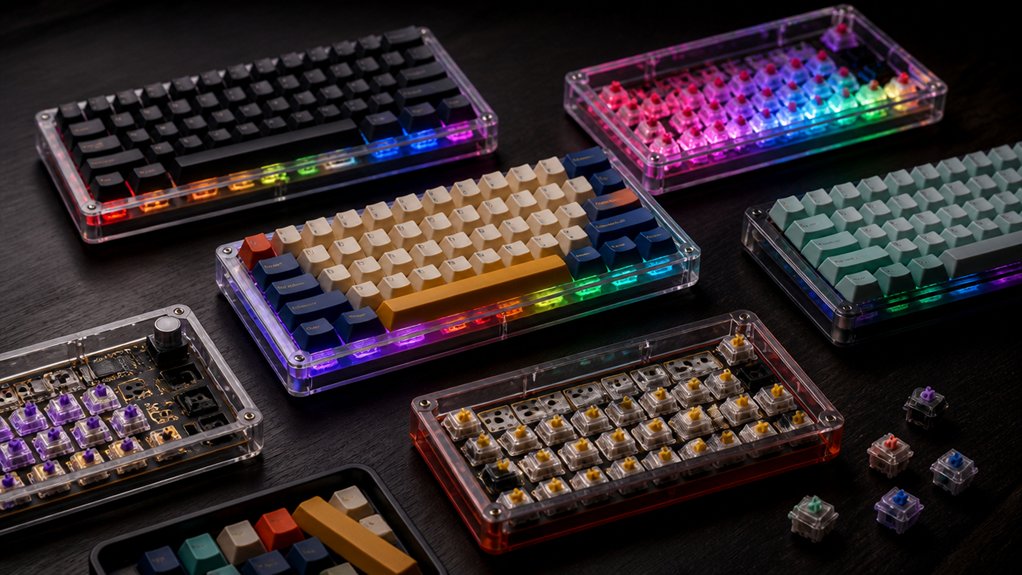
Are you looking to build a budget-friendly mechanical keyboard without sacrificing quality? The TM-680 is a top choice among the best budget mechanical keyboards. This keyboard kit offers a compact 68-key layout with RGB lighting and a volume knob, perfect for starting your custom build.
It supports five-pin switches on its HotSwap PCB, making switch upgrades easy. For switches, Gateron Milky Yellow linear switches are affordable at about $16 for 70, providing smooth typing.
To improve the sound and feel, lubing the switches and stabilizers is essential, as stock stabilizers often need mods. Adding foam or polyfill inside the case enhances acoustics.
With a total price point under $100, combining the TM-680 kit, Gateron Milky Yellow switches, and a budget keycap set delivers a solid, enjoyable typing experience without breaking the bank.
Mods to Improve Sound and Feel in Your Budget Gaming Keyboard
Enhancing the sound and feel of your budget gaming keyboard often starts with simple modifications that make a big difference.
First, apply lubricant like Krytox 205g0 to switches and stabilizers; this reduces scratchiness and smooths out the typing feel.
Lubricate switches and stabilizers with Krytox 205g0 for a smoother, quieter typing experience.
Second, clip and lube plate-mounted stabilizers and use the band-aid mod with tape to minimize rattle and noise, creating a quieter, more satisfying keyboard sound.
Third, add polyfill or thin foam inside the hollow case—especially underneath the frame—to absorb vibrations and improve acoustics.
Fourth, consider switching to Gateron Milky Yellow linear switches for a smoother, quieter baseline that benefits from lubing and stabilizer mods.
Additionally, applying a stabilizer lubricant like Lucas Oil or WD-40 White Lithium Grease can significantly reduce rattle and improve stabilizer performance, making your keyboard feel more premium.
These simple mods will greatly upgrade your budget mechanical keyboard’s sound and feel, making gaming and typing more enjoyable.
Keycaps and Accessories to Upgrade Your Budget Setup
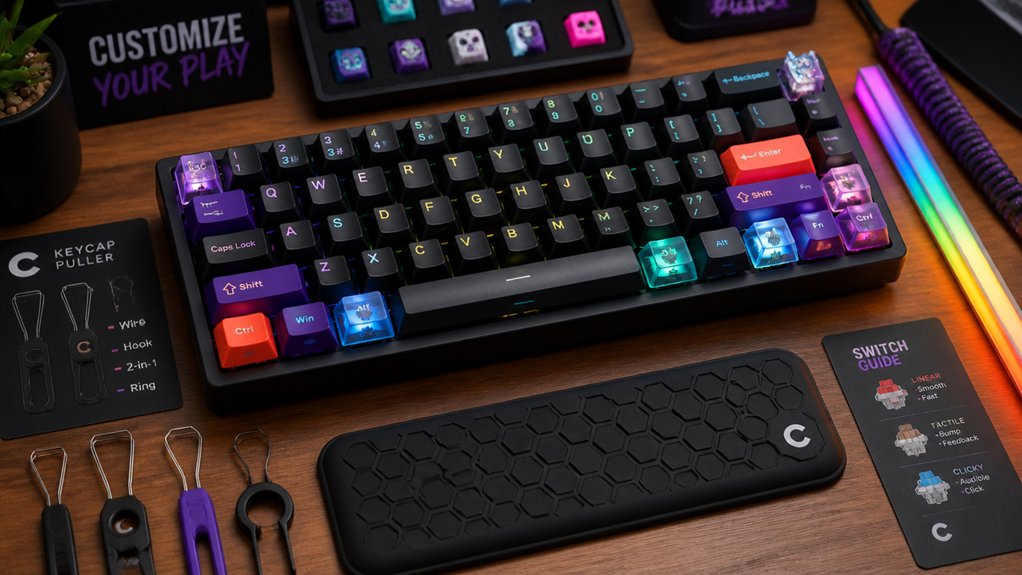
Upgrading your keycaps and accessories can greatly elevate your budget mechanical keyboard’s look, feel, and durability. Investing in durable PBT keycaps, like Kinetic Lab or PBTfans sets, enhances aesthetics and longevity for around $30-$40. Cheap mechanical keyboards can gain a premium feel with knockoff GMK clone keycap sets such as Con Momo, costing about $36. Adding a braided USB-C or custom coil cable (roughly $25-$50) boosts both tactile and visual appeal. Stabilizer mods—including clipping, lubing, and band-aid damping—reduce noise and improve large key feel. Incorporate these accessories to join the keyboard community’s trends and customize your setup further. Durable materials like PBT also resist wear and fading, ensuring your keyboard maintains its aesthetic over time.
Troubleshooting Common Issues With Budget Mechanical Keyboards
Budget mechanical keyboards often come with compromises in quality that can lead to common issues affecting performance and user experience. To troubleshoot, start with stabilizers: if rattling or sounds are bothersome, clipping, lubing, and band-aid mods can improve your custom keyboard’s performance.
For acoustics, hollow cases and plastic housing can cause undesirable noise; adding polyfill or foam inside the case reduces echo.
North-facing PCB layouts might cause uneven lighting or compatibility issues with keycaps, especially if you’re using white lighting with red switches or other customization.
Software limitations, such as proprietary Homu firmware, restrict key remapping and RGB control, so accept these constraints or seek alternative firmware options.
Finally, switch smoothness in budget builds benefits from lubing switch stems, making your mechanical keyboard feel closer to mid-tier quality.
How to Upgrade and Customize Your Budget Gaming Keyboard Over Time
As you continue to develop your gaming setup, upgrading and customizing your keyboard can greatly improve comfort and performance. Start by swapping stock switches for smoother, silent switches like Gateron Milky Yellow or Akko V3 Pro for a better keyboard build and quieter operation. Lubricate switches and stabilizers with Krytox 205g0 or TriboSys 3203 to enhance smoothness and reduce noise, costing around $8–$12. Improving sound can also be achieved by adding acoustic mods like polyfill or foam inside the case or band-aid mods under stabilizers. Upgrade keycaps with durable PBT sets from Kinetic Lab or Con Momo GMK clones to personalize your setup. Use your keyboard’s feature set—macro and RGB functions—to craft gaming profiles and elevate your gaming experience over time. Exploring application tools and choosing the right lubricants can make a significant difference in your customization process.
Frequently Asked Questions
Can I Upgrade My Budget Keyboard’s Firmware or Software?
Yes, you can often upgrade your budget keyboard’s firmware or software, but it depends on the brand and model. Check the manufacturer’s website or support resources first to see if updates are available and compatible with your device.
How Important Is Switch Type for Gaming Performance?
Switch type is pretty important for gaming performance because it affects response time, actuation force, and tactile feedback. You should choose a switch that matches your gaming style for faster reactions and better control during intense gameplay.
Are There Any Compatibility Issues With Custom Keycaps?
Yes, compatibility issues can occur with custom keycaps, especially if they don’t match your keyboard’s switch type or stem design. Always check your keyboard’s specifications to guarantee the keycaps you choose will fit properly and function correctly.
How Do I Connect Multiple Budget Keyboards for Gaming?
You can connect multiple budget keyboards for gaming by plugging each into separate USB ports on your computer. Then, configure your gaming software or key mapping tools to recognize and synchronize inputs from all keyboards.
What Are the Best Ways to Prolong the Lifespan of Budget Switches?
You prolong your budget switches’ lifespan by regularly cleaning them, avoiding excessive force, and keeping your keyboard in a stable environment. Use dust covers and gentle key presses to prevent wear and tear over time.
In Summary
Building a budget mechanical gaming keyboard lets you enjoy high performance without breaking the bank. By selecting the right switches, kits, and mods, you can customize your keyboard for ideal comfort and sound. Upgrading keycaps and accessories over time keeps your setup fresh and tailored to your preferences. With a bit of patience and experimentation, you’ll create a reliable gaming companion that’s both affordable and satisfying—so get started and enjoy the game more than ever!



