
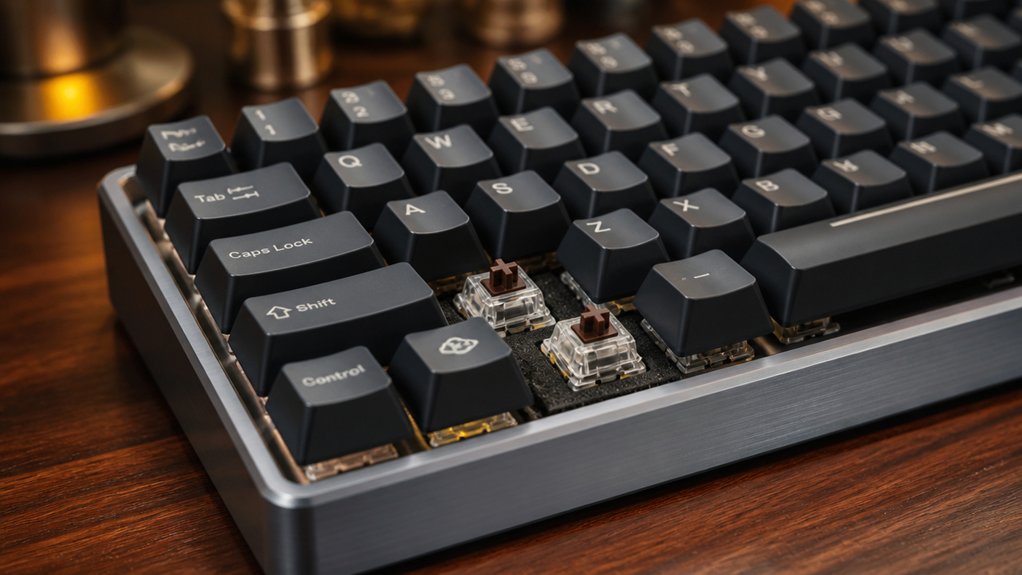
To tune your keyboard’s sound, start by lubricating switches with Krytox 205g0 and applying ultra-thin films to stabilize housings and cut down rattles. Incorporate foam inserts inside the case and silicone or foam dampers on stabilizers to absorb vibrations and reduce noise. Personalize your tone by choosing thicker PBT keycaps and softer plate materials. Keep these techniques in mind, and you’ll discover even more ways to craft the perfect sound profile as you go along.
Mastering Keyboard Lubrication and Film Techniques to Reduce Noise
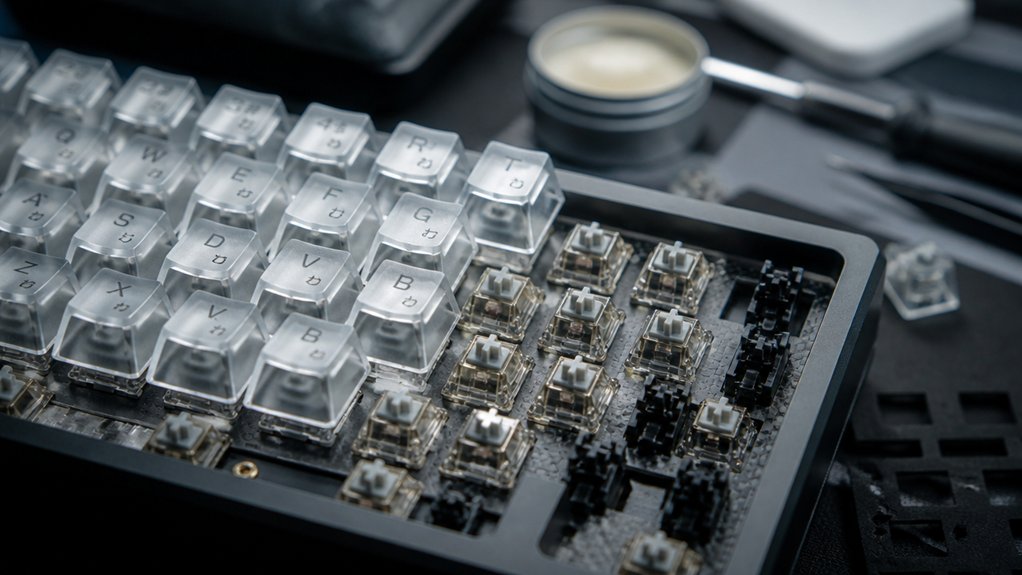
To effectively reduce noise in your mechanical keyboard, mastering lubrication and film techniques is essential. Start by lubing switches with Krytox 205g0, applying it evenly on switch sliders and springs to smooth keystrokes, minimize switch wobble, and cut down typing noise.
Disassemble switches with a switch opener to access interior components, ensuring precise lube application on both stem and housing. Using ultra-thin switch films between housing halves stabilizes switch parts, reducing rattles and deepening the sound.
For tactile and clicky switches, opt for lighter lubes like Krytox 3203 on stems to maintain tactility while softening noise. Keep your lubrication thin and even to avoid sluggishness, and combine it with switch films for the most effective noise reduction, creating a quieter, more refined typing experience.
Using Foam, O-Rings, and Case Mods for Effective Sound Dampening
Sound dampening in your mechanical keyboard can be greatly enhanced by adding strategic modifications like foam inserts, O-rings, and case tweaks. Foam, such as polyethylene sheets, inside the keyboard case reduces hollow resonance, deepening the typing sound for a more refined “thock.” Silicone O-rings on switch stems cushion bottom-out impact, cutting high-pitched clacks and slightly shortening key travel. Placing case foam or silicone pads between the PCB, plate, and case walls isolates sound waves, minimizing echo and vibration. Tightening up stabilizers and mounting points with rubber dampeners lessens metallic pinging. Here’s a quick overview:
| Modification | Effect | Location |
|---|---|---|
| Foam inserts | Sound absorption, resonance control | Inside case, beneath components |
| O-rings on switch stems | Reduce bottom-out impact, noise | switch stems |
| Case foam or pads | Vibration reduction, echo minimization | between PCB, case walls |
| Stabilizer dampeners | Smoother keystrokes, quieter stabilizers | around stabilizers |
Personalizing Your Keyboard’s Sound Profile for the Perfect Tone
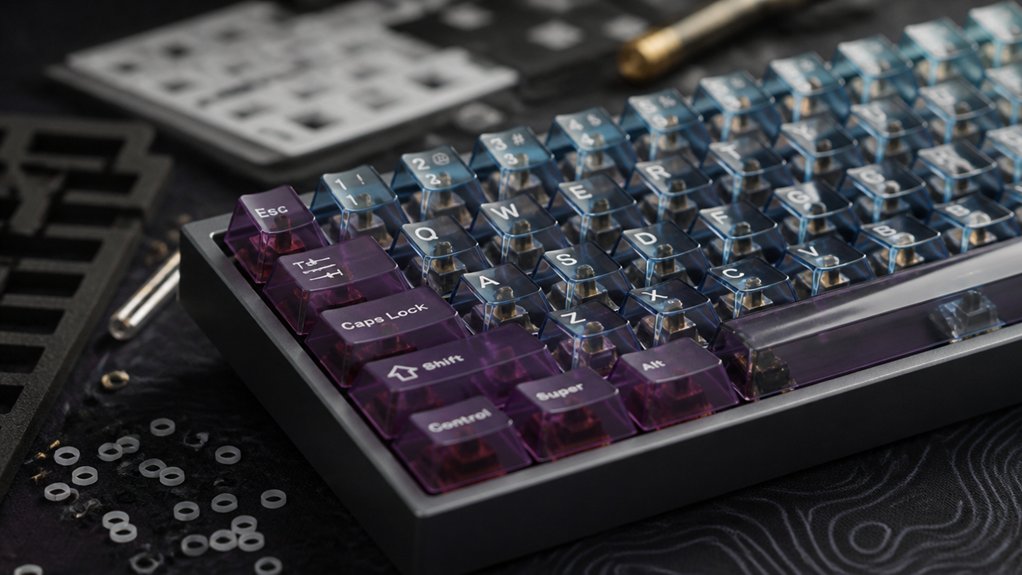
Personalizing your keyboard’s sound profile involves selecting components and applying modifications that shape the tone to your preference. For your mechanical keyboard build, opt for thicker PBT keycaps and softer plate materials like polycarbonate to produce a deeper, softer sound. Modding a keyboard with these materials enhances personalization and creates a pleasing, rich keyboard sound. Lubricating switches and stabilizers with Krytox 205g0 or Glorious G Lube smooths keystrokes and reduces rattling, refining the overall keyboard feel. Installing switch films minimizes housing wobble and sharp noises, delivering a more controlled click. Additionally, adding foam or Band-Aid mods inside the case or beneath stabilizers cushions impact noise for a quieter, more resonant acoustic experience. Ensuring proper lubrication with high-quality switch lubricants helps achieve a consistent and refined sound profile, allowing for more precise tuning to your preferred tone. These tweaks help you fine-tune the sound profile toward your ideal tone.
Frequently Asked Questions
How Do I Identify the Specific Sound Issues in My Keyboard?
You spot sound issues by listening closely, noting if your keyboard’s too loud, hollow, or rattly. Test different keypresses, identify inconsistent sounds, and check for unwanted vibrations or noises that could indicate specific problems.
Are There Any Risks With Excessive Modification or Layering?
Yes, excessive modification or layering can damage your keyboard, cause instability, or reduce its lifespan. Always proceed carefully, test modifications gradually, and guarantee you’re using quality parts to avoid risks and maintain peak performance.
How Do Different Switch Types Affect the Overall Sound Profile?
Different switch types greatly influence your keyboard’s sound profile; tactile switches produce louder, more resonant sounds, while linear switches tend to be quieter and smoother. Experiment with various switches to find the sound and feel you prefer.
What’s the Best Way to Test Changes Without Damaging My Keyboard?
You should test your keyboard gently after making changes, avoiding excessive force. Use a soft cloth or keyboard cover, and test in short sessions. This helps prevent damage while ensuring your modifications sound just right.
Can Sound Tuning Improve Typing Comfort Alongside Acoustics?
Yes, sound tuning can enhance typing comfort by reducing noise and vibrations, making your keyboard feel softer and more responsive, which in turn minimizes fatigue and strain, creating a more comfortable and pleasant typing experience overall.
In Summary
By mastering lubrication, sound dampening mods, and personalizing your keyboard’s sound profile, you can create a quieter, more satisfying typing experience. Experiment with different techniques to find what works best for you, and don’t hesitate to tweak and refine until your keyboard sounds just right. With a little patience and effort, you’ll enjoy a custom keyboard that not only feels great but also sounds perfect to your ears. Happy typing!



