
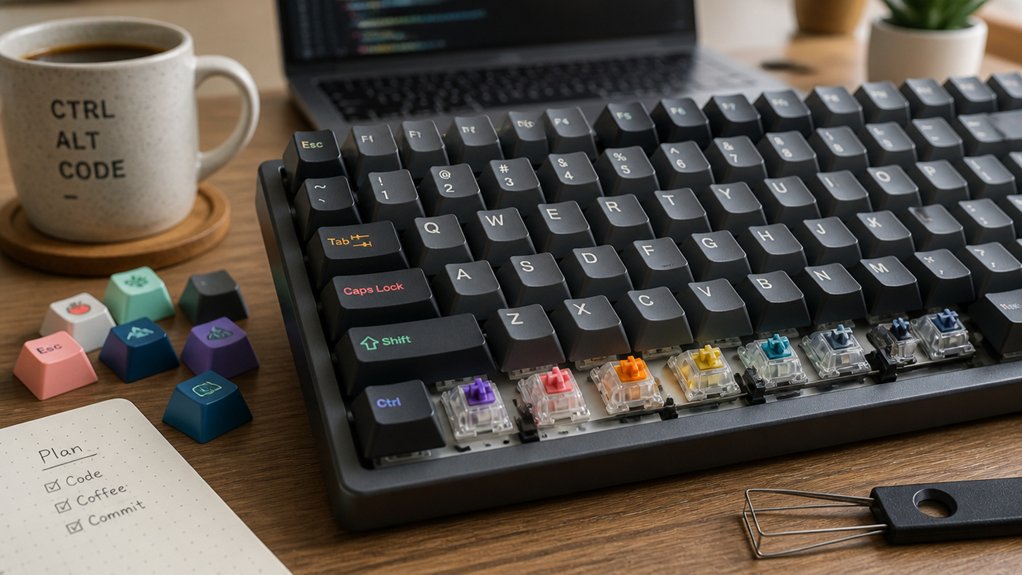
You’ll get the most productive coding experience with a tactile switch that balances a modest 42‑62 gf actuation force, a quiet “thock” sound, and a smooth, pre‑lubricated stem—such as a Cherry MX Brown or an Akko V3 Cream Blue Pro—because these designs give precise feedback without the fatigue‑inducing clicks or the excessive noise of linear or clicky options. If you keep going, you’ll discover how to match switch specs to your typing style and workspace.
Identify the Best Keyboard Switch for Programmers That Matches Your Coding Style
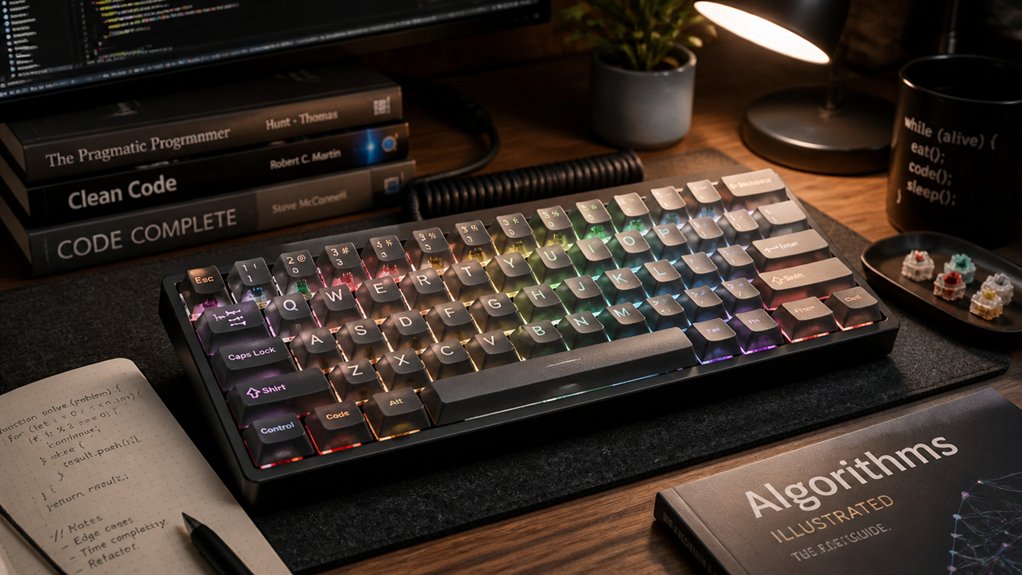
When you match a switch to your coding style, consider how its feel, sound, and speed affect your workflow. The Best Keyboard Switches for programmers often come down to tactile switches, because they give a clear bump without shouting.
The Gazzew Boba U4T shines with a rounded, strong tactile bump and factory lubrication that steadies the typing feel, reducing fatigue during long sessions. If you need quieter action, linear options like Cherry MX Red or Gateron Red glide smoothly, letting you type fast with minimal finger strain.
For a balanced approach, Cherry MX Brown or Akko V3 Cream Blue Pro offer modest feedback and low noise, keeping typos in check while staying office‑friendly. Choose the mechanical keyboards that align with your comfort, noise tolerance, and speed preferences.
What Numbers Should You Look At When Picking a Switch? (Force, Travel, Sound)
Ever wondered which numbers actually matter when you pick a switch? Focus on actuation force, travel distance, and switch sound profiles.
A 42 g actuation force gives a responsive yet comfortable feel, keeping finger fatigue low during long coding marathons. Pre‑travel around 2.3 mm delivers quick tactile feedback without slowing your typing speed, while a bottom‑out force near 57 g and total travel of 3.1 mm shape the full‑press experience.
Choose a sound profile that matches your workspace: quiet linear switches stay silent, whereas clicky options add audible confirmation. Factory lubrication and stable stems curb scratchy noises, yielding a smoother “thocky” tone that many programmers prefer.
Choose Tactile Switches for Balanced Feedback and Accuracy

If you want precise feedback without a loud click, tactile switches are the sweet spot. You’ll feel a subtle bump right at actuation, confirming each keystroke and keeping typing accuracy high.
Cherry MX Brown switches exemplify this balance: a medium actuation force, quiet operation, and a noticeable tactile cue that lets you type confidently in shared spaces. Other medium‑weight tactile options, like the Akko V3 Cream Blue Pro, add pre‑lubrication for smoother travel, reducing fatigue during long coding marathons.
Because the bump is consistent, you make fewer mistakes, especially when typing fast or for extended periods. In short, choosing tactile mechanical switches gives you the feedback you need without the noise of clicky variants, supporting both precision and comfort.
Choose Linear Switches for Speed‑Focused Coding Without Fatigue
Because linear switches lack tactile bumps, they let your fingers glide smoothly across the keyboard, boosting typing speed for fast‑paced coding sessions. You’ll notice that the light actuation force and short pre‑travel of linear switches keep your fingers relaxed, which matters during long coding marathons.
Cherry MX switches like the Red or Gateron Red variants are popular choices because they stay quiet and reduce fatigue, letting you stay in the flow without constant audible feedback. The consistent keypress also means you can type faster, though you might need to watch for occasional errors that tactile feedback would catch.
In shared or noise‑sensitive environments, this quiet, speedy experience makes linear switches a solid fit for programmers who prioritize speed and comfort over clicky confirmation.
Choose Clicky Switches Only When Sound Improves Your Typing Rhythm
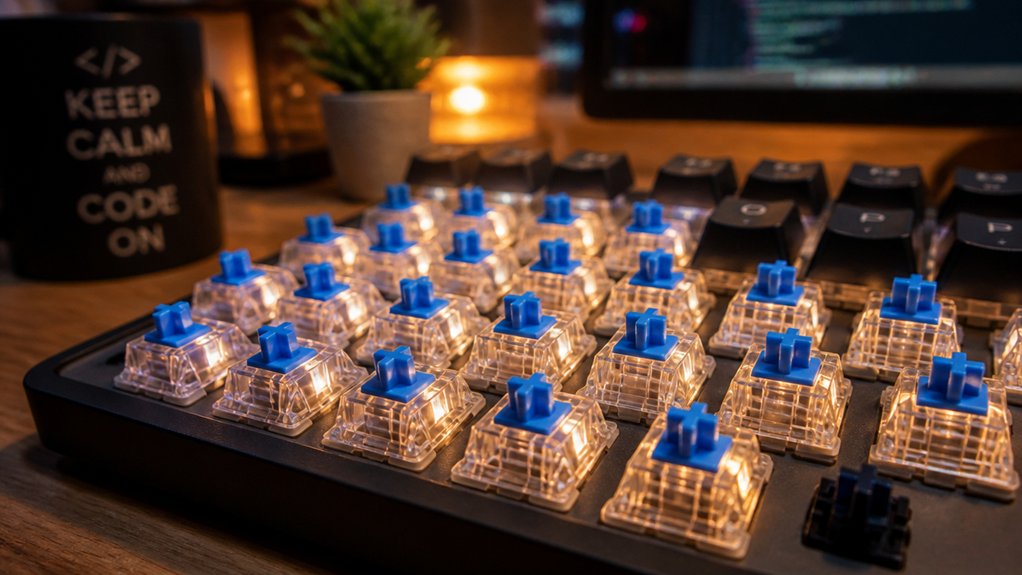
Linear switches give you speed, but the next step is to evaluate whether the audible click can actually boost your typing rhythm. When you choose clicky switches, you’re betting that the click sound syncs with your keystrokes, turning each press into a mini‑beat that reinforces muscle memory.
The tactile bump and heavier actuation force can help you type more deliberately, which many programmers find improves accuracy and flow. However, the louder audible click of Cherry MX Blues or Razer Greens can be disruptive if you work in a shared office or a quiet environment.
Only adopt clicky switches if your workspace tolerates the noise and the sound genuinely enhances your typing rhythm and concentration.
Pick Budget‑Friendly Tactile Switches That Rival Premium Browns
Budget‑friendly tactile switches can hold their own against premium Browns, and the Akko V3 Cream Blue Pro is a standout example. You’ll notice a medium‑weight feel, factory pre‑lubrication, and dust‑proof stem covers that keep each keystroke smooth and stable.
The tactile bump reduces typos and boosts typing accuracy, matching the performance of pricier Cherry MX Browns while staying affordable. Although the sound is a bit louder and higher‑pitched than ultra‑quiet premium options, the trade‑off feels worthwhile for most programmers seeking consistent feedback without breaking the bank.
A tactile bump cuts typos, delivering premium‑like accuracy at an affordable price despite a slightly louder, higher‑pitched click.
- Budget‑friendly price point
- Noticeable tactile bump for error reduction
- Pre‑lubricated, dust‑proof stems for durability
- Medium actuation force balances speed and control
- Akko V3 Cream Blue Pro delivers premium‑like typing accuracy
Test Switches at Home With a Simple Mechanical Switch Tester

A simple mechanical switch tester lets you compare linear, tactile, and clicky switches in just a few minutes, so you can feel the differences before buying a full keyboard. You’ll grab the $10‑$20 tester, press a Cherry MX Red, Brown, and Blue, and instantly sense which mechanical profile matches your personal preference for a smooth typing experience. The tactile bump, the quiet glide, the audible click—all become concrete data points, letting you avoid costly guesswork and reduce fatigue during marathon coding.
| Switch Type | Feel |
|---|---|
| Linear | Smooth, quiet |
| Tactile | Light bump |
| Clicky | Clicky click |
| Hybrid | Mixed feedback |
Fine‑Tune Feel for Long‑Coding Sessions With Lubrication and Spring Swaps
After you’ve identified which switch family feels right with a tester, the next step is to fine‑tune that feel for marathon coding.
Lubrication smooths friction, cuts wobble, and mutes high‑pitched noise, giving you a quieter, more stable keystroke.
Spring swaps let you dial in actuation force—lighter 62 g springs for effortless typing or heavier 69 g springs for a cushioned bottom‑out—so your fingers stay comfortable over hours.
Together they create a consistent feel that reduces fatigue and improves efficiency, letting you stay in the flow without constant micro‑adjustments.
- Apply a thin layer of Krytox or Tribosys to each stem and housing.
- Choose spring weights that match your preferred tactile feedback.
- Test the modified switch before installing it in the board.
- Re‑lubricate periodically to maintain smoothness.
- Keep a spare set of springs for quick swaps when your needs change.
Select the Best Keyboard Switch for Programmers – Your Final Decision

You should prioritize typing comfort first, choosing a switch that feels smooth and responsive under long‑hour code sprints.
Then match the switch’s noise level to your workspace—quiet linear or muted tactile for shared offices, or a louder “thock” if you’re in a private setup.
With those two factors in mind, you can narrow down the options and settle on the perfect switch for your programming style.
Prioritize Typing Comfort
When you prioritize typing comfort, tactile switches like Cherry MX Brown or Gazzew Boba U4T stand out because their subtle bump guides each keystroke, boosting accuracy and cutting fatigue during long coding sessions. Their tactile bumps match most typing styles, delivering feedback without loud clicks, so you stay focused.
Medium actuation forces (42‑62 gf) keep keystrokes light enough to avoid strain while still giving a satisfying feel. Pre‑lubricated, dust‑proof stems further smooth the travel, ensuring consistent performance. In shared spaces, these switches offer minimal noise, making them the best switches for programmers who need comfort and precision together.
- Cherry MX Brown: classic tactile feel, modest actuation
- Gazzew Boba U4T: smooth bump, quiet operation
- Akko V3 Cream Blue Pro: lubed, stabilized, dust‑proof
- Actuation force 42‑62 gf: balanced responsiveness
- Tactile bumps + minimal noise: ideal for long coding marathons
Match Switch Noise Level
Comfortable typing is only half the story; the next step is to match the switch’s noise level to your workspace.
The best feel for programmers often hinges on how much sound you can tolerate. Linear switches, like Cherry MX Reds or Gateron Reds, are the quietest, so they’re perfect for noise‑sensitive environments. Tactile options, such as Cherry MX Browns, give a modest bump without a loud clicky sound, letting you keep focus while still feeling feedback. Clicky switches—Cherry MX Blues or Razer Greens—produce an audible click that can disrupt open‑office colleagues.
Pre‑lubed or dust‑proof stems, like the Akko V3 Cream Blue Pro, further soften keystroke noise. Remember, a switch can vary in volume, so choose the type that aligns with your office’s noise tolerance and your personal coding rhythm.
Frequently Asked Questions
Which Keyboard Switch Is Best for Coding?
You’ll likely find Cherry MX Brown switches ideal for coding: they give a tactile bump for feedback without loud clicks, balancing comfort, accuracy, and noise, which suits most programmers.
Is TKL or 75 Better for Programming?
You’ll find TKL better if you need full arrow and function rows without sacrificing desk space, but if portability matters and you can live with integrated keys, the 75% layout works just as well.
Which Is the Best Keyboard for Programmers?
You should choose a full‑size or 75% keyboard with hot‑swappable PCB, PBT caps, Bluetooth/USB‑C, and linear or tactile switches; this combo gives durability, comfort, and flexible multi‑device workflow.
Which Type of Keyboard Switch Is Best?
You’ll find tactile switches best because they give you a noticeable bump without loud clicks, keeping your typing accurate and comfortable during long coding sessions while staying reasonably quiet.
In Summary
You’ve got the basics: tactile for balanced feedback, linear for speed, clicky for rhythm, and budget‑friendly Browns that punch above their weight. Test a few with a simple tester, tweak with lube or spring swaps, and settle on the feel that keeps you comfortable through marathon coding sessions. The right switch will match your style, boost accuracy, and keep fatigue at bay—so pick the one that feels right and code on.



