
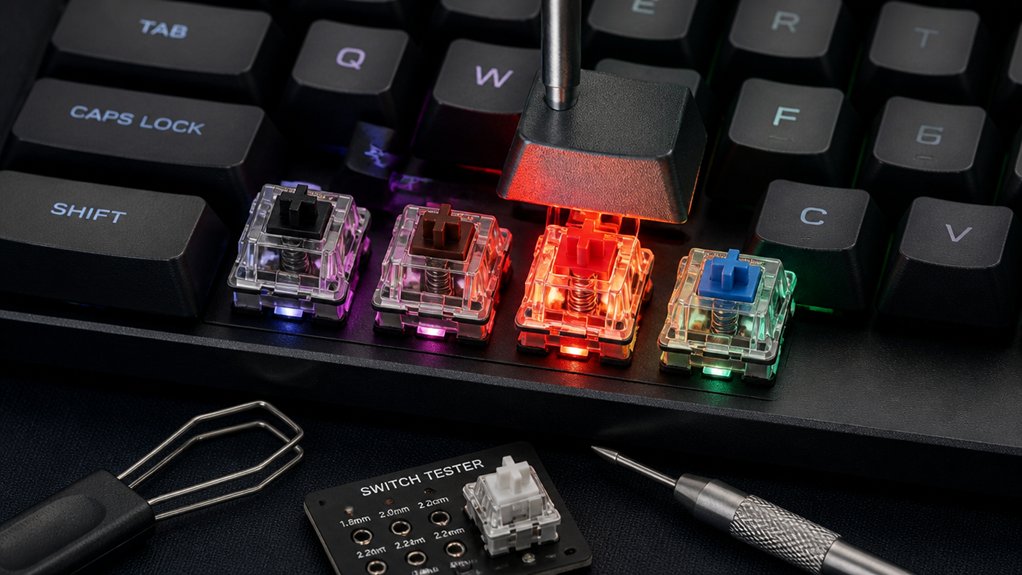
To test mechanical keyboard switches effectively, start with a visual inspection to spot defects and verify details. Use test kits and sample switches to compare tactile feedback, sound, and compatibility. Hands-on testing with test benches helps you assess feel and acoustics in real use. Measure actuation force and travel with specialized tools for precise data, and finally, test in a full keyboard setup to evaluate performance and comfort during extended typing. Keep exploring for detailed tips on these methods.
Why Visual Inspection Is the First Step in Keyboard Switch Testing
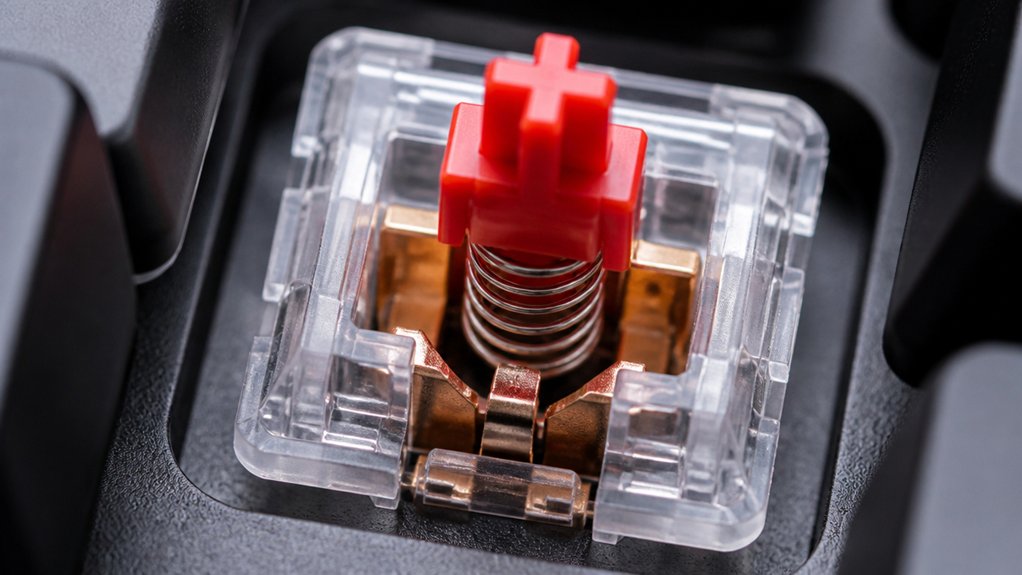
Have you ever wondered why visual inspection is the very first step in testing a mechanical keyboard switch? It’s essential because it helps identify obvious physical defects early on, like broken components, misaligned traces, or damaged housings.
During visual inspection, you verify critical details such as switch pinout layout, stem shape, housing color, and finish—factors that affect installation and performance. Spotting missing or loose parts prevents electrical issues and guarantees the switch functions correctly during further testing.
This initial step also helps catch manufacturing or shipping damages that could compromise durability or typing comfort. Additionally, checking the housing materials can reveal if the switches offer dust-proof or waterproof protection, which impacts longevity. Visual examination provides quick, non-invasive insights into the switch’s build quality, laying the foundation for accurate, meaningful performance evaluations in your mechanical keyboard.
How Test Kits and Sample Switches Help You Find Your Perfect Switch
Once you’ve inspected the physical condition of your switches, the next step is to get a feel for how they perform during actual use. Test kits and sample switches allow you to physically feel and compare different Keyboard Switches before committing to a full set. Using a switch tester or testing mechanical switches helps you evaluate tactile feedback, actuation force, and stem compatibility without guesswork. Sample packs often include popular options like Akko Lavender or Kailh Copper, giving you targeted choices similar to beginner-friendly switches like MMD Holy Panda clones. These switch testers are designed to simulate real typing conditions, helping you identify the switches that feel best for your needs. Buying individual switches from online shops or marketplaces like AliExpress offers an affordable way to experiment with different switch characteristics. This hands-on approach guarantees you find the perfect switch that matches your typing style and preferences.
How to Assess Switch Feel and Sound Through Hands-On Testing
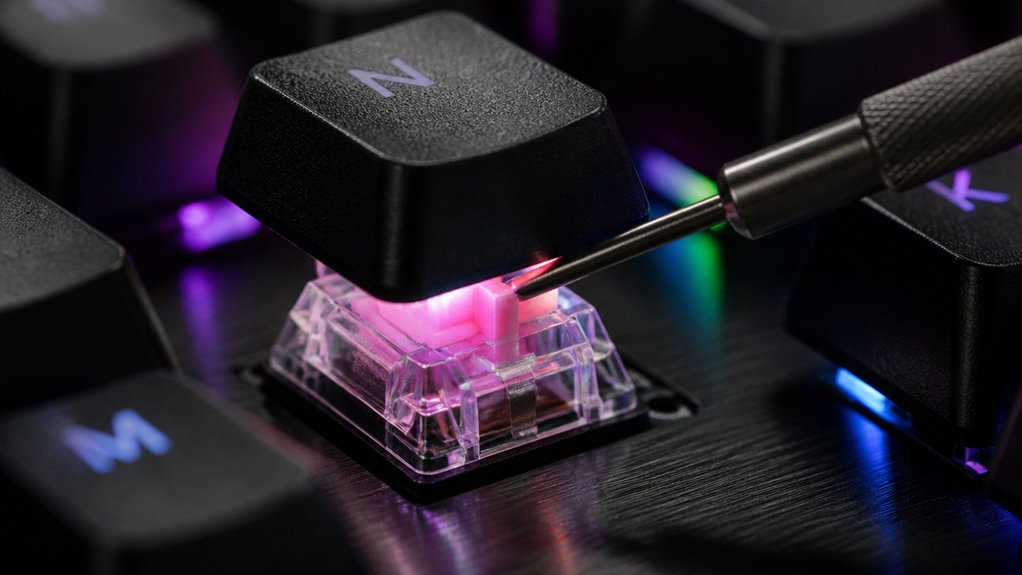
Curious about how a switch feels and sounds in real use? To assess switch feel and sound hands-on, try these methods:
- Use a physical mechanical switch test bench to measure actuation force, travel, and force curves objectively.
- Test switches with sample packs or testers from trusted vendors to evaluate tactile feedback and sound profiles before buying.
- Conduct switch tests with keycaps mounted on a standard rig that mimics real typing conditions, helping you gauge feel, travel, and acoustic nuances accurately.
- Paying attention to the sound profile and noise level measurements, such as the roughly 35 dB for linear switches or 42 dB for clicky options, can provide additional insight into the switch’s sound characteristics.
These approaches let you compare switches beyond mere looks, giving insights into their unique feel and sound.
How to Measure Switch Actuation Force and Travel for Accurate Comparisons
To compare mechanical switches accurately, measuring their actuation force and travel distance is essential, and using precise tools like a force tester guarantees reliable results. With a force tester such as the Mecmesin MultiTest 2.5-I, you can record the force curve as the switch is pressed and released, capturing detailed data on switch behavior. Additionally, understanding ergonomic design features helps in interpreting how switch response impacts typing comfort. Collect approximately 100 data points per millimeter of travel—typically around four millimeters—to generate exhaustive force-travel curves that highlight tactile, linear, or clicky characteristics. Set the press duration to about two seconds and speed up the release slightly to mimic normal typing actions. Visualizing these force profiles with graphs allows you to clearly compare differences between switch types, considering both actuation force and travel distance for a full understanding of switch feel.
How to Test Your Switches in a Full Keyboard Setup
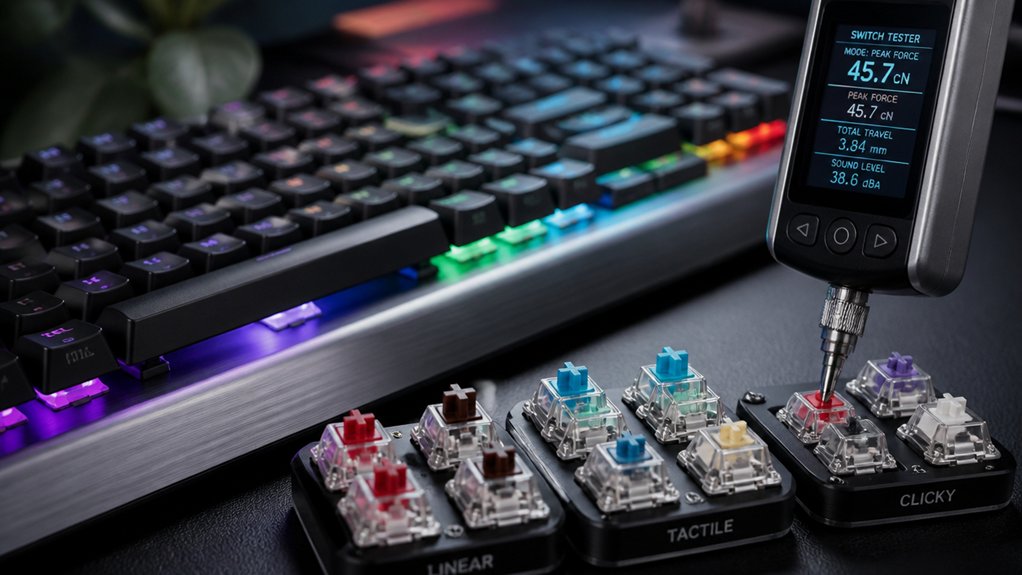
Testing your switches within a full keyboard setup offers the most accurate insight into their real-world performance. It replicates actual typing conditions, providing authentic feedback on tactile response, sound, and latency.
To thoroughly test switches:
- Use a hot-swappable keyboard to easily switch between different switches and compare their feel and sound side-by-side.
- Measure parameters like total travel, actuation force, and smoothness during extended typing sessions to assess consistency and comfort over time.
- Employ software tools or hardware devices, such as latency testers like the Beagle 480 USB analyzer, to evaluate pre-travel latency and responsiveness within the full setup.
Frequently Asked Questions
Do Pro Gamers Use Linear or Tactile?
Pro gamers typically prefer linear switches for their smooth, quick actuation, especially in FPS games. Tactile switches are used by those valuing feedback for accuracy in MOBAs or RTS. Your choice depends on your game genre and play style.
How Can I Test if a Switch Is Bad?
You can test if a switch is bad by pressing it and checking for consistent responsiveness, smooth actuation, and proper registration. Use a multimeter or specialized tester to verify electrical connectivity and identify broken or misaligned contacts.
How to Test Keyboard Switches With a Multimeter?
You test keyboard switches with a multimeter by setting it to continuity or resistance mode, pressing the switch, and checking for near-zero resistance when pressed and infinite resistance when released, ensuring proper contact and functionality.
How to Test if Ctrl Is Working?
You can test if the Ctrl key works by pressing it along with another key, like C or V, and observing if the expected action occurs. Use a keyboard tester website or software for visual confirmation.
In Summary
Testing your mechanical keyboard switches thoroughly guarantees you choose the perfect feel, sound, and performance. By inspecting visually, using test kits, feeling the switches, measuring actuation force, and testing in a full setup, you get an all-inclusive understanding of their quality. Taking the time to evaluate your switches helps you customize your typing experience and avoid future frustrations. So, follow these methods, and you’ll find the ideal switches for your needs in no time.



