
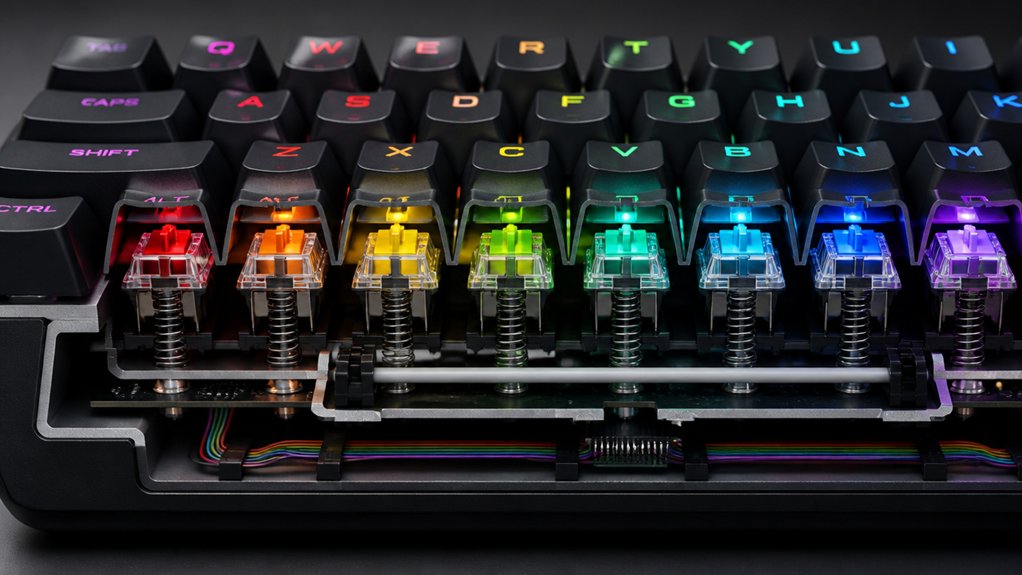
To fix key rollover issues, first diagnose hardware problems by cleaning and inspecting your keyboard’s internal matrix for debris or damaged wiring, which can cause ghosting and jamming. Next, consider upgrading to a keyboard with n-key rollover (NKRO) and built-in diodes for reliable multi-key detection. Finally, adjust driver settings or repair wiring if possible. These steps are essential for better performance, and exploring further can help you find the perfect solution.
How to Diagnose and Fix Key Rollover Problems in Your Keyboard
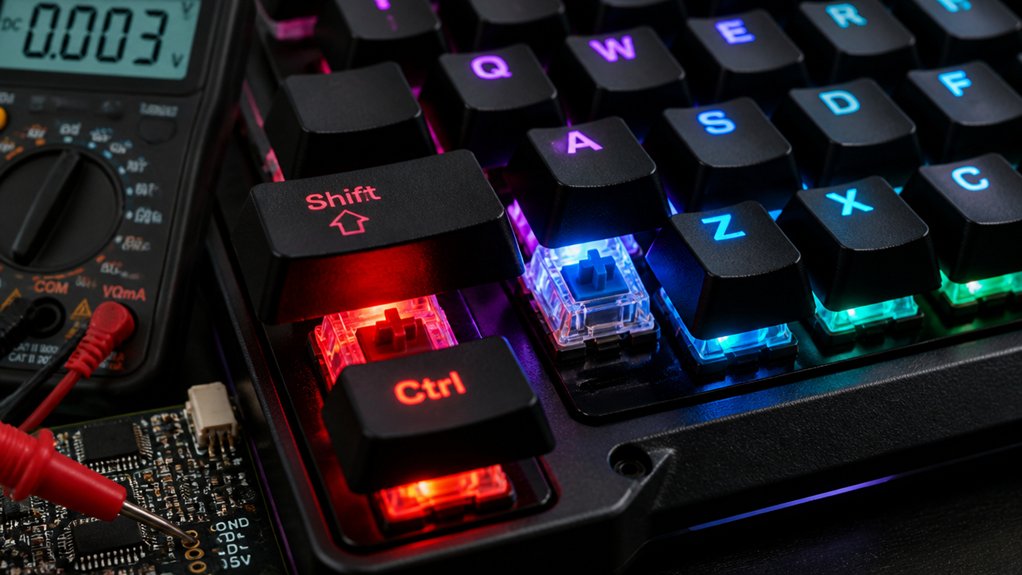
Wondering if your keyboard is struggling with key rollover issues? You can diagnose this by testing your keys on specialized keyboard testing websites to spot ghosting or jamming during simultaneous key presses.
Check your keyboard with online testing sites to identify ghosting and key rollover problems during simultaneous presses.
Inspect the internal matrix for debris or corrosion that might cause electrical shorts, affecting multi-key detection. Use systematic matrix mapping by pressing key triplets and pairs, which helps identify faulty wiring or missing diodes responsible for ghosting.
Disabling any keyboard driver features that block multiple key signals can sometimes improve performance.
If cleaning or adjusting settings doesn’t help, consider upgrading to a keyboard with built-in n-key rollover and diode protection, which are designed for accurate detection of multiple simultaneous key presses, reducing ghosting and improving overall rollover. Additionally, choosing a TKL layout keyboard with positive switch stability and support for hot-swappable switches can enhance your key rollover experience by allowing easier customization and maintenance.
Understanding What Causes Ghosting and Rollover Failures
Understanding why ghosting and rollover failures happen requires a look at how keyboard switch matrices are designed. Most keyboards use a matrix of key switches arranged in rows and columns, which can cause issues with multiple keys pressed simultaneously.
Without isolation diodes, ghosting occurs when pressing three or more keys creates unintended electrical paths, leading to phantom key presses. This limits key rollover and can cause key jamming, where the keyboard’s firmware blocks additional key presses to prevent false inputs.
Keyboards lacking diodes or proper wiring are more prone to ghosting and limited NKRO—especially during complex multi-key combinations.
Fundamentally, the physical design and wiring of the switch matrix determine rollover performance, making hardware considerations vital in avoiding ghosting failures. Software updates can’t fix these hardware-defined issues.
Upgrading or Repairing Your Keyboard for Better Multi-Key Support
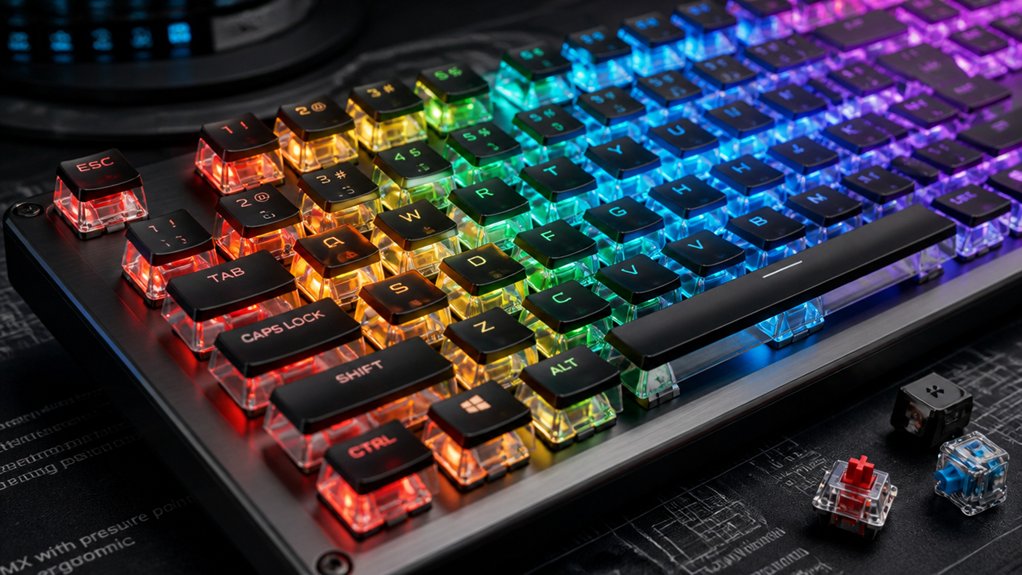
Upgrading your keyboard to one with n-key rollover (NKRO) technology is often the most effective way to improve multi-key support, ensuring all simultaneous keys are registered accurately without ghosting or jamming.
Mechanical keyboards with built-in diodes for each switch help prevent ghosting by stopping unintended current flow, which improves how keys are scanned in the matrix. NKRO keyboards support multiple keys being pressed or held at once, including keys on different rows and columns, without performance issues.
For repairing an existing keyboard, cleaning debris and checking the matrix wiring can help, but hardware faults usually require replacement. Many gaming keyboards around $20 or more incorporate NKRO and anti-ghosting, offering a practical upgrade for better multi-key support.
Frequently Asked Questions
How to Fix Keyboard Rollover?
You fix keyboard rollover by upgrading to a model with n-key rollover (NKRO) technology, cleaning inside to remove debris, testing for matrix faults, and replacing low-quality keyboards that lack embedded diodes, ensuring reliable multi-key registration.
Can I Spray WD-40 on Keyboard?
No, you shouldn’t spray WD-40 on your keyboard. It’s a solvent-based lubricant that can damage plastic, cause electrical shorts, and leave residues attracting dust. Instead, use isopropyl alcohol wipes or compressed air for cleaning.
How to Fix Keyboard Keys Glitching?
You can fix glitching keys by cleaning the keyboard thoroughly, updating drivers, testing for hardware issues, and adjusting software settings. If problems persist, consider replacing the keyboard with a model that supports better key rollover and anti-ghosting.
How Do I Fix Keyboard Typing Gibberish?
To fix your keyboard typing gibberish, scan for malware, update drivers, reset your input settings, clean the keyboard, and test it on another device. These steps help identify and resolve hardware or software issues causing erratic input.
In Summary
By diagnosing the issue, understanding the causes of ghosting and rollover failures, and upgrading or repairing your keyboard, you can greatly improve your typing experience. Don’t let key rollover problems slow you down — with the right steps, you’ll regain smooth, reliable multi-key support. Take action today to fix the problem, and enjoy seamless gaming or fast-paced typing sessions without frustrating key conflicts. Your improved keyboard will be ready to perform when you need it most.



