
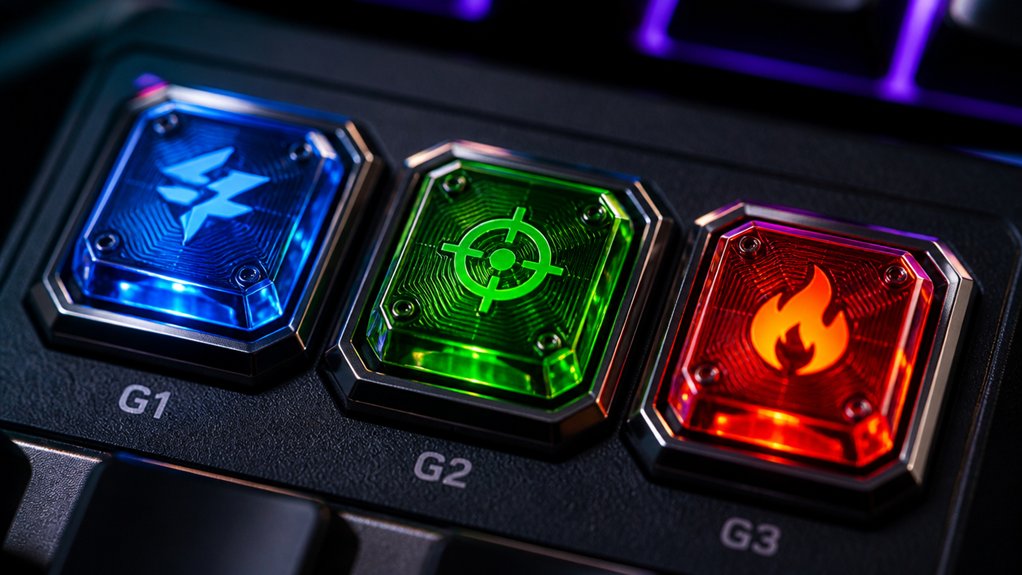
The top three custom macros for gaming keyboards include quick-fire macros for rapid shooting, complex combo sequences for seamless attack chains, and macro-based multitaskings like switching between different weapons or tools. These macros help you act faster and more accurately during gameplay. You can personalize them for various games or roles. Keep exploring, and you’ll discover how to create even more effective macros tailored to your gaming style.
How to Program and Use Macros for Gaming Keyboards
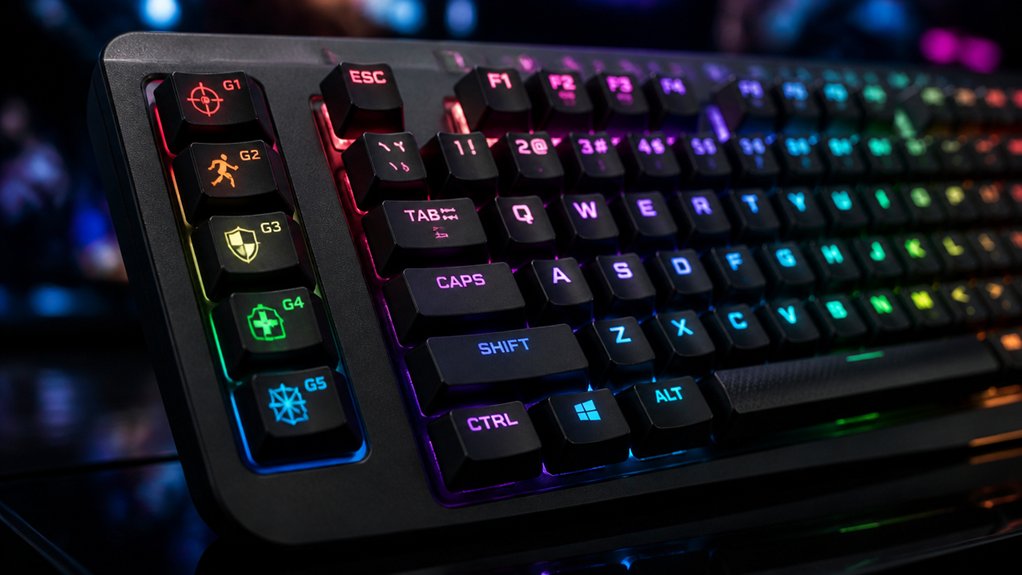
To program and use macros on gaming keyboards effectively, you’ll typically start with the manufacturer’s dedicated software, such as Razer Synapse, Logitech G Hub, or HyperX NGenuity. These tools allow you to easily program the macro keys on your gaming mechanical keyboard by recording keystrokes or mouse actions and assigning them to dedicated keys.
You can customize the macro keys to execute complex commands instantly during gameplay, taking advantage of specific keyboard features designed for gaming. Advanced options let you manage multiple profiles that automatically switch based on the game you’re playing, preventing input conflicts.
Some software also supports scripting languages like AutoHotkey, offering greater control over your macros. Properly managing and backing up your macro configurations guarantees seamless cross-device use.
Creating Practical Macros: Beginner Tips and Step-by-Step Guide
If you’re new to creating macros for your gaming keyboard, focusing on actions that are repetitive or complex can greatly enhance your gameplay. Identifying frequently used combos or rapid-fire sequences allows you to choose a gaming setup tailored to your needs. Use official keyboard software like Razer Synapse or Logitech G Hub to record keystrokes, making it possible to assign macros to dedicated hardware keys near WASD for quick access. These keys are essential for mechanical keyboards, which are popular among gamers. To optimize performance and avoid delays, test and tweak macros until timing and commands are precise. Additionally, selecting a macro pad with programmable keys and support for onboard memory can help you quickly switch between customized setups for different games or tasks.
Advanced Macro Strategies to Automate Complex Commands in Gaming
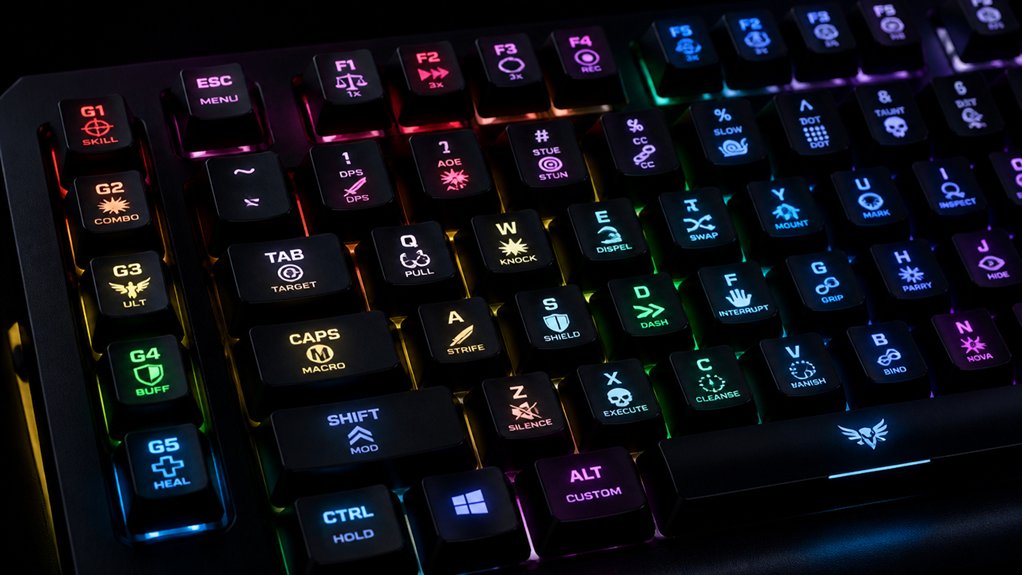
Building on basic macro techniques, advanced strategies let you automate complex commands that would otherwise require precise, multi-step inputs. By leveraging onboard memory and profile switching, you can adapt macros instantly across different game genres or characters, allowing users to switch seamlessly.
Mechanical keyboards offer customizable layouts, making it easier to assign intricate macros to specific keys. Incorporating conditional logic and timed delays enables precise execution of skill cooldowns or coordinated multi-key actions, essential in competitive gaming.
Features like RGB lighting and intelligent macro recording help even beginners craft complex sequences effortlessly. Remember, some esports titles ban certain macro types, so focus on fairness-compliant actions that enhance speed and accuracy without automating entire gameplay aspects, ensuring you stay within fair play boundaries.
Frequently Asked Questions
What Are Some Good Macros for Gaming?
You should use macros for executing complex fight combos, automating rapid weapon firing or swaps, activating auto-heals or buffs, streamlining building or crafting, and switching DPI or lighting on-the-fly to boost your gaming performance efficiently.
What Is the Best Macro Keyboard?
The Corsair K100 RGB is the best macro keyboard for you, offering a 4,000 Hz polling rate, dedicated macro keys, and extensive onboard memory, making complex commands quick and effortless during intense gaming sessions.
Are Macro Keyboards Good for Gaming?
Yes, macro keyboards are great for gaming because they let you automate complex combos and rapid sequences, helping you play faster and more accurately. They also reduce fatigue and adapt to different game genres.
What Is the Best Customizable Gaming Keyboard?
The best customizable gaming keyboard is one like the Razer BlackWidow V4 Pro or Corsair K100 RGB, offering customizable macros, RGB lighting, multi-profile support, and versatile connectivity, helping you optimize gameplay and personalize your setup effortlessly.
In Summary
Now that you’ve explored how to program and utilize macros, you’re ready to enhance your gaming experience. Start with simple commands, then gradually move to complex sequences as you become more comfortable. Remember, effective macros can give you a competitive edge and make gameplay smoother. Keep experimenting, stay creative, and enjoy the extra precision and control your custom macros provide. Happy gaming!



