
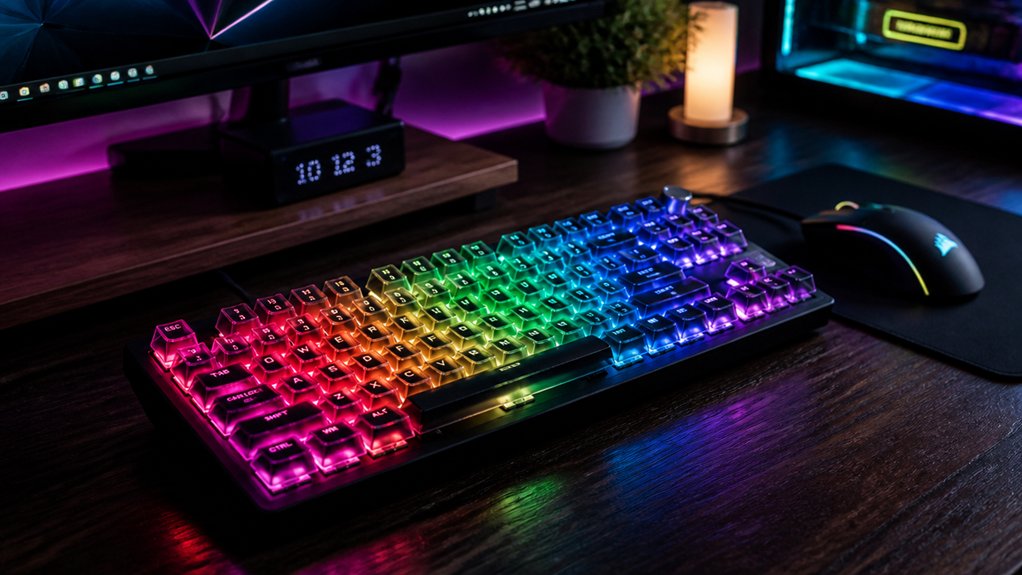
To maximize productivity with a custom RGB mechanical keyboard, focus on selecting features that boost visibility and streamline workflow. Customize colors for shortcuts, organize keys with color coding, and adjust brightness to reduce eye strain. Incorporate ergonomic design and programmable effects for efficiency and comfort. Keep your keyboard well-maintained to guarantee consistent performance. When you optimize these elements, you’ll work faster and with less fatigue—continue for more tips to elevate your setup even further.
Does RGB Lighting Help You Focus and Be More Productive?
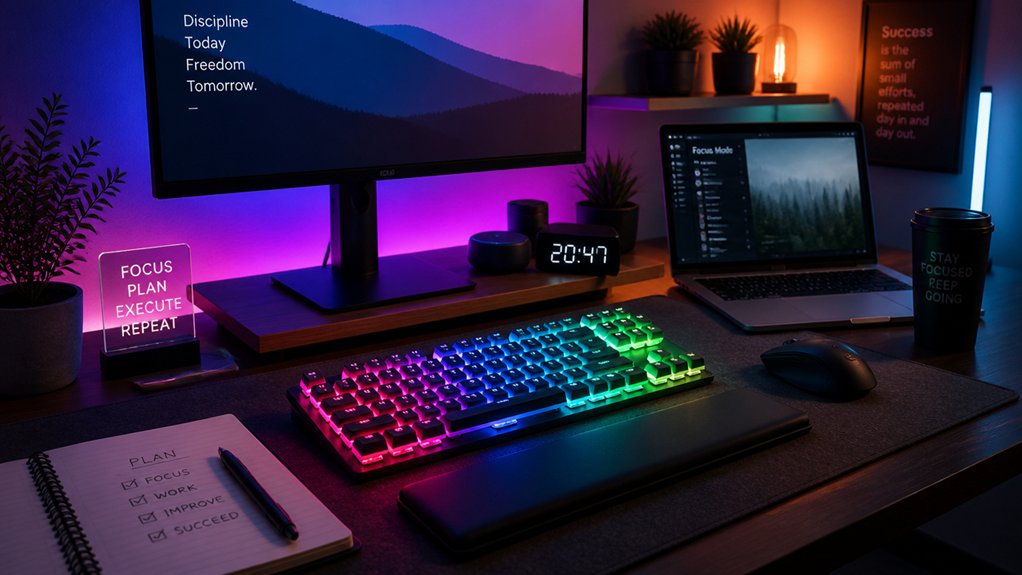
Many people wonder if RGB lighting actually boosts focus and productivity. In reality, RGB lighting can improve key visibility in low-light settings, reducing eye strain and typing errors, which supports prolonged productivity. A well-designed RGB setup can also enhance the overall aesthetic of your workspace, motivating you to spend more time at your desk. Individually addressable LEDs allow for precise customization, enabling you to tailor your lighting to promote concentration or relaxation as needed. By color-coding keys, you can recognize shortcuts faster and streamline your workflow, boosting efficiency on complex tasks. Additionally, a visually engaging RGB setup increases your workspace enjoyment, encouraging user engagement and sustained effort. However, keep in mind that in shared or open offices, bright lighting might be distracting, so using subtle or off modes during collaborative work can help.
How to Choose the Best RGB Customization Features for Your Workspace
Are you selecting an RGB mechanical keyboard that truly enhances your workspace? Focus on RGB mechanical keyboards with programmable lighting to assign task-specific colors, improving shortcut recall and workflow efficiency.
Choose models with customizable brightness and lighting modes, allowing you to dim or turn off lights during meetings for a professional look. Opt for keyboards with robust software support like QMK or VIA, enabling precise control over RGB effects and reactive lighting that provides feedback on keypresses.
Consider features such as adjustable DPI and polling rate to optimize performance alongside aesthetic customization. Finally, prioritize durable keycaps and ergonomic design to guarantee long-lasting, comfortable use without sacrificing style. Combining these features will help you create a personalized, efficient workspace that boosts productivity.
Tips to Personalize Your RGB Effects for Maximum Efficiency
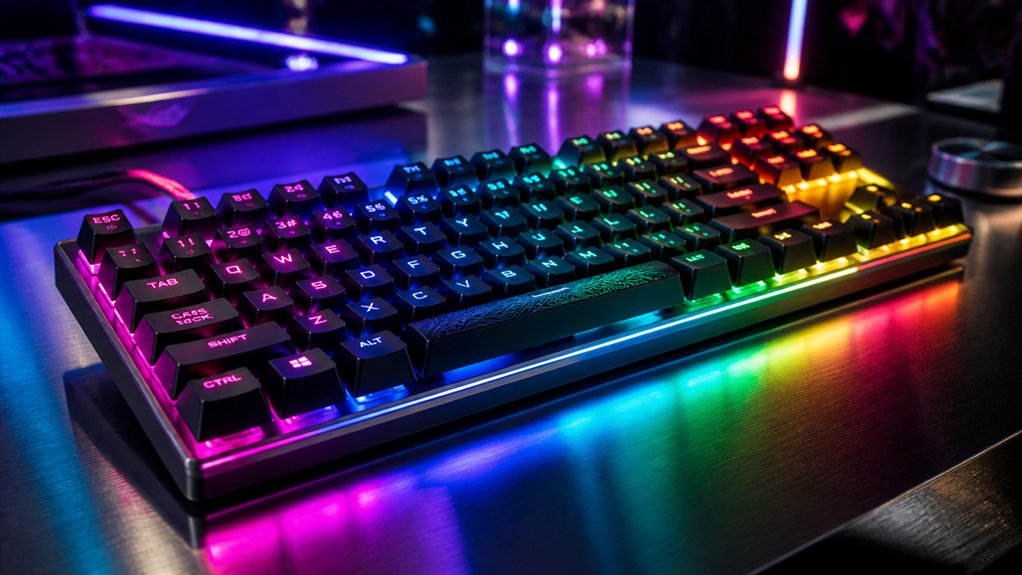
Wondering how to make your RGB effects work harder for your workflow? Personalizing your RGB effects can boost efficiency by highlighting shortcuts and function keys, increasing your workflow speed and key visibility. Use color-coding for different key groups to instantly identify essential shortcuts. Create lighting profiles triggered by specific tasks to visually cue your workflow stages and improve focus. Implement reactive lighting effects that provide tactile feedback with visual cues, reinforcing keystroke accuracy. Adjustable RGB brightness and color temperature help reduce eye strain during long sessions, keeping your productivity steady. Consider this visual setup:
| Tip | Implementation |
|---|---|
| Color coding | Different colors for shortcuts and functions |
| Dynamic profiles | Triggered by specific software or tasks |
| Reactive effects | Provide visual tactile feedback |
Additionally, choosing quality backlit keycaps ensures vibrant and consistent RGB illumination, further enhancing your customized setup.
How to Combine RGB Lighting With Ergonomic Design for Comfortable Work
Integrating RGB lighting with ergonomic design creates a workspace that’s both visually appealing and physically comfortable, helping you work longer without fatigue.
To achieve this, focus on customizable RGB features that pair well with ergonomic features like wrist rests and split layouts. Consider these points:
- Use soft, adjustable RGB lighting modes that reduce eye strain and promote a comfortable typing experience during long work sessions.
- Opt for ergonomic keycap shapes and programmable RGB lighting to enhance finger navigation, minimize strain, and boost productivity.
- Position wrist rests strategically with lighting that balances visibility and calm ambiance, supporting natural hand positioning and reducing fatigue.
- Incorporate keycap materials that impact both comfort and durability, ensuring a better overall typing experience.
Combining these elements results in a visually pleasing, ergonomic setup that encourages sustained, comfortable work sessions.
Maintaining and Troubleshooting Your RGB Mechanical Keyboard for Long-Term Use
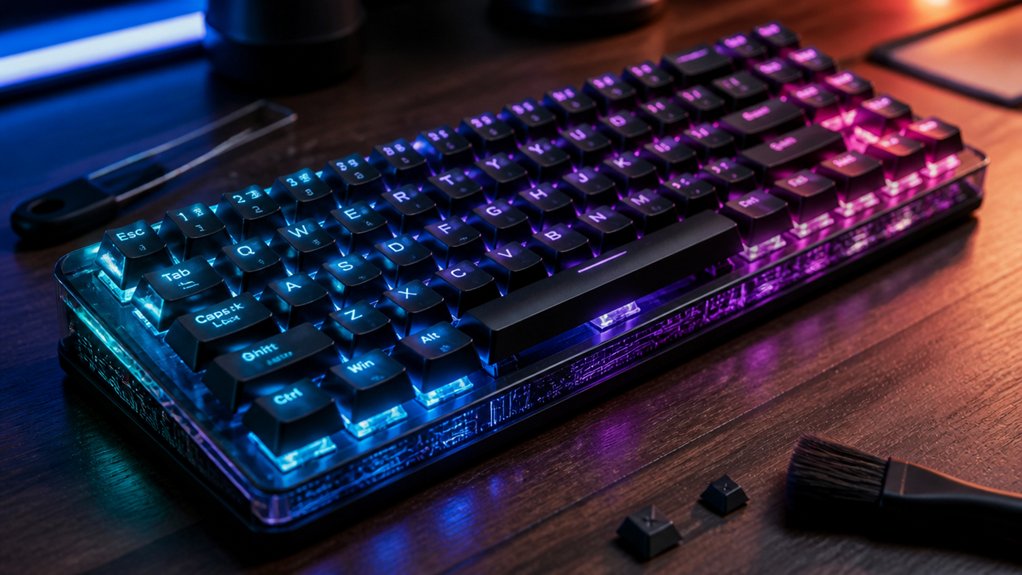
Maintaining and troubleshooting your RGB mechanical keyboard guarantees it stays reliable and vibrant for years to come. Regular cleaning with compressed air and a keycap puller prevents dust buildup, ensuring smooth key presses. Inspect switches and keycaps often; replace worn-out parts promptly to prevent unresponsive keys and uneven lighting. Troubleshooting involves reseating keycaps, cleaning switches, checking connections, and updating firmware via the manufacturer’s customization software. For wireless keyboards, verify signal strength and reconnect if needed. Use the manufacturer’s tools to calibrate RGB settings, reducing flickering. Seek professional support for complex repairs on hot-swappable or wireless models to protect functionality and lighting features. Ensuring you use a high-quality USB-C to USB-A cable is crucial for consistent connection stability and power delivery.
Frequently Asked Questions
Are There Specific RGB Settings That Reduce Eye Strain During Long Typing Sessions?
You can reduce eye strain by choosing RGB settings with softer, warmer colors like amber or red, and lowering brightness. Adjust your keyboard’s lighting to match ambient light, making it easier on your eyes during long typing sessions.
Can RGB Lighting Settings Be Synchronized Across Multiple Devices or Keyboards?
Yes, you can synchronize RGB lighting across multiple devices or keyboards using compatible software like Logitech G Hub, Razer Synapse, or Corsair iCUE. These let you create uniform lighting effects and save profiles for all devices.
How Do Hot-Swappable Switches Influence Overall Keyboard Durability and Performance?
Hot-swappable switches make your keyboard more versatile, allowing you to easily replace worn or different switches without soldering. This boosts durability, lets you customize performance, and prolongs your keyboard’s lifespan, ensuring consistent, high-quality typing experiences.
What Are the Best Practices for Cleaning and Maintaining RGB Mechanical Keyboards?
You should regularly unplug your RGB mechanical keyboard, use compressed air to remove debris, and clean keycaps with a mild soap solution. Avoid harsh chemicals, and keep software updated to maintain ideal lighting and performance.
Do Customizable RGB Features Affect Keyboard Latency or Responsiveness?
Customizable RGB features generally don’t affect your keyboard’s latency or responsiveness if you choose high-quality components. However, poorly designed or low-quality lighting systems might introduce slight delays, so invest in reputable brands for ideal performance and responsiveness.
In Summary
By customizing your RGB mechanical keyboard, you can create a workspace that boosts focus and efficiency. Experiment with different lighting effects, choose features suited to your needs, and prioritize ergonomic design for comfort. Regular maintenance guarantees longevity, so troubleshoot issues early. With a personalized setup, you’ll achieve better productivity and a more enjoyable work environment. Embrace these tips to make your keyboard work smarter for you, day in and day out.



