
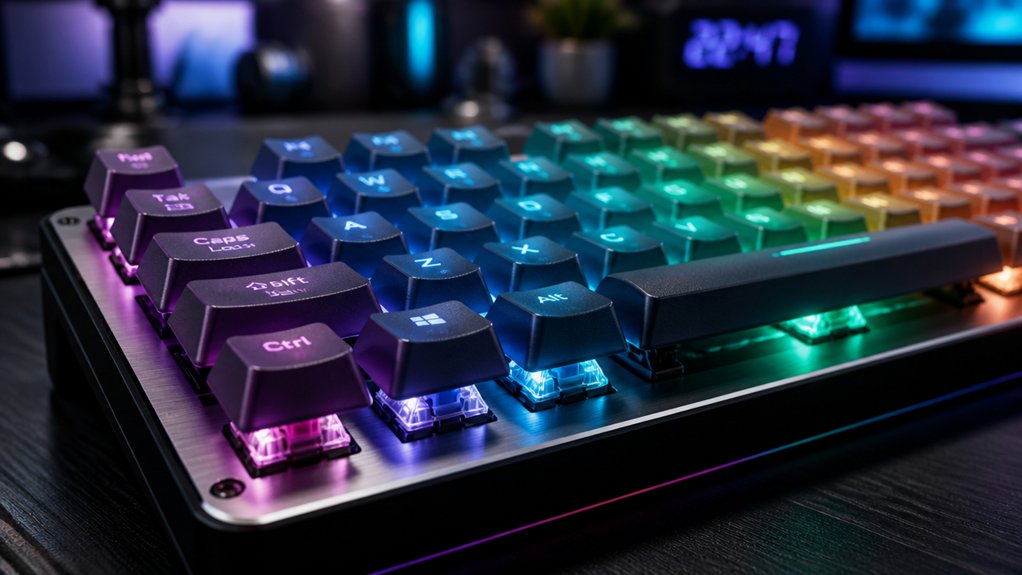
You’ll enjoy improved typing comfort with mechanical switches that cushion each keystroke and reduce finger fatigue. They last much longer than membranes, thanks to durable springs and gold-plated contacts. Mechanical switches provide consistent tactile feedback for accuracy and faster actuation, boosting your gaming performance. Their modular design lets you replace parts easily, extending lifespan and simplifying maintenance. Plus, they work seamlessly across devices with wired or wireless options. Keep exploring to discover how these benefits can transform your typing experience.
Why Mechanical Switches Matter for Typing Comfort
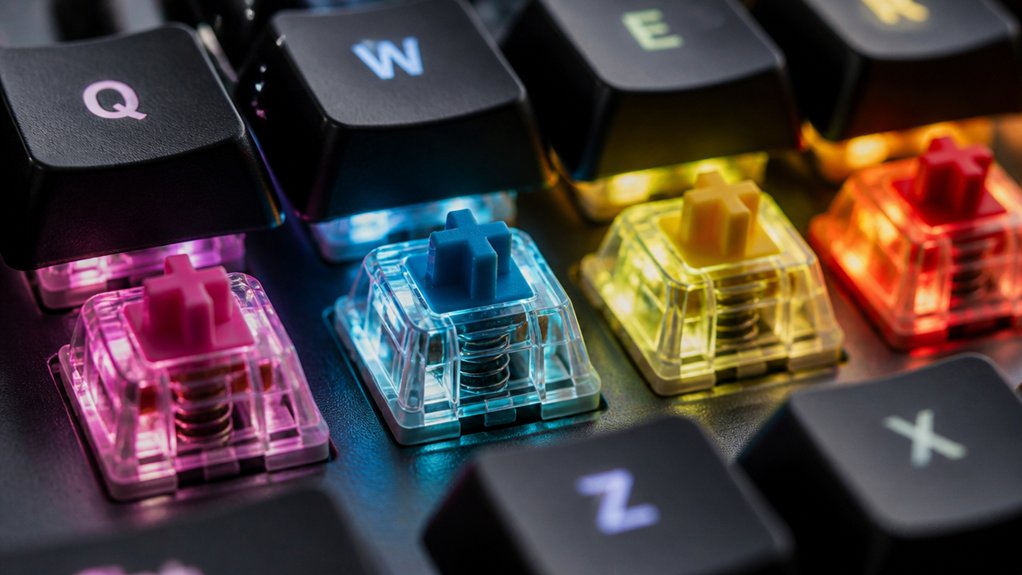
Although you mightn’t notice it at first, mechanical keyboard switches play a crucial role in typing comfort by reducing finger and hand strain through longer key travel and built-in cushioning.
When you use mechanical switches, you’ll feel consistent feedback that helps maintain a steady typing rhythm, making extended sessions less tiring. Their ergonomic customization options let you choose switches with the perfect actuation force tailored to your finger strength and style, enhancing your overall typing experience.
The precise actuation requires just the right amount of force, so you avoid unnecessary bottoming out, which can cause fatigue. Thanks to the robust spring mechanism cushioning each keystroke, your fingers and joints experience less impact stress. Mechanical switches truly elevate your comfort during long hours of typing.
Mechanical Switches Reduce Risk of RSI and Fatigue
Because mechanical switches offer a cushioning effect during longer key travel, they help you reduce the risk of repetitive strain injuries (RSI) like carpal and cubital tunnel syndromes.
Using a mechanical keyboard with tactile feedback means you don’t need to press keys with excessive force, which lowers finger and hand fatigue during long typing sessions. The ergonomic switch design lets you choose options with varying actuation forces, accommodating weaker fingers or arthritis.
This improves your comfort and reduces repetitive impact on your hands, especially if you type for hours daily. To further minimize RSI risk, remember to take breaks and stretch, maintaining better typing posture.
Mechanical switches truly support healthier, more comfortable typing habits over time.
Mechanical Switches Last Longer Than Membrane Keyboards

When you invest in a mechanical keyboard, you get switches built to endure millions of keystrokes, far outlasting membrane keyboards. Unlike rubber or silicone membranes that wear down over time, mechanical keyboard switches use robust springs and leaf contacts designed for long-term durability.
This means your keyboard maintains consistent performance and feel, even after years of heavy use. High-quality keyboard switches often include materials like gold-plated contacts, which resist corrosion and further extend lifespan. Because of this, you won’t need to replace your mechanical keyboard as often as a membrane one, saving you money and hassle.
Choosing mechanical keyboards guarantees you get reliable, long-lasting performance from the switches, making them a smart investment for anyone who types regularly.
Consistent Tactile Feedback for More Accurate Typing
Mechanical keyboard switches don’t just last longer — they also deliver consistent tactile feedback that helps you type more accurately. Thanks to precisely engineered stems and springs, you experience a clear tactile feel with each keypress, making it easier to recognize actuation points without bottoming out.
This consistent tactile feedback reduces errors and finger fatigue, helping you maintain speed and accuracy. Here’s why you’ll love it:
- Distinct tactile bump signals key activation
- Uniform actuation force builds your muscle memory
- Stable keycap mounts minimize wobble
- Reliable leaf and stem interaction guarantees proper contact
- Reduced accidental or missed keystrokes compared to membranes
This precise tactile feel lets you type confidently and consistently, improving your typing rhythm and accuracy over time.
Faster Actuation for Gaming With Mechanical Switches

If you want to gain a competitive edge in gaming, faster actuation points on mechanical switches let you register key presses more quickly and accurately than membrane keyboards. Mechanical switches’ tactile feedback helps you feel precisely when a key actuates, reducing missed inputs during fast-paced action.
Their shorter debounce times and support for multiple simultaneous key presses cut input lag, enhancing your reaction speed. You also benefit from the longer key travel and refined stem movement, which guard against accidental presses so your combos stay clean. Plus, customizable actuation forces let you select switches that match your gameplay style, whether you prefer light or firmer keys.
Mechanical switches maintain consistent, reliable actuation over millions of keystrokes, so your faster actuation remains dependable through intense gaming sessions.
Customizing Key Feel and Appearance With Mechanical Switches
Although keyboards might seem similar at first glance, you can vastly customize their feel and appearance by selecting different mechanical switches and keycaps.
Mechanical keyboards let you tailor each key’s sensation by choosing from linear, tactile, or clicky stems. Thanks to hot-swappable switches, you don’t need soldering skills to mix or replace switches for your perfect typing experience.
Additionally, keycaps come in numerous designs, colors, profiles, and materials, allowing you to personalize your keyboard’s look and function. Consider these customization options:
- Different switch types for preferred actuation force and feedback
- Springs with varied weight and force curves
- Switch housings enhancing durability and lighting effects
- Hot-swappable switches for effortless modification
- Keycaps offering diverse aesthetics and textures
This flexibility guarantees your keyboard matches your unique style and typing needs.
Ergonomic Benefits for Long Typing Sessions
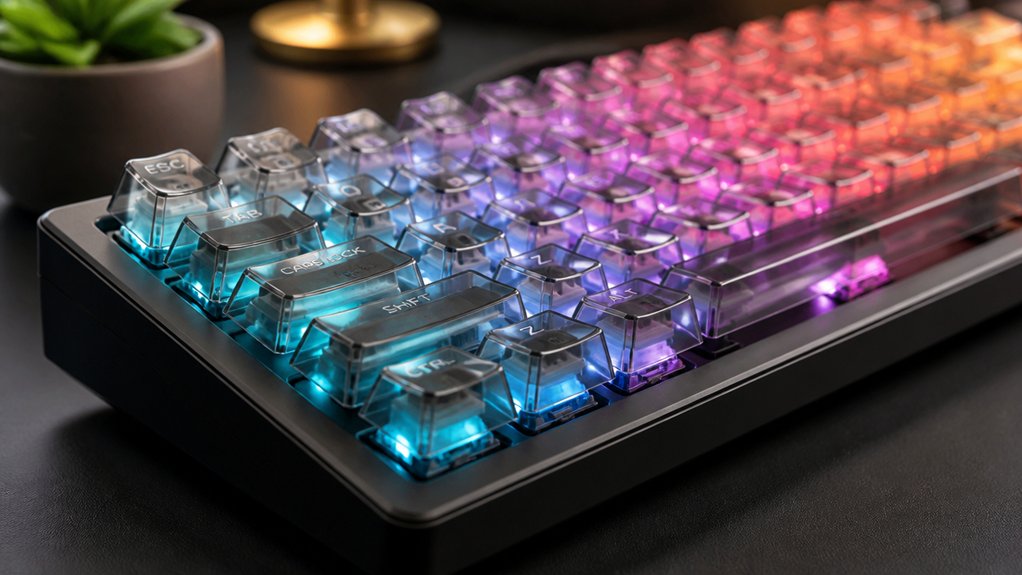
Beyond customizing your keyboard’s feel and look, the right switches can also greatly improve comfort during long typing sessions. Mechanical switches provide cushioning through longer key travel, helping reduce finger fatigue and hand strain. Their tactile feedback encourages lighter keystrokes, so you don’t have to press hard every time to register a key. This lowers the risk of repetitive strain injuries like carpal tunnel syndrome.
You can also choose switches with a higher actuation force if you prefer a firmer feel or need more resistance to avoid accidental typing. These ergonomic options accommodate your specific needs, whether you have weaker fingers or arthritis. Plus, the consistent key response over millions of presses keeps your hands from getting tired even after hours of continuous typing.
Easy Maintenance and Repair With Replaceable Parts
You can easily swap out keycaps to change how your keyboard looks and feels without much hassle.
Hot-swappable switches let you replace or upgrade keys without soldering, making repairs quick and simple. This flexibility means you can keep your mechanical keyboard in great shape without needing to buy a whole new one.
Hot-Swappable Switches
When you need to fix or customize your keyboard, hot-swappable switches let you replace individual switches quickly without any soldering. This means you can replace switches without hassle, saving time and effort.
Hot-swappable switches offer:
- Easy removal and installation of switches with no tools required
- The ability to test different switch types (linear, tactile, clicky)
- Quick replacement of faulty or worn switches, extending keyboard life
- Stable electrical contact for reliable performance despite frequent changes
- Modular customization, letting you tailor your setup as you like
Thanks to these benefits, hot-swappable switches make maintenance, repair, and personalization straightforward, so you can keep your keyboard performing at its best without buying a new one.
Replaceable Keycaps
Although mechanical keyboards attract enthusiasts for their switches, their replaceable keycaps offer equally valuable benefits. With replaceable keycaps, you can easily customize the look of your keyboard by choosing from various colors, materials, and designs. This flexibility lets you personalize your setup to match your style or workspace.
Maintenance becomes simpler since you can quickly swap out keycaps for cleaning or repair without hassle. If you have a hot-swappable keyboard, replacing keycaps and switches takes just minutes—no soldering needed.
Unlike membrane keyboards, mechanical ones give you this modular advantage, extending your keyboard’s lifespan and reducing waste. So, replaceable keycaps not only enhance aesthetics but also support easy upkeep, making your mechanical keyboard a durable, sustainable choice.
Mechanical Switches Resist Wear and Degradation Better

Because mechanical switches rely on durable metal springs and contact leaves, they resist wear and degradation far better than membrane keyboards. You’ll find mechanical switches offer superior longevity and consistent performance, even after millions of keystrokes.
Their robust design minimizes the impact of everyday wear and tear compared to rubber membranes that lose responsiveness quickly. Here’s what makes mechanical switches stand out:
- Durable metal springs provide stable actuation force over time
- Contact leaves maintain reliable electrical connections
- Resistant to tactile feedback loss under heavy use
- Withstand abrasion and mechanical stress better than silicone layers
- Require cleaning but sustain performance despite exposed moving parts
Choosing mechanical switches means you get a keyboard built to last, holding its quality far longer than membrane models.
Mechanical Keyboards Work Across Devices and Platforms
You can easily connect mechanical keyboards to laptops, tablets, and even smartphones thanks to USB and Bluetooth® options.
They work smoothly across different operating systems and devices without extra setup. This versatility means you get consistent typing performance no matter what platform you’re using.
Broad Device Compatibility
When you connect a mechanical keyboard via USB or Bluetooth®, it easily works with laptops, tablets, and smartphones alike. Mechanical keyboards deliver broad device compatibility thanks to their plug-and-play design, requiring no extra drivers.
You’ll value their standardized switches and keycaps that function seamlessly across operating systems. This guarantees consistent responsiveness on any device you use. Consider these key benefits:
- Works with Windows, macOS, Android, and iOS platforms
- Maintains reliable key actuation across devices
- Compatible with various hardware without adapters
- Ideal for gaming, professional work, and mobile use
- Supports hassle-free plug-and-play functionality
With mechanical keyboards, you enjoy flexible, efficient typing whether you’re switching between your desktop, laptop, or mobile device.
Versatile Connectivity Options
Although connecting devices can sometimes be tricky, mechanical keyboards simplify the process with versatile connectivity options like USB and Bluetooth®. You can enjoy plug-and-play convenience without needing extra drivers, perfect for using multiple devices quickly. Mechanical keyboards draw power directly from the connected device, so you won’t worry about charging or batteries for wired models. Plus, n-key rollover guarantees each key press registers accurately, even when multiple keys are pressed simultaneously, across compatible devices.
| Connectivity Type | Device Compatibility | Key Feature |
|---|---|---|
| USB | Laptops, Desktops | Plug-and-play |
| Bluetooth® | Smartphones, Tablets | Wireless portability |
| Wired & Wireless | All compatible devices | N-key rollover support |
Cross-Platform Usability
Because mechanical keyboards connect via USB or Bluetooth®, they work smoothly across a wide range of devices, including laptops, tablets, and smartphones. This cross-platform usability guarantees you enjoy a consistent typing experience wherever you go.
Cherry MX switches deliver that smooth and consistent feel, no matter the device.
Here’s why mechanical keyboards stand out for multi-device use:
- Compatible with Windows, macOS, and Linux without special drivers
- Low input lag and fast actuation across platforms
- Easy keycap and switch replacement for customization
- Reliable build quality for frequent device switching
- Works seamlessly with consoles supporting external keyboards
With mechanical keyboards, you get dependable performance and flexibility across all your devices.
Frequently Asked Questions
What Are the Advantages of Mechanical Switches?
You get faster, more accurate typing with better tactile feedback and durability. Mechanical switches reduce finger strain, let you customize key feel, and improve gaming by registering multiple key presses quickly without lag, enhancing overall comfort and performance.
Is 84 Keys 75%?
No, 84 keys usually don’t mean a true 75% layout. You’ll want to check key arrangement and spacing since 75% keyboards focus on compact design and efficient key grouping, not just the total key count.
What Keyboard Is Best for Cerebral Palsy?
You’ll want a mechanical keyboard with ergonomic, customizable switches that offer light actuation and tactile feedback. This setup reduces strain, improves accuracy, and supports your unique motor abilities, making typing easier and more comfortable for cerebral palsy.
What Does a 96% Keyboard Not Have?
A 96% keyboard doesn’t have a separate full-sized number pad or dedicated navigation keys like Page Up, Page Down, or Home. You’ll also miss distinct editing keys and extra space between clusters, keeping everything compact instead.
In Summary
Choosing mechanical keyboard switches means you’re investing in comfort, durability, and performance. You’ll feel less fatigue, type more accurately, and enjoy faster response times, especially in gaming. With easy maintenance and reliable wear resistance, your keyboard will serve you well for years. Plus, mechanical keyboards work seamlessly across devices. So, if you want a typing experience that keeps up with your pace and protects your hands, mechanical switches are definitely worth it.



