
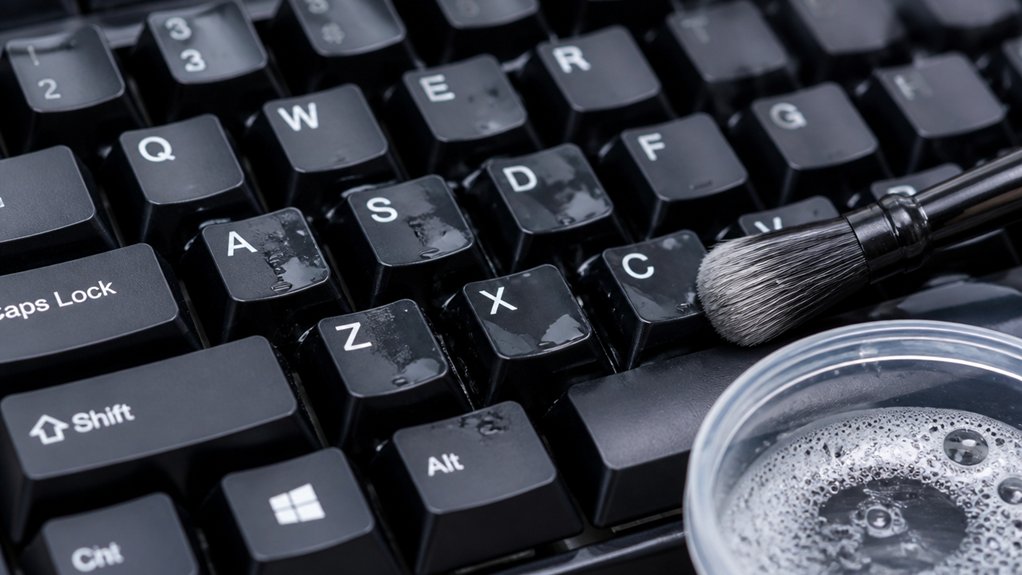
The safest way to clean your keycaps is to carefully remove them using a keycap puller, then soak them in warm water with mild dish soap for 30–60 minutes. Handle them gently throughout, avoiding forceful scrubbing or harsh chemicals. After soaking, rinse and air dry upside down for several hours, making sure they are completely dry before reinstalling. Following these steps helps protect legends and finishes—learn more tips for a thorough, damage-free clean.
Why Gentle Cleaning Methods Protect Your Keycaps
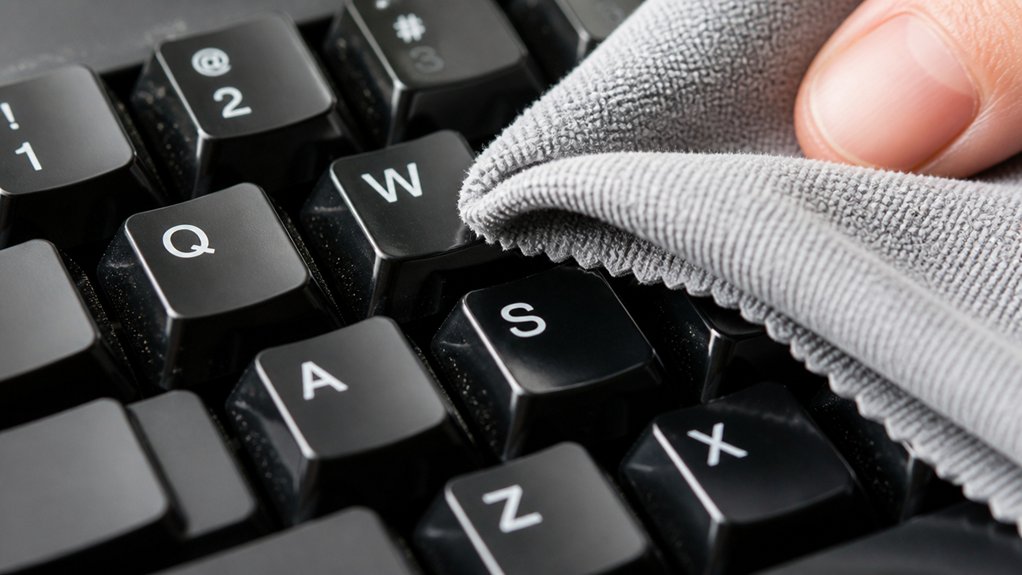
Gentle cleaning methods protect your keycaps by preventing damage to their legends and finishes. Using a soft brush and mild dish soap in warm soapy water helps you avoid damaging the surface or fading the print. Incorporating various brush sizes can ensure thorough cleaning while minimizing the risk of scratches. ABS keycaps are more prone to wear and yellowing, so gentle techniques are especially important. Avoid forceful cleaning, which can loosen or scratch the legends and deform the material. Instead, lightly scrub with a microfiber cloth or soft brush, ensuring no harsh tools or excessive pressure are used. After cleaning, air dry your keycaps thoroughly, steering clear of heat sources that may warp or discolor them. These gentle steps help preserve the appearance and lifespan of your keycaps, keeping your keyboard looking fresh and new longer.
How to Remove and Soak Your Keycaps Safely
Before removing your keycaps, make sure the keyboard is unplugged and you’ve taken a clear photo of the layout to avoid confusion during reassembly.
To remove keycaps safely:
- Use a keycap puller to gently remove each keycap row by row, starting from one side. Be extra careful with stabilized keys like the spacebar, sliding them out gently.
- Submerge the keycaps fully in warm water mixed with dish soap, maintaining a temperature of 100–110°F. Let them soak for 30 to 60 minutes to loosen dirt and oils.
- After soaking, thoroughly rinse the keycaps under running water. Use a soft brush for stubborn grime. For added cleaning effectiveness, utilizing anti-static brushes can help remove dust without risking static damage. Dry them with a microfiber cloth and let air dry upside down overnight before reinstallation.
Cleaning Techniques for ABS and PBT Keycaps
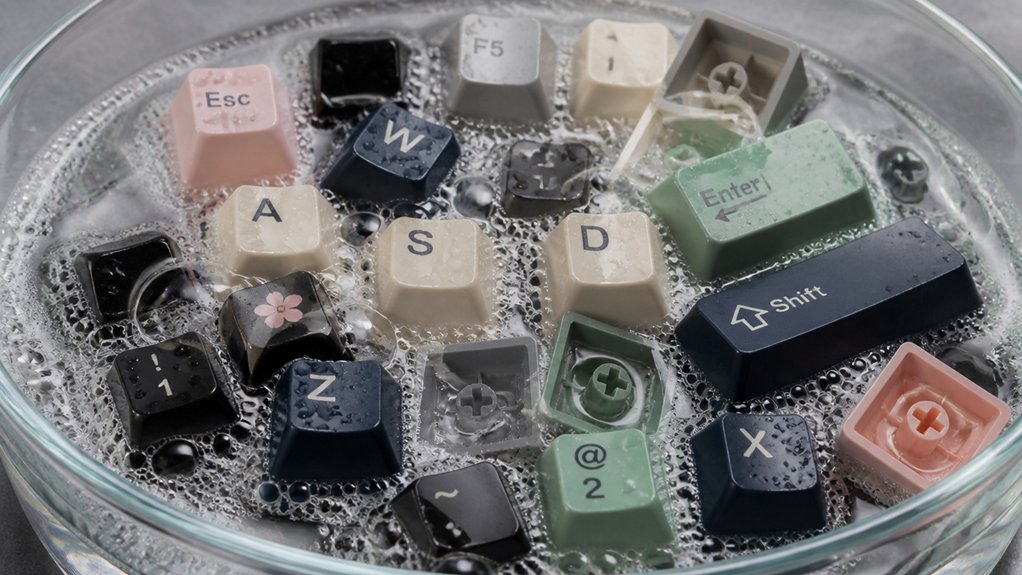
Cleaning your ABS and PBT keycaps requires different approaches to maintain their appearance and longevity.
For ABS keycaps, gently wipe with a soft cloth dipped in warm, soapy water and avoid harsh scrubbing or isopropyl alcohol (IPA). Be careful during soaking to prevent surface wear or fading. Additionally, double-shot molding and legend durability are crucial for preventing legends from fading over time.
PBT keycaps, on the other hand, are more durable and resistant to fading, allowing you to use a soft toothbrush for stubborn grime. You can also disinfect PBT keycaps with low-concentration IPA (around 70%), but avoid harsh chemicals.
After cleaning, rinse thoroughly and air dry upside down on a microfiber cloth. Keep away from heat sources, especially for ABS, to prevent warping or discoloration.
How to Dry Your Keycaps Properly to Prevent Damage
After thoroughly rinsing and drying your keycaps, it’s essential to dry them properly to prevent damage. To guarantee complete moisture evaporation, air-dry your keycaps upside down on a microfiber cloth for 2–3 hours.
Avoid using towels or cloths that shed lint, as fibers can stick to the surface or inside legends. Don’t expose your keycaps to direct sunlight or high heat, especially for ABS keycaps, which are prone to warping or discoloration.
If you prefer using a blow dryer, set it on a cool or low heat setting and keep it at least 12 inches away from the keycaps for PBT keycaps. Make sure the keycaps are fully dry before reinstalling to prevent damage to switches and circuitry. Additionally, choosing a lint-free microfiber cloth ensures no fibers are left behind on your delicate keycaps during the drying process.
Tips for Reinstalling Keycaps and Ensuring Longevity
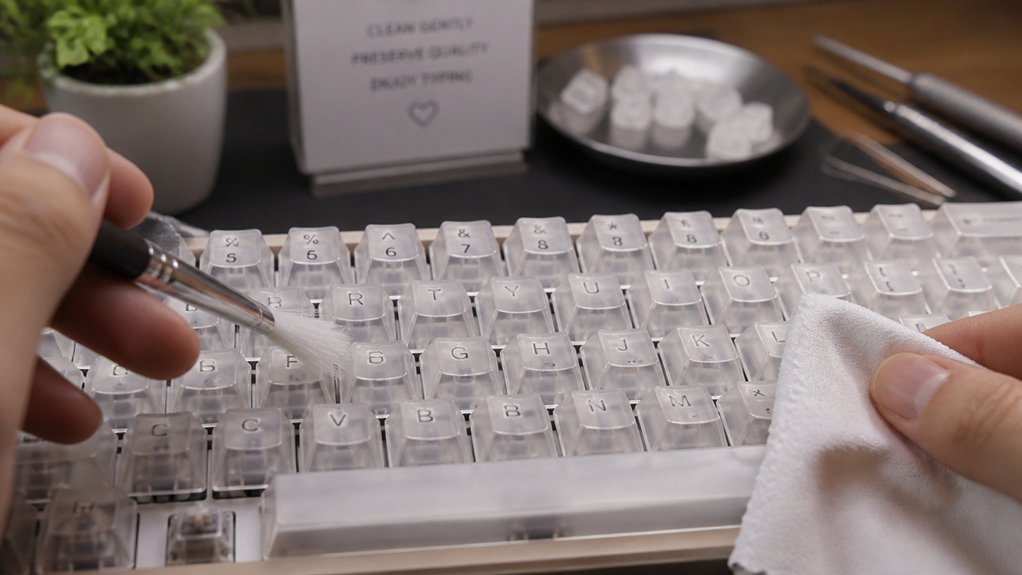
Reinstalling keycaps correctly is essential for maintaining your keyboard’s performance and longevity. Before reinstalling, verify keycaps are completely dry, preferably air-dried overnight, to prevent moisture damage.
Properly reinstall keycaps to ensure peak performance and durability over time.
Use a keycap puller to carefully remove each keycap, and refer to the photo taken prior to removal to correctly align them. When reinstalling, gently rub exposed external parts of the keys to guarantee a clean fit.
Press keycaps gently but firmly until you hear or feel a click, confirming secure attachment without damaging stems or stabilizers. Pay extra attention when reinstalling stabilized keys, like the spacebar, by sliding in stabilizer bars properly.
Regularly inspect keycaps and stabilizers for wear or damage to maintain a consistent keypress feel and long-term durability. Additionally, using compatible tools like keycap pullers specifically designed for scratch-free removal can help prevent damage during maintenance.
Frequently Asked Questions
Is Dawn Dish Soap Safe for Keycaps?
Yes, Dawn dish soap is safe for cleaning keycaps. You should dilute it in warm water, soak the keycaps for about 30-60 minutes, then rinse thoroughly with clean water, avoiding harsh cleaners to prevent damage or discoloration.
Is It Safe to Soak Keycaps in Water?
Yes, you can soak keycaps in water if you use warm, soapy water and avoid prolonged soaking for ABS plastic. Make sure they are fully submerged, rinse thoroughly afterward, and dry completely before reassembling to prevent damage.
Is It Safe to Clean Keycaps With Alcohol?
Cleaning your keycaps with alcohol is safe if you use a 70% isopropyl solution sparingly, mainly on PBT caps, and avoid soaking. Use a cotton swab or soft cloth to gently disinfect while preventing damage.
Can I Clean Keycaps With Wet Wipes?
You can clean keycaps with wet wipes, but use low-moisture ones, avoid harsh chemicals, and dry them quickly afterward. This method works best for light cleaning, preventing damage or moisture buildup inside your keyboard.
In Summary
To keep your keycaps clean and in great shape, always use gentle methods and avoid harsh chemicals. Carefully remove them, soak in warm water with a bit of mild soap, and then scrub gently. Rinse thoroughly, dry completely, and reattach carefully. By following these simple steps, you’ll protect your keycaps’ material and prolong their lifespan, ensuring your keyboard stays fresh and in top condition for a long time.



