
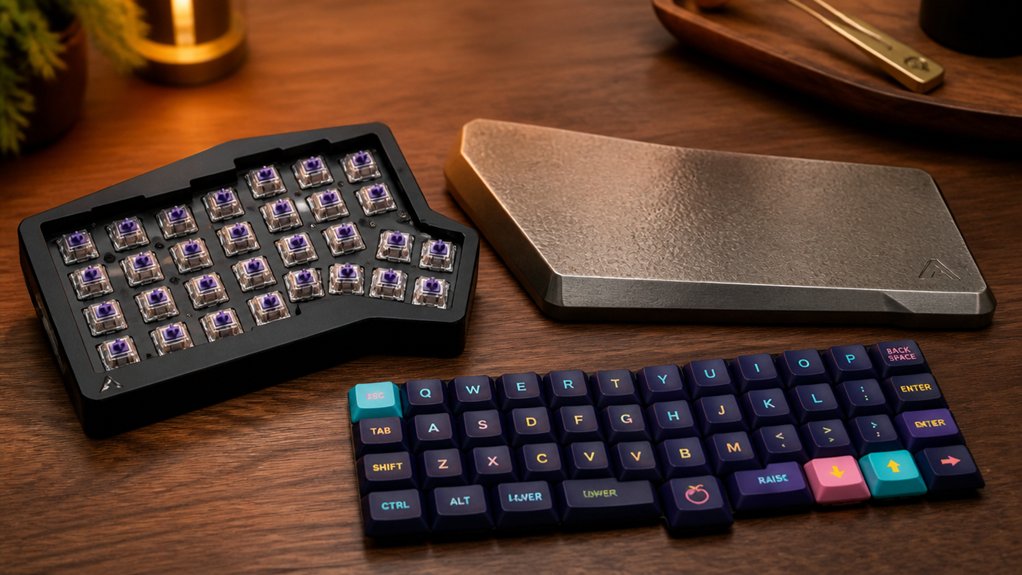
When choosing parts for your custom split keyboard, focus on compatible PCBs like Lily58 Pro with hot-swap options for easy upgrades. Pick switches that match your preferred feedback and durability, such as Kailh or Holy Panda, and use high-quality keycaps made of PBT with LED compatibility. For wiring, use thin insulated copper wire, and guarantee your microcontroller, like a Pro Micro, is properly connected with reliable diodes. Keep exploring for detailed tips to optimize your build and ensure seamless performance.
Pick the Right Components for Your Split Keyboard
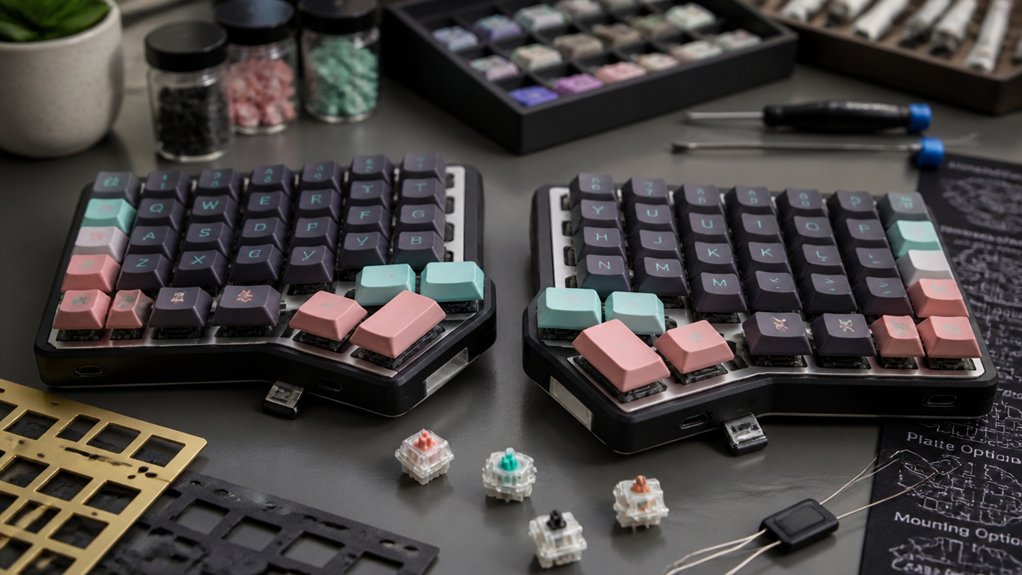
Choosing the right components is essential for building a functional and comfortable split keyboard. Start with a suitable PCB, like Lily58 Pro, that supports your preferred keyboard layout and offers hot-swap or solderable options.
For reliable inter-half communication, use Pro Micros or NRF52840 clones connected via TRRS cables. Your choice of tactile switches, such as Kailh Red or DROP + INVYR Holy Panda, impacts typing feel—aim for a balance of force and feedback.
Select keycaps that match your ergonomic goals and guarantee LED compatibility. When assembling, a soldering iron helps secure connections or you can opt for hot-swap sockets for easier customization.
Consider durable, flexible cases, like 3D printed or aluminum designs, for stability. These components form the core hardware of your custom keyboard, assuring comfort and performance.
How to Select Quality Switches, Keycaps, and Stabilizers
Selecting the right switches, keycaps, and stabilizers is essential to customizing your keyboard’s feel and sound. Your choice of switches affects the typing experience: tactile for feedback, clicky for audible clicks, and linear for smooth, quiet presses. Consider the force of switches like Kailh Red vs. Cherry MX Reds.
Keycaps influence aesthetics and comfort, with PBT offering durability and better sound, while ABS tends to be lighter and shinier. Stabilizers, used for large keys, should be lubricated with Krytox GPL 205 to reduce rattling and guarantee smoothness. Additionally, choosing switches with durable materials and rated for up to 50 million keystrokes ensures long-term performance tactile switches.
- Prioritize switches compatible with hot-swap sockets for easy upgrades.
- Select stabilizers that are properly lubricated for quieter, smoother keypresses.
- Match keycap profiles and materials with your preferred feel and appearance.
- Confirm keycap compatibility with switch type and layout.
Wire Your Split Keyboard and Set Up the Microcontroller for Smooth Operation
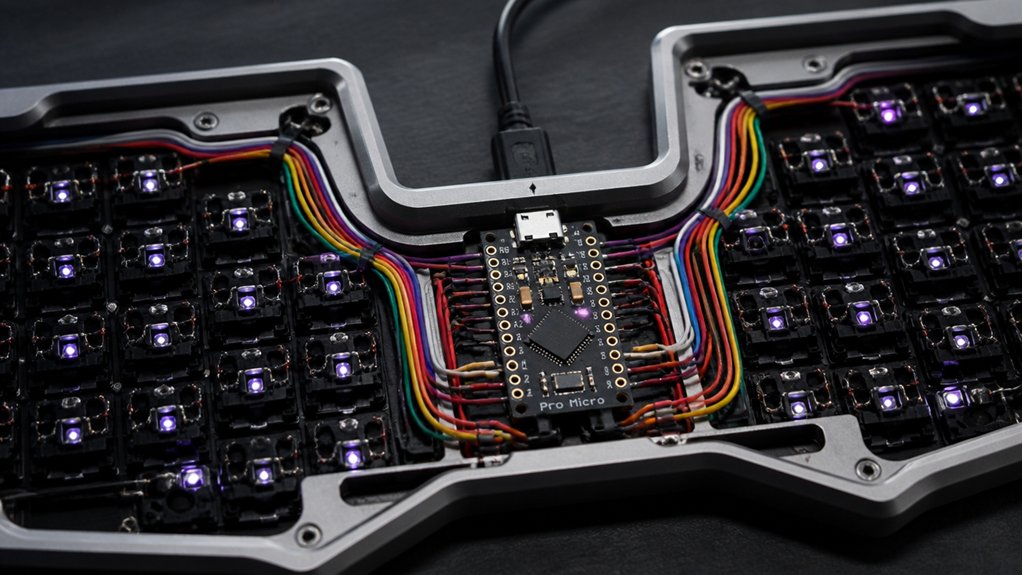
Wiring your split keyboard correctly and setting up the microcontroller guarantees reliable and responsive operation. Use thin insulated copper wire or bare wire wrapped in electrical tape to connect rows and columns in the matrix, preventing shorts. Solder SMD diodes next to each switch socket for proper one-way current flow, guaranteeing accurate key detection. Connect each keyboard half’s microcontroller, like an Arduino Pro Micro, via a TRRS cable with 4-channel audio jacks for synchronization. Secure the microcontroller with Millmax sockets on the circuit board for easy maintenance and programming. Test connectivity with a multimeter before flashing firmware like QMK. This approach guarantees a smooth, stable operation between your split keyboards and microcontroller setup, especially when considering the compatibility of your components to ensure seamless functionality.
Frequently Asked Questions
How Do I Verify Component Compatibility Before Purchasing?
You verify component compatibility by checking their specifications against your keyboard’s design, ensuring sockets and connectors match, and referencing online compatibility guides or community forums. Double-check dimensions and firmware requirements before purchasing to avoid mismatched parts.
What Are Signs of a Properly Lubricated Stabilizer?
You’ll notice smooth keys, minimal rattle, and quieter sound when stabilizers are properly lubricated. They should move freely without sticking, producing a consistent, cushioned feel that enhances overall typing comfort and reduces noise.
Which Plate Material Offers the Best Balance of Sound and Stiffness?
You’ll find that aluminum plates provide the best balance of sound and stiffness, offering a sturdy feel without excessive noise. They’re lightweight yet durable, making your custom split keyboard both pleasant to type on and resilient over time.
Can I Customize the Layout of My Split Keyboard?
Yes, you can customize your split keyboard layout. Many kits and software options let you modify key arrangements, languages, and functions, letting you tailor your typing experience to your preferences and ergonomic needs seamlessly and effectively.
How Do I Troubleshoot Connectivity Issues Between Halves?
You should check the Bluetooth or wired connection first, ensuring both halves are properly paired or connected. Restart your keyboard, update firmware, and make sure the cable or wireless link is secure and free of interference.
In Summary
By choosing the right components, like quality switches, keycaps, and stabilizers, you guarantee your split keyboard performs perfectly. Proper wiring and setting up the microcontroller are just as essential for smooth operation. Take your time with each step, and don’t rush the process. With attention to detail, you’ll create a custom keyboard that’s comfortable, reliable, and tailored to your needs. Keep experimenting, and enjoy crafting your perfect setup!



