
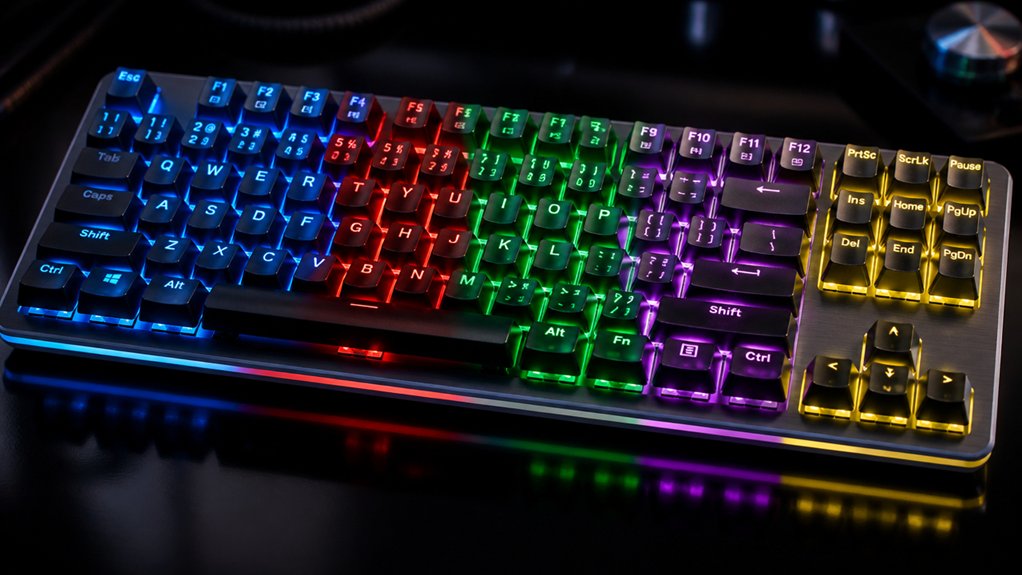
To elevate your stream, focus on per-key RGB profiles that highlight important keys like WASD and macros for quick access. Sync your lighting with audio cues or alerts to provide real-time feedback and boost viewer engagement. Use dynamic effects, such as pulsing or reactive animations, to match your stream’s mood or game action. Adjust brightness and animation speed to guarantee visibility without distraction. Keep exploring to discover even more ways to customize your keyboard for a professional look.
Explore Popular RGB Effects to Enhance Your Stream’s Look
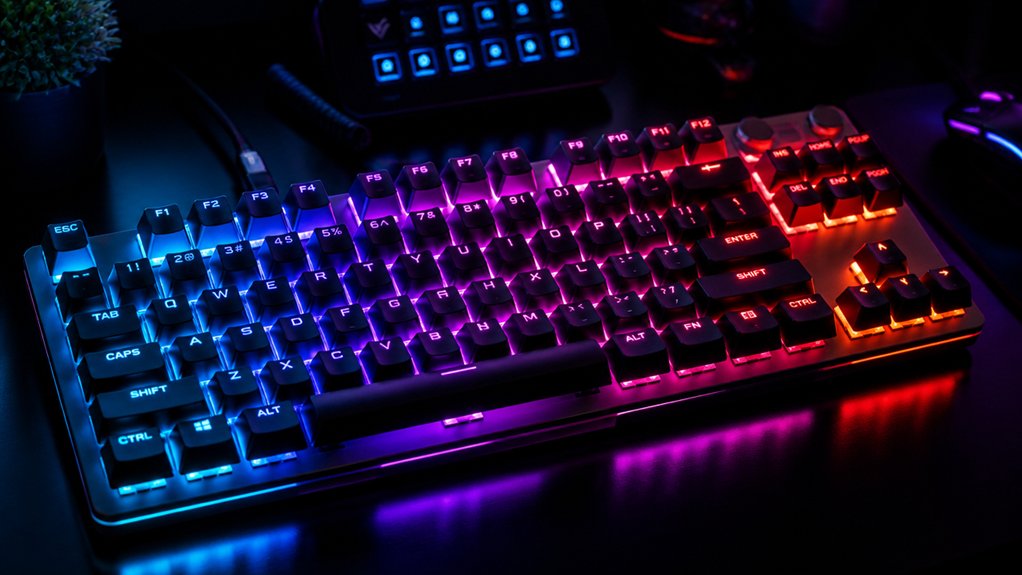
Have you ever wondered how to make your stream’s keyboard stand out? Per-key RGB lighting offers a world of options for enhancing your streaming setup.
You can customize lighting effects to highlight important keys like WASD and macro zones, making them more visible to viewers. Reactive lighting pulses or ripples with each keystroke, creating dynamic feedback that boosts viewer engagement.
By syncing RGB lighting across your keyboard, mouse, and room lighting, you develop a cohesive aesthetic that strengthens your brand. Software-controlled layering lets you switch moods or emphasize key moments smoothly, maintaining a professional look throughout your broadcast.
These customizable lighting options not only improve functionality but also elevate your overall visual appeal, making your stream more eye-catching and immersive. Additionally, individually addressable LEDs allow for intricate patterns and truly personalized effects that can set your stream apart.
Create Per-Key RGB Profiles to Streamline Your Workflow
Creating per-key RGB profiles can greatly streamline your streaming workflow by allowing you to assign specific colors to essential keys like WASD, macros, and media controls. This color-coding helps you identify keys instantly, reducing mistakes during live sessions.
Using customizable lighting zones, you can set reactive effects to alerts or actions in streaming software, enhancing viewer engagement. Tools like Corsair iCUE or Keychron Launcher enable you to save multiple lighting profiles that switch automatically based on your game or stream.
Per-key RGB lighting supports complex shortcut clusters, speeding up command execution in high-pressure moments. Keyboards include programmable macro keys and advanced per-key profiles, which help maintain a cohesive lighting environment, strengthen your brand, and improve overall efficiency during streams. Additionally, RGB PCBs with customizable effects allow for even more personalized and dynamic lighting setups tailored to your streaming needs.
Sync Your Keyboard Lighting With Audio Cues for Better Feedback
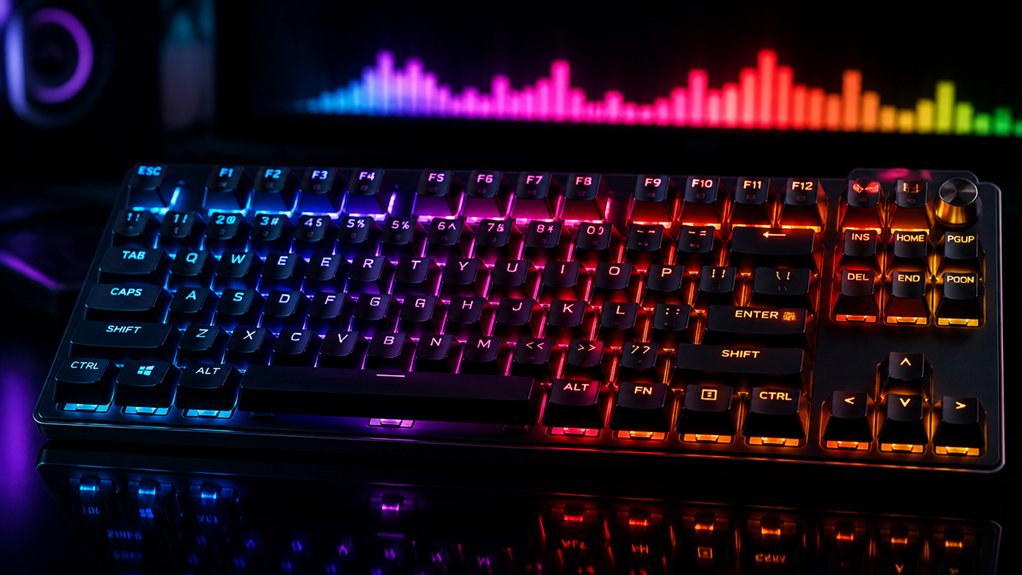
Syncing your keyboard lighting with audio cues elevates your stream’s professionalism by offering real-time visual feedback for sound events. Using RGB mechanical or wireless keyboards with customizable per-key RGB lighting lets you highlight alerts, notifications, or in-game sounds, making vital cues easier to spot. A customizable RGB backlighting system allows you to tailor the lighting effects to match your brand or aesthetic preferences, further enhancing your stream’s visual appeal. Advanced software, like Corsair iCUE or Keychron Launcher, enables synchronization, pulsing, or color shifts based on audio levels or beats. By customizing switches and programming dynamic lighting effects, you create an immersive audiovisual environment that enhances viewer engagement. Per-key RGB customization helps you visually emphasize specific functions or sound cues, especially during competitive gaming.
Design Dynamic Lighting Animations That Match Your Stream Style
Designing dynamic lighting animations that match your stream style allows you to craft a visually engaging experience that resonates with your content and audience. With a range of customization options, your mechanical or wireless RGB keyboard offers versatile ways to enhance your stream.
Create immersive, customized lighting animations that enhance your stream and connect with your audience.
Use per-key RGB to highlight essential areas like WASD or macro clusters, reflecting your branding. Create effects such as pulsing or reactive animations synced to subscriber alerts or chat activity using software like Corsair iCUE or Turtle Beach Swarm II.
You can also develop layered lighting profiles that shift based on game genre or mood, maintaining visual variety. To maximize impact, program the keyboard to respond to in-game events or audio cues, offering an interactive and immersive streaming environment. Backlighting support in different keycap sets enables vivid RGB customization across various layouts.
Adjust Brightness and Animation Speed for Maximum Visibility
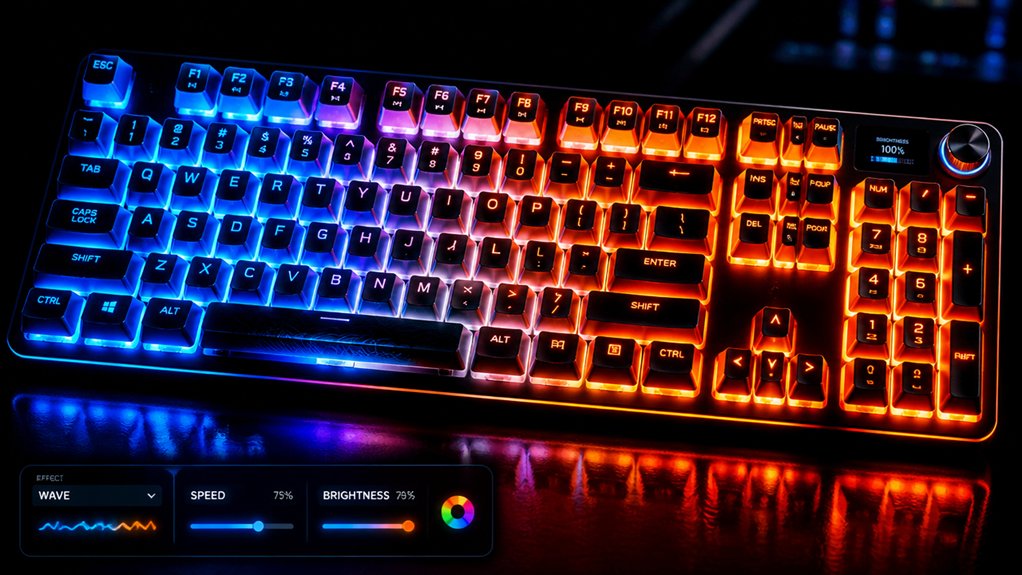
Adjusting the brightness and animation speed of your RGB keyboards is essential for achieving maximum visibility and complementing your streaming setup. By adjusting brightness directly, you improve key visibility in low-light conditions, ensuring you can type comfortably without glare or distraction for viewers. Utilizing RGB lighting customization features available in compatible software platforms allows for precise control of these settings. Increasing animation speed on lighting effects adds dynamic visual interest that matches fast-paced gaming or moments, boosting viewer engagement. Many wireless RGB keyboards use software platforms like Corsair iCUE or Turtle Beach Swarm II, offering customizable sliders to fine-tune brightness and animation speed for each zone or key. Synchronizing animation with on-screen alerts or audio cues creates a polished, professional look. These adjustments help optimize lighting effects for comfort and aesthetics, making your stream look cohesive and visually appealing.
Frequently Asked Questions
What Is the Best Color for RGB Keyboard?
The best RGB keyboard color depends on your style and setup, but bright blues or reds are ideal for visibility and energy. They also enhance branding and viewer engagement while reducing eye strain during long streaming sessions.
What Is the Best RGB Keyboard Combo?
You should choose the Corsair K100 RGB combo for top-tier customization and performance, featuring 44 RGB zones, programmable controls, and low latency. Alternatively, wireless options like the Keychron K5 Max suit mobility and versatile lighting.
What Are the Best RGB Keyboards?
The best RGB keyboards include the Corsair K100 RGB, Turtle Beach Vulcan II series, and Keychron’s high-end models like the K3 Max and C3 Pro 8K. They offer vivid lighting, customization, and low latency for streaming.
What Is a 96% Keyboard Missing?
A 96% keyboard is missing dedicated macro keys, a separate number pad, and some individual function or navigation keys. You might also find fewer customizable options for RGB lighting or advanced programming features compared to larger, more expansive keyboards.
In Summary
By customizing your RGB lighting, you can create a more engaging and professional look for your stream. Experiment with different effects, sync your lighting with audio cues, and design dynamic animations that match your style. Adjust brightness and speed to maximize visibility without distraction. These tweaks not only enhance your aesthetic but can also improve viewer engagement. Don’t be afraid to get creative—your personalized setup will make your stream stand out even more.



