
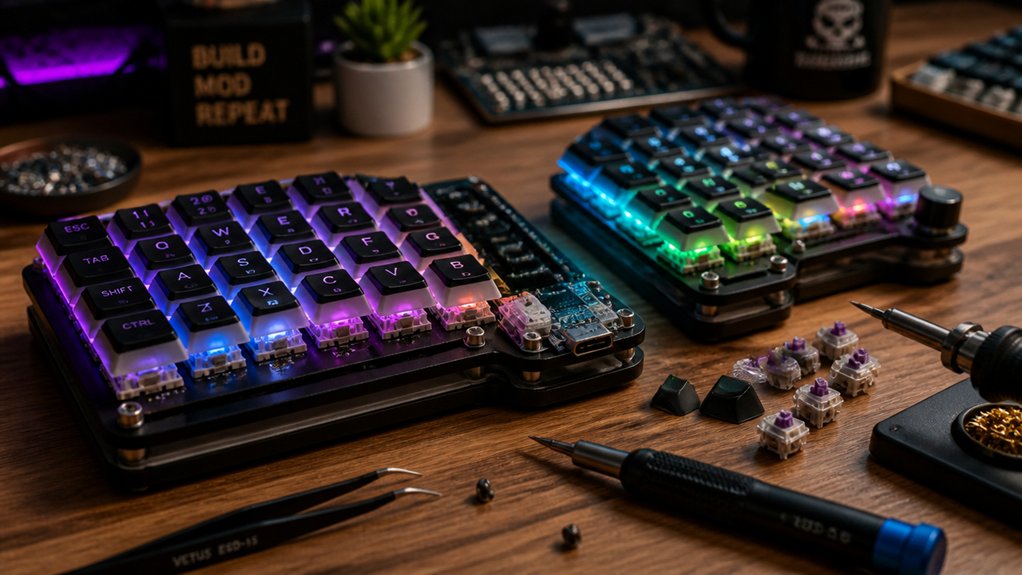
Start by choosing compatible components from trusted manufacturers like JLCPCB or PCBway to guarantee reliability and easy upgrades. Optimize your switches and stabilizers by lubricating and adding films to improve sound and feel while reducing rattling. Finally, customize your firmware with tools like QMK or ZMK to personalize functions, macros, and layout tweaks for better ergonomics. Keep these tips in mind, and you’ll unleash true potential in your split keyboard modding journey—that’s just the beginning.
Choosing the Right Components for Your Split Keyboard
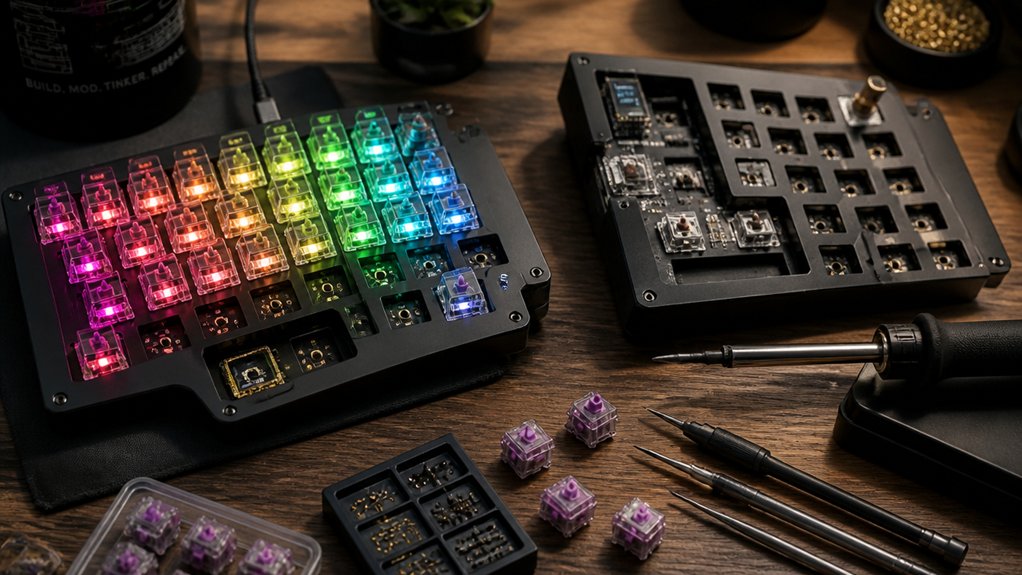
When selecting components for your split keyboard, it’s essential to prioritize compatibility and community support to guarantee a smooth modding experience. Choose a Circuit Board from trusted manufacturers like JLCPCB, Osh Park, or PCBway, especially if you prefer hot-swap sockets for easy switch customization without soldering. Opt for popular wireless MCUs such as the nice!nano v2 or SuperMini NRF52840 clones, which offer affordability and good support. Consider the PCB Layout and size, as they impact ergonomics and fitment, ensuring your setup promotes comfortable typing. Match your keyboard layout with durable PBT keycaps, selecting profiles like Cherry or SA and preferred printing methods. For switches, pick MX-style mechanical switches compatible with your PCB, considering their type—linear, tactile, or clicky—and optional sound dampening films like Poron or PE/EVA. These choices combine to craft an ergonomic keyboard tailored to your needs.
Optimizing Switches and Stabilizers for Better Sound and Feel
Optimizing switches and stabilizers is key to achieving a better sound and feel for your split keyboard. You can smooth out keypresses by lubing switches and stabilizers, which reduces friction, spring noise, and metallic ping.
Applying switch films, like PE, Poron, or EVA, enhances the sound profile; Poron dampens noise for quieter typing while PE and EVA create a deeper, thockier resonance.
Modifying stabilizers by clipping their legs and adding lubricant minimizes key wobble and stabilizer rattle, producing a more stable, consistent feel on larger keys.
Using hot-swappable PCBs allows you to experiment with different switch types—tactile, linear, or silent—without soldering.
Choosing premium switch brands or silent variants with optimized housings and springs further improves comfort and acoustic performance on your split keyboard.
Additionally, selecting switch films designed specifically for MX-style switches can further improve stability and sound, making every keystroke more satisfying.
Custom Firmware and Layout Tweaks for Enhanced Performance

Custom firmware like QMK and ZMK opens a world of possibilities for tailoring your split keyboard’s performance. With these tools, you can create multi-layered keymaps, macros, and control per-key RGB lighting, making your setup uniquely yours.
Custom firmware like QMK and ZMK unlocks extensive personalization for your split keyboard’s performance and aesthetics.
Additionally, incorporating hot-swappable switches enables quick customization and maintenance without soldering, enhancing flexibility. Use web-based keymap editors and live firmware tools like ZMK Studio to simplify layout tweaks and testing without complex setups. Implement function layers and thumb clusters to optimize ergonomic efficiency, allowing secondary keybindings on fewer keys.
Enhancing your firmware with features like typing speed-triggered animations or OLED displays offers real-time feedback and engagement. Make sure to engage with online communities for support and sharing ideas.
Keep in mind, mastering custom firmware may require technical skills, but two main benefits are refined performance and broader layout customization for improved typing speed and comfort.
Frequently Asked Questions
Are Split Keyboards Actually Better?
Split keyboards are better for you if you want reduced strain, improved comfort, and customizable layouts. You might need an adjustment period, but with practice, your typing speed and ergonomics greatly improve, making long-term use worthwhile.
Is a 60% or 75% Keyboard Better for Gaming?
A 60% keyboard is better for gaming if you prefer a compact, portable setup for faster mouse movement, while a 75% offers more keys for macros and navigation, suiting those who want extra controls without much size increase.
What Is a 96% Keyboard Missing?
A 96% keyboard is missing ergonomic benefits and thumb cluster flexibility found in split keyboards. It’s a one-piece design, so you can’t adjust hand positioning or fully customize layout options, limiting comfort and macro capabilities.
How Hard Is It to Learn Split Keyboard?
Learning a split keyboard can be challenging initially, but with consistent practice, you’ll adapt quickly. Expect an adjustment period, especially with new layouts like Colemak, but muscle memory and ergonomic tweaks make it manageable in a few weeks.
In Summary
By carefully selecting your components, fine-tuning switches and stabilizers, and customizing your firmware, you can truly personalize your split keyboard experience. Don’t be afraid to experiment with layouts and settings to find what feels best for you. With a little patience and creativity, you’ll enjoy a more comfortable, responsive, and satisfying typing experience—making your keyboard not just a tool, but an extension of your style and workflow. Happy modding!



