
Author: keys and craft

-

5 Easy Ways to Remove Sticky Residue From Keycaps
Never struggle with sticky keycaps again—discover five simple methods to restore their cleanliness and enjoy a pristine keyboard.
-
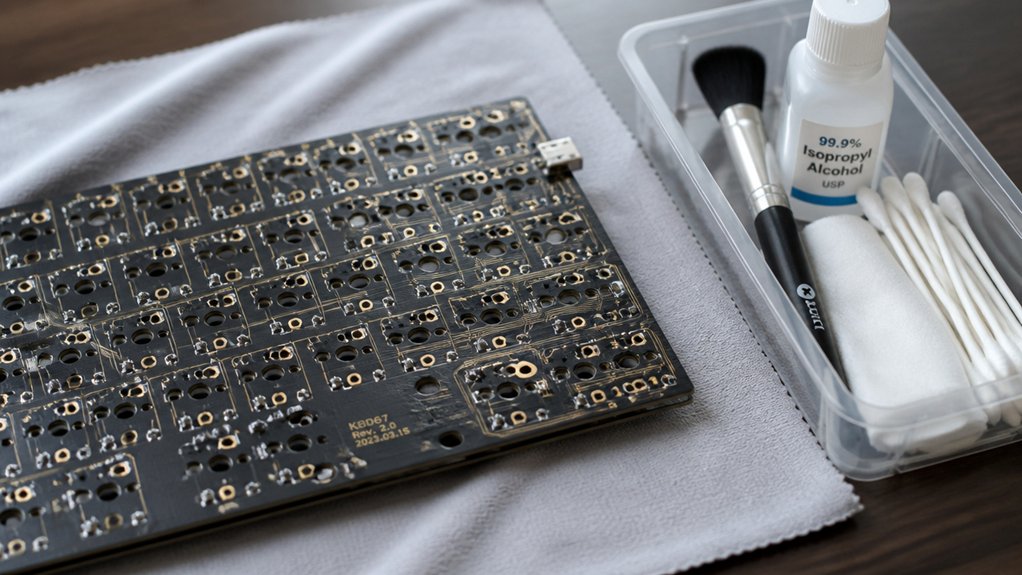
How to Clean Your Mechanical Keyboard PCB Safely
The safest way to clean your mechanical keyboard PCB involves careful disassembly and cleaning techniques, but there’s more to ensure a thorough, damage-free process.
-
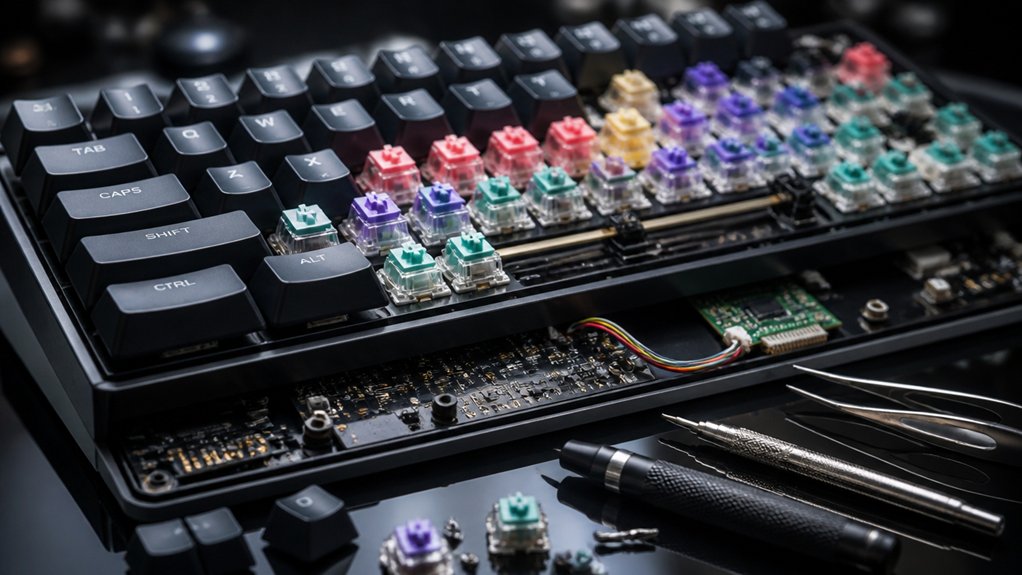
What Is the Best Way to Disassemble Keyboards?
Proceed with caution and follow expert tips to safely disassemble your keyboard and avoid damaging its delicate components.
-

What Are the Benefits of Compressed Air for Keyboards?
Just using compressed air on your keyboard can enhance performance and longevity—discover how it can transform your cleaning routine today.
-
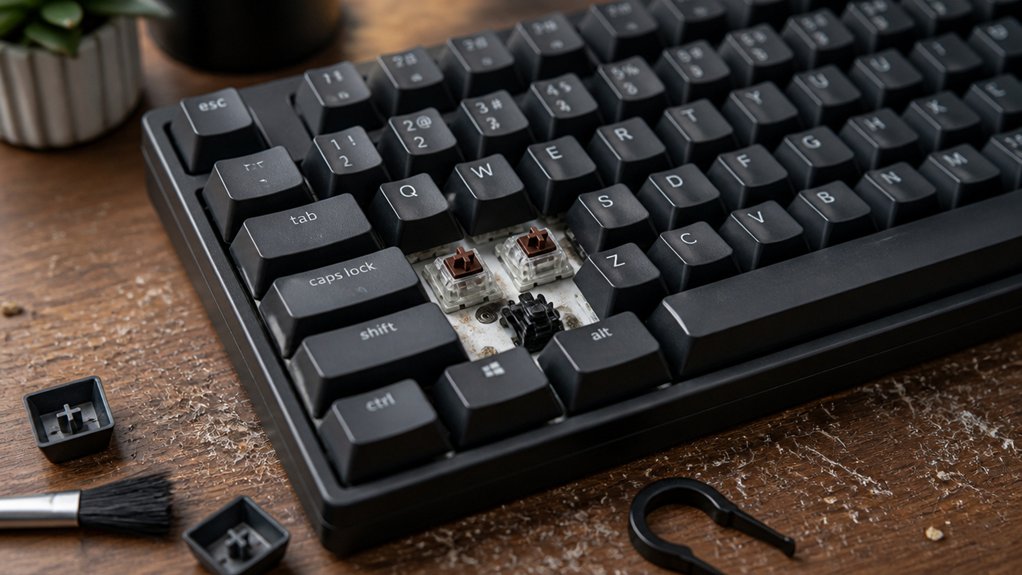
How Often to Clean Your Mechanical Keyboard
Wikipedia mentions that regular cleaning as recommended keeps your mechanical keyboard functioning optimally and prevents damage over time.
-

Essential Tips for Maintaining Your Gaming Keyboard
Better your gaming experience by mastering essential maintenance tips—discover the secrets to keeping your keyboard clean, responsive, and ready for action.
-
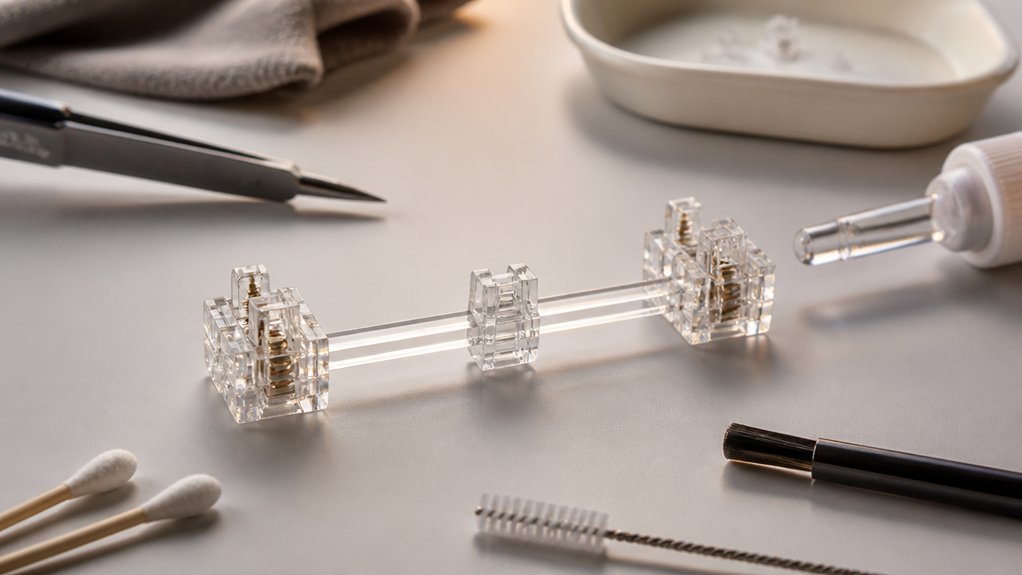
What Is the Best Way to Clean Stabilizers?
Discover the most effective method to clean stabilizers and improve your keyboard’s sound and feel, ensuring a smoother typing experience with expert tips.
-
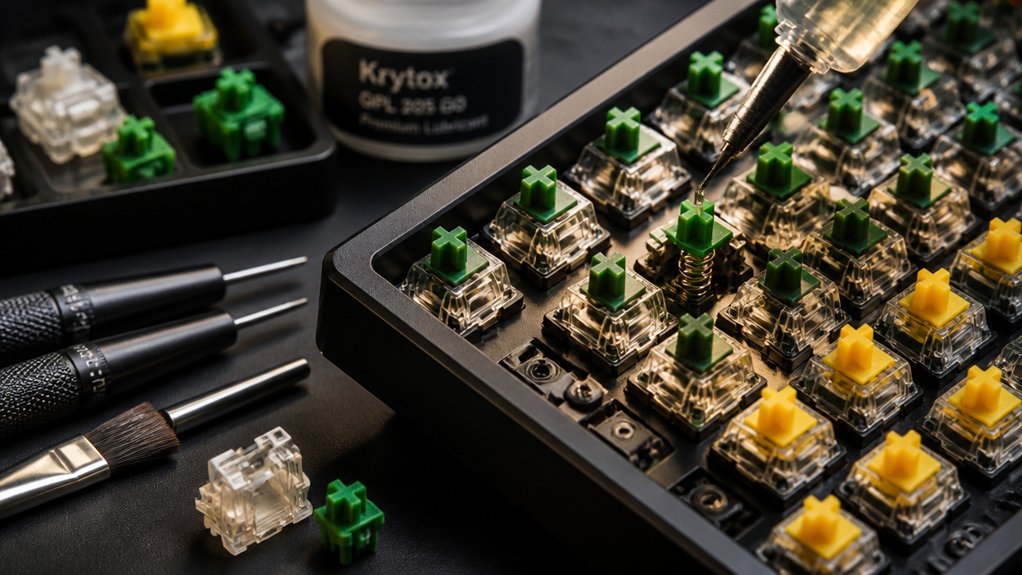
Step-by-Step Guide to Lubricating Keyboard Switches
Here’s a comprehensive step-by-step guide to lubricating your keyboard switches and ensuring optimal performance; discover expert tips to perfect every detail.
-
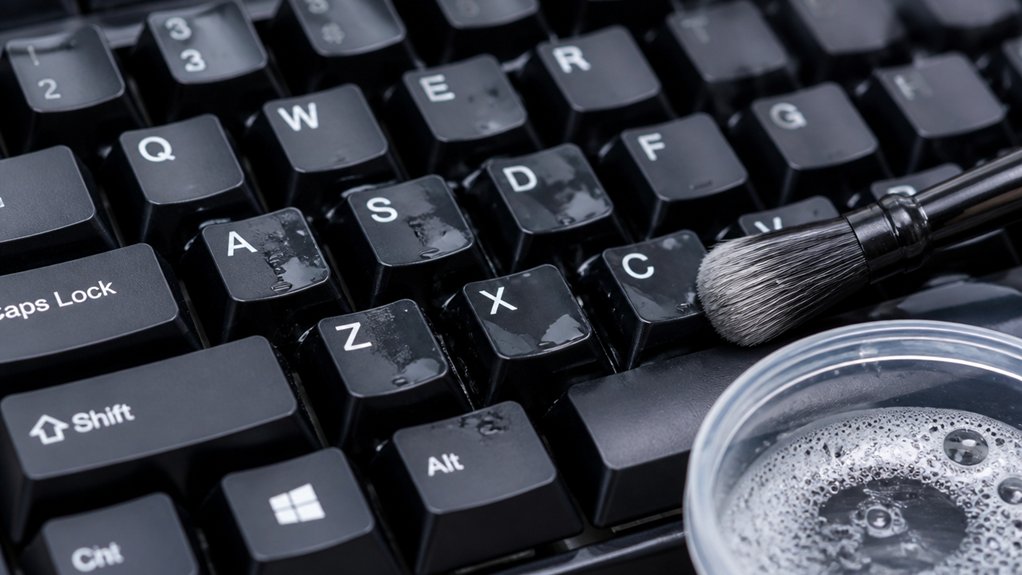
What Is the Safest Way to Clean Keycaps?
Nurture your keyboard’s longevity by learning the safest method to clean keycaps without risking damage—discover expert tips to keep them pristine and protected.
-
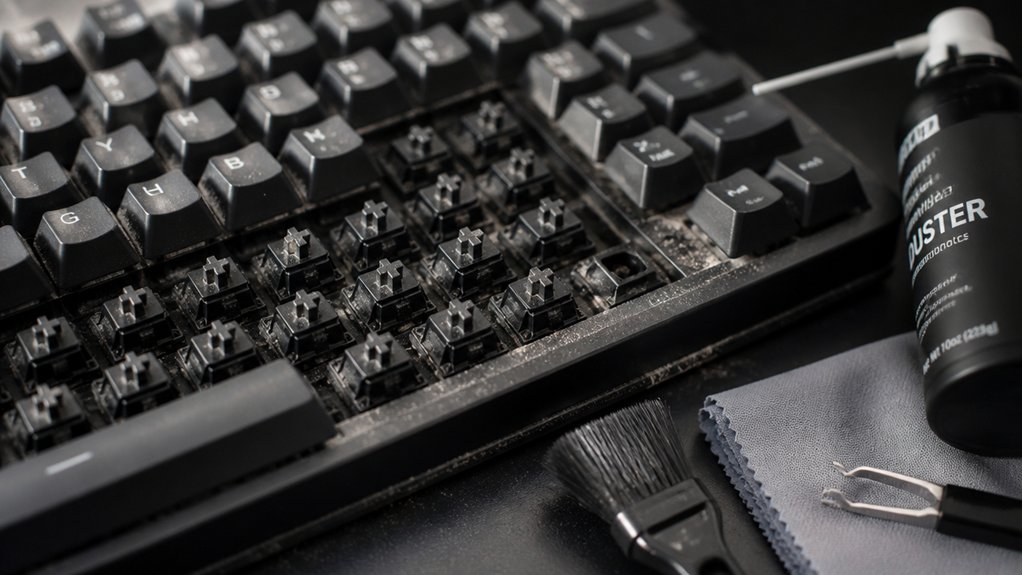
7 Best Ways to Remove Dust From Mechanical Keyboards
Learn 7 effective ways to remove dust from your mechanical keyboard and keep it pristine; discover tips that can make cleaning easier and more thorough.